LACO ORIGINAL OPERATING INSTRUCTIONS TITANTEST™
24
© 2018 LACO TECHNOLOGIES, INC. - [TitanTest itna01en1-07 BA.fm] - 1807
6.2.3 Recurring function symbols
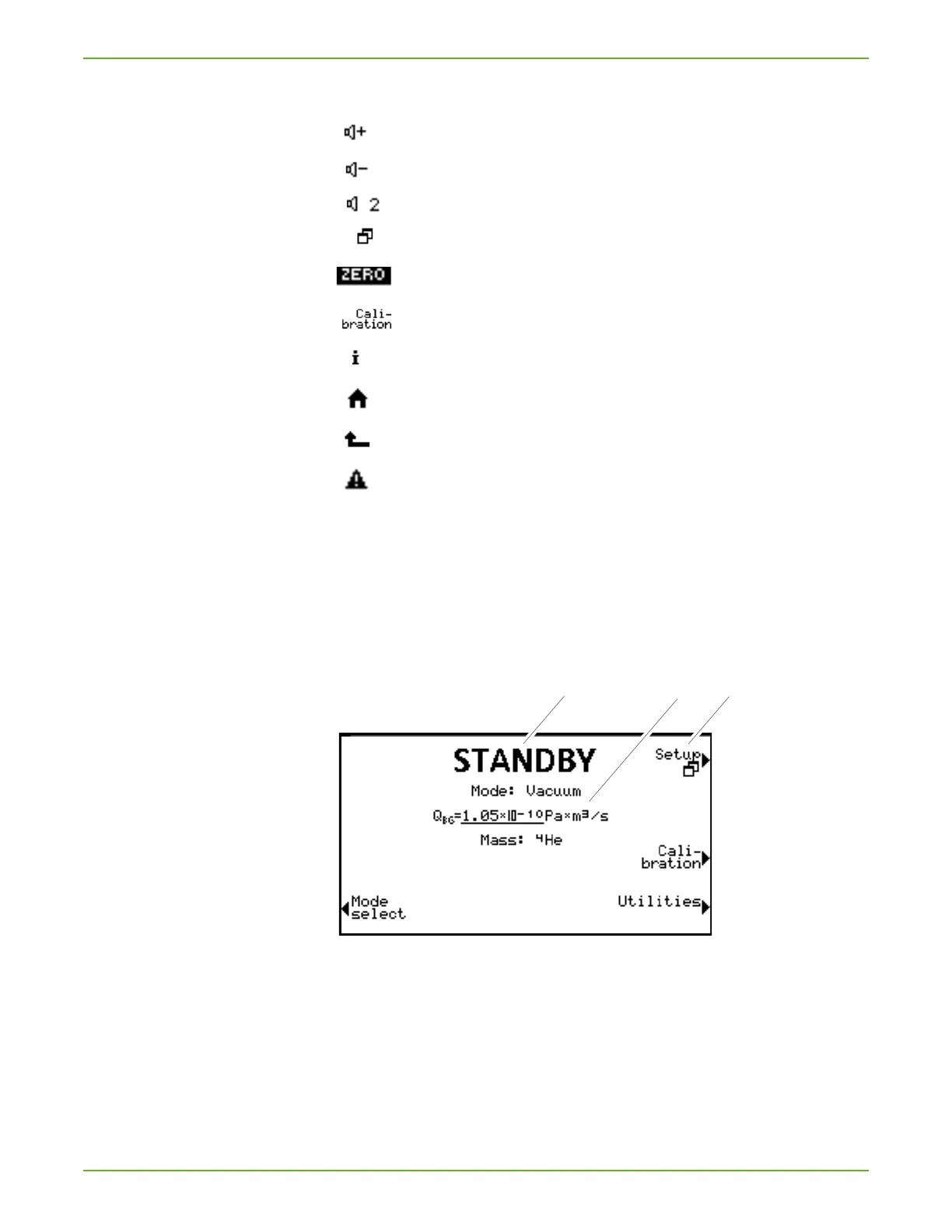
6.2.4 Structure of the windows and the menus
After the run-up of the device, the display shows the window "Standby".
The device is ready to measure.
You can change settings for the measurement.
Fig. 7: Window and menu structure
a Window name
b Main display area
c Menu name
Main display area b
The main display area shows the current state of the device:
operating mode, measuring situation, background, tracer gas
Set the volume for the speaker.
Set volume: the current set volume is displayed on the bottom edge of the display. Value range:
0 (off) to 15 (max.) The volume cannot be below the minimum volume set in the menu Volume
& Beep.
Call up the menu "Setup".
ZERO active
Calling up Calibration.
Calling up information about the device.
Back to measurement display or Standby
Back to the previous menu
There is a warning or error message.



 To Next Page