LACO ORIGINAL OPERATING INSTRUCTIONS TITANTEST™
76
© 2018 LACO TECHNOLOGIES, INC. - [TitanTest itna01en1-07 BA.fm] - 1807
8.5.3 Backing pump (P-Series only)
8.5.3.1 Check oil level from outside
It is the same procedure as the M-Series, see Chapter 8.4.2, page 69.
8.5.3.2 Replenish the oil (P-Series only)
New oil can be filled through the oil mist filter extension tube.
8.5.3.3 Replenish or Change the oil (P-Series only)
For P-Series units, it is not necessary to remove the cover to change the oil.
The oil can be drained through the oil drain port and filled through the oil
mist filter extension tube.
► Remove the external oil mist filter, see Chapter 8.5.2: "Removing the cover
(P-Series only)", page 75.
► To replenish the oil, fill in new oil in the mist filter extension tube.
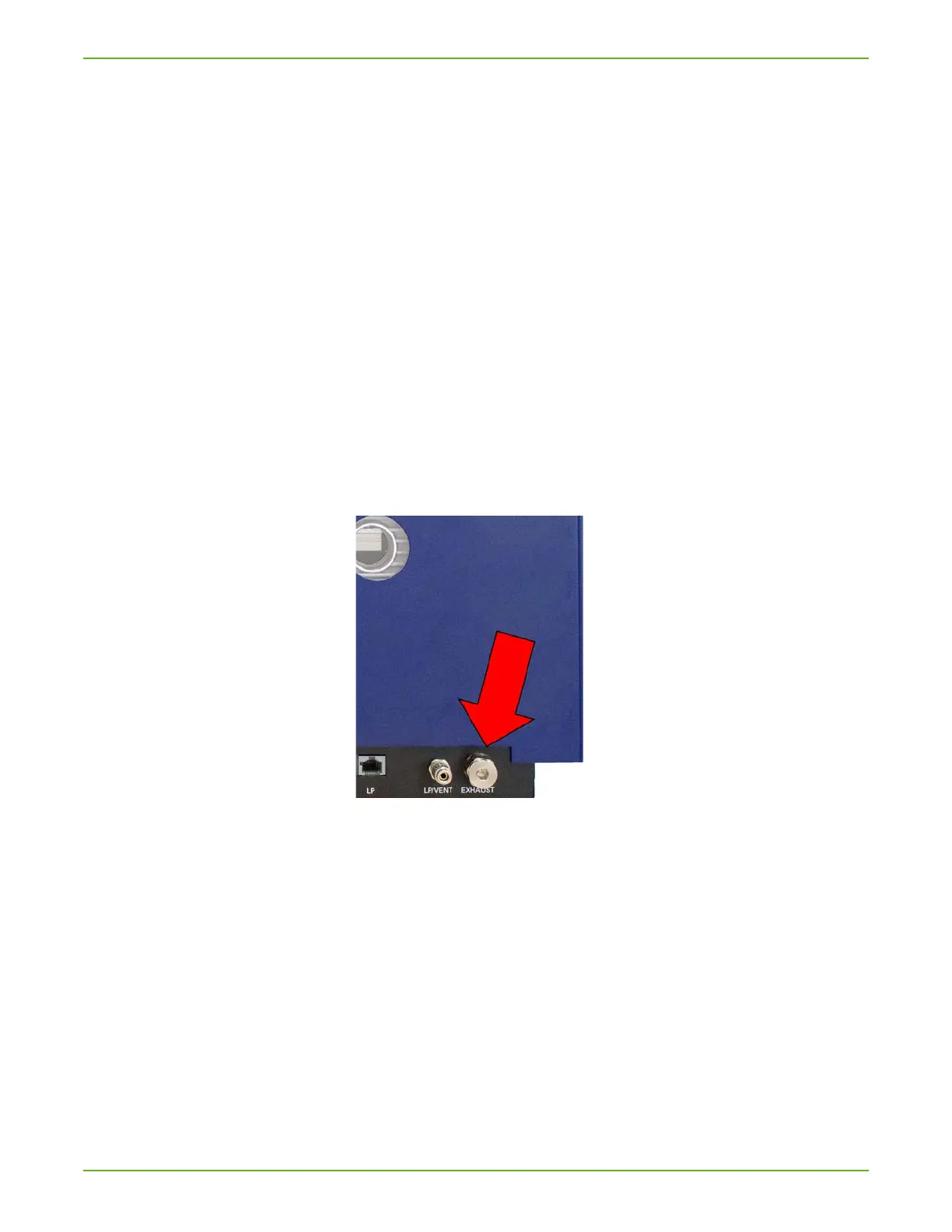
► To remove the oil, first remove the drain plug with a 6 mm Allen wrench
and pass the oil through a hose.
Fig. 21: Drain plug (P-Series)
8.5.4 Oil mist filter (P-Series only)
8.5.4.1 Check and empty the oil mist filter and clean the oil pan. (P-
Series only)
► To change the mist filter on the P-Series, twist the upper mist filter hous-
ing clock-wise to remove.
► Then, remove the retaining thumb screw to remove the filter cartridge.



 To Next Page