LACO ORIGINAL OPERATING INSTRUCTIONS TITANTEST™
31
© 2018 LACO TECHNOLOGIES, INC. - [TitanTest itna01en1-07 BA.fm] - 1807
Units The following options can be selected:
1. In order to set the units for the leakage rate and the pressure, select
"
Setup > Global settings >Display settings > Units".
2. In order to define the respective measurement units, press "Leakage
Rate" or "Pressure".
Date and Time You can set the date and time in the menu "DATE & TIME".
Date in the DD.MM.YYYY format
Time in the hh:mm format
► Select " Setup > Global settings > Display settings > Date & Time".
Display range Define how the measured results are to be displayed.
► Select " Setup > Global settings > Display settings > Display range" and
make the desired setting.
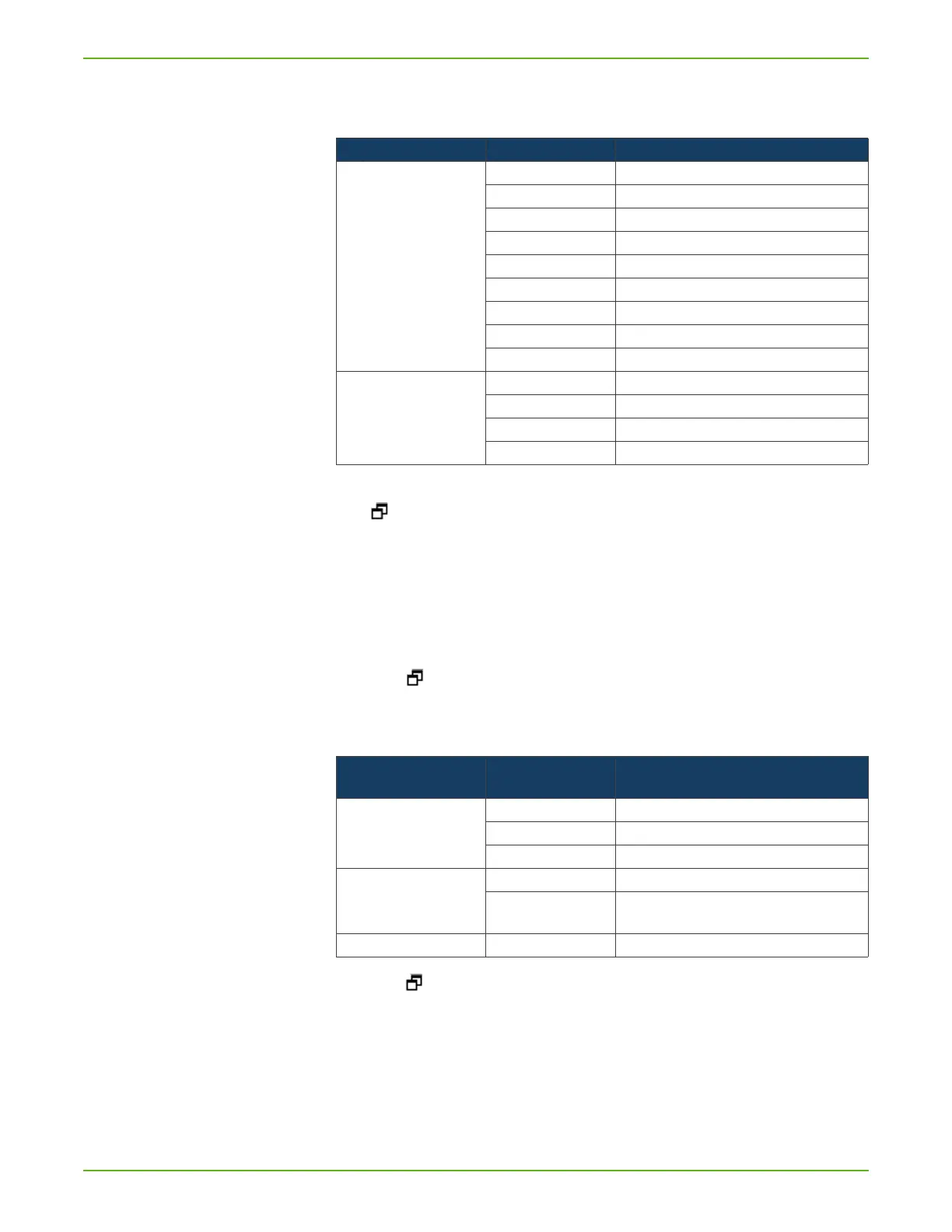
Table 6: Available measurement units
Setting Measurement unit Comment
Leakage rate mbar * l/s
Pa*m3/s
Torr*l/s
sccm
sccs
atm*cc/s
ppm only available in "Sniff" operating mode
g/a only available in "Sniff" operating mode
oz/yr only available in "Sniff" operating mode
Pressure mbar
Pa
atm
Torr
Table 7: Display of measured results
Option Value range
(Min. Max.)
Comment
Scaling linear Display linear
log Display logarithmic
dec. 2…9 Number of decades for log. display
Range automatic Automatic measurement range selection
manual Manual measurement range selection via functions
in the display
Time axis 16 ... 960 Time axis, time scale in seconds



 To Next Page