Leica DVM6 User Manual Installation/Assembly 30
The following resolutions can be set for display-
ing the camera image:
O The live display of the Leica DVM6 is set
to 1,600 × 1,200 pixels (2 megapixels) by
default.
Image output
O The image from the LeicaDVM6 is always
output in a 4:3 aspect ratio.
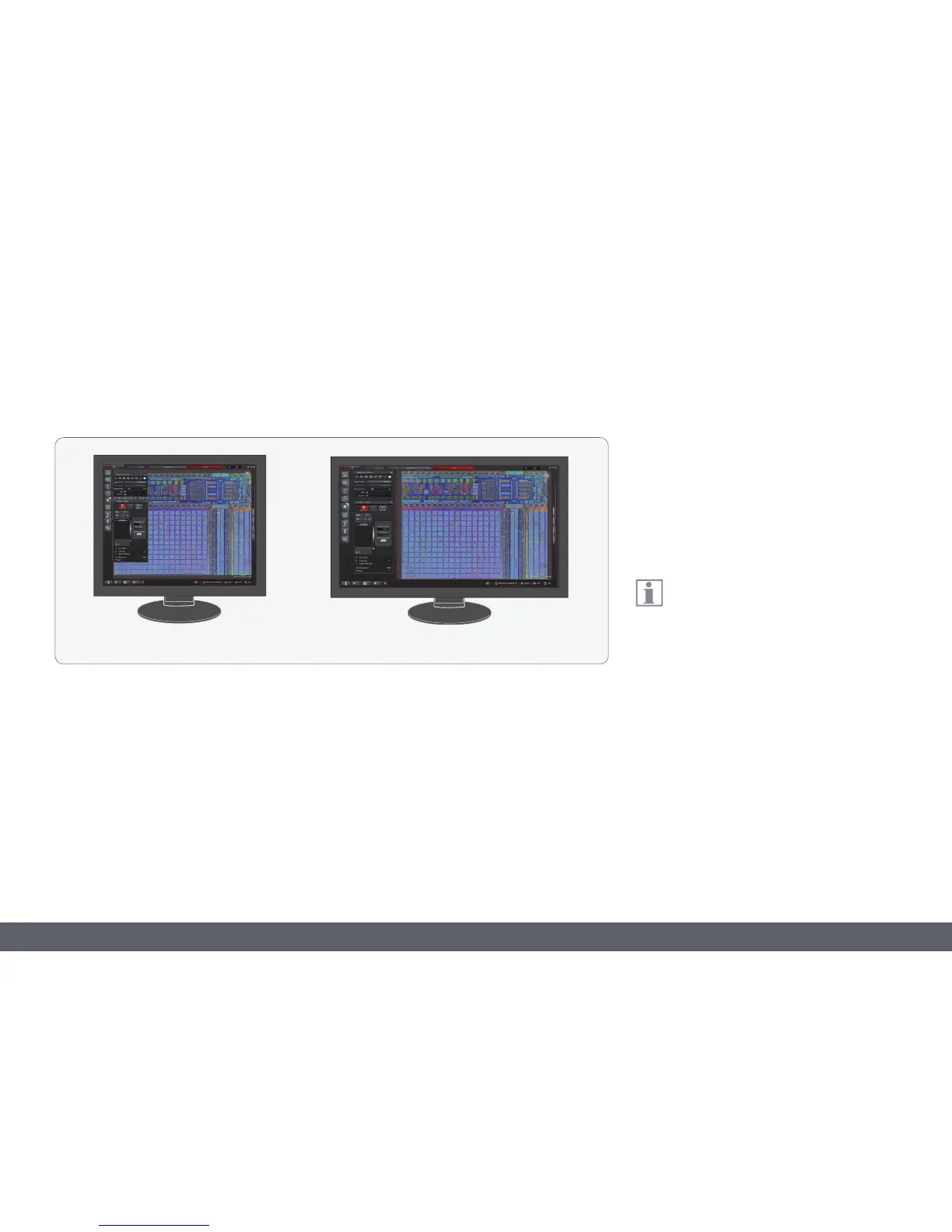
O A monitor with a 16:9 or 16:10 aspect
ratio is recommended for displaying the
image using LAS X. This leaves a sufficient
amount of space on the monitor next to the
live display for the LAS X software control
elements.
4:3 16:9
O Various formats can be selected for image
acquisition:
2 megapixels: 1,600 × 1,200 pixels
5 megapixels: 2,592 × 1,944 pixels
10 megapixels: 3,664 × 2,748 pixels
Additional information about working
on the computer and with Leica Applica-
tion Suite X (LASX) is provided in the software's
online help.



 To Next Page