112 X75HD Installation and Operation Manual
Preliminary—Contents are proprietary and confidential. Do not photocopy or distribute.
Chapter 8: Operation via Front Panel Controls
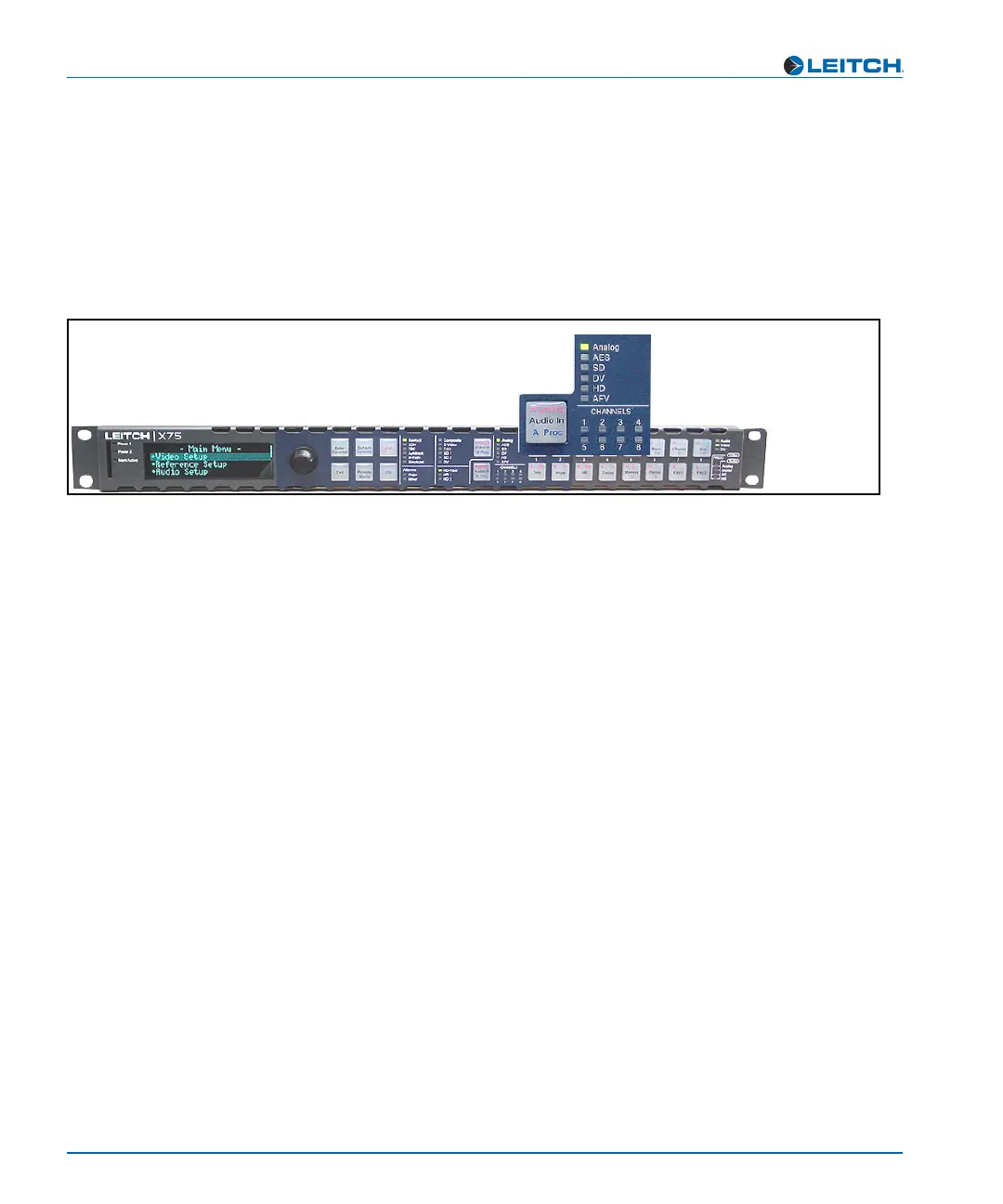
Audio Input LEDs
Directly press the Audio In button to select any one set of audio inputs
to be sent out to all audio multiple output sets. The LEDs to the top,
right side of this button indicate which input is currently selected. When
the selected input signal is absent, the LED flashes.
See “Chapter 11: Configuring Audio” for more information.
Figure 8-6. Audio Input LED Area



 To Next Page