iv X75HD Installation and Operation Manual
Preliminary—Contents are proprietary and confidential. Do not photocopy or distribute.
Preface
Writing Conventions
To enhance your understanding, the authors of this manual have
adhered to the following text conventions:
Obtaining Leitch Documents
Leitch documents can be viewed or downloaded from the Leitch
Web site at
www.leitch.com (go to Support>Documentation).
Alternatively, contact your Leitch customer service representative to
request a document.
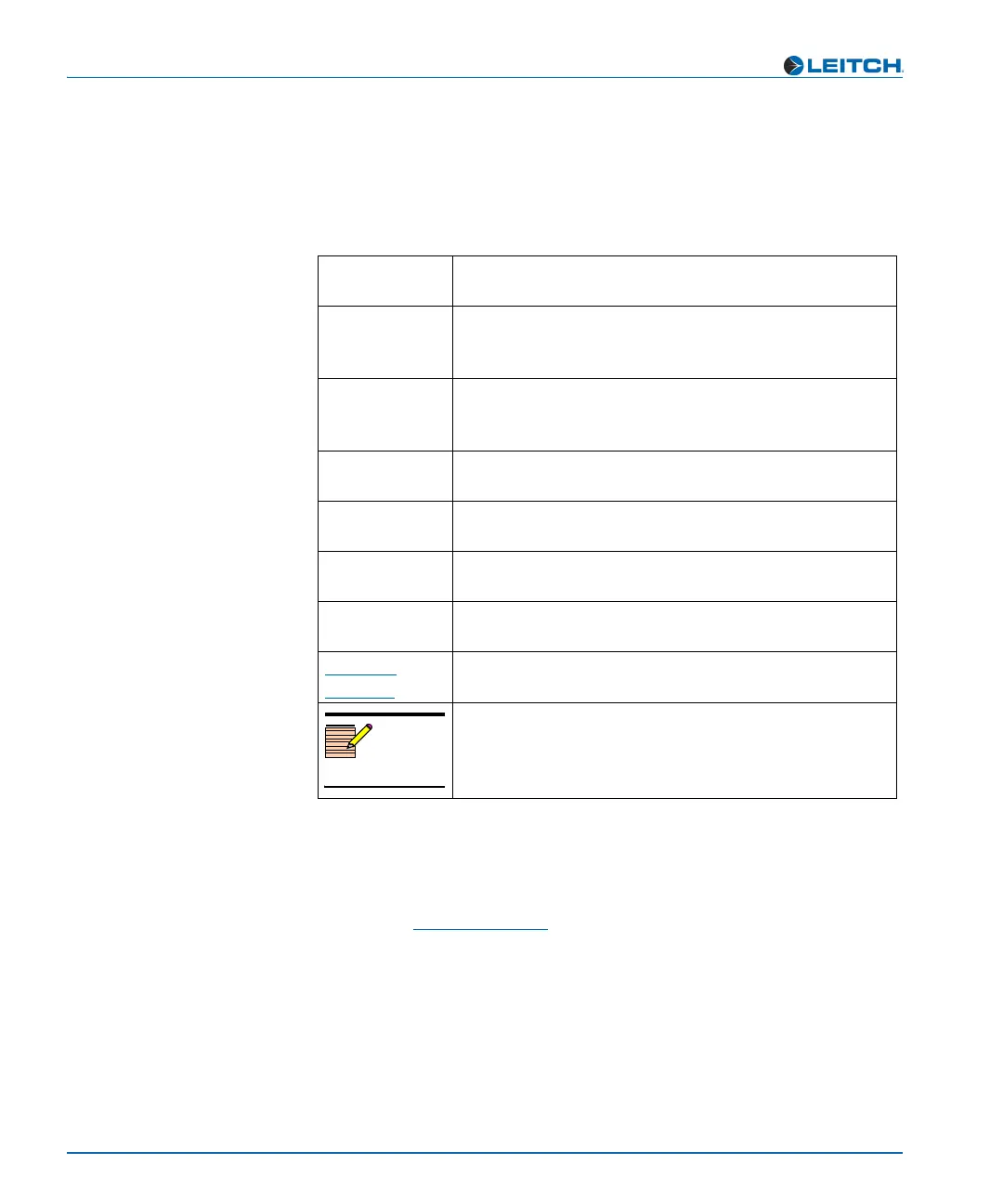
Table P-2. Writing Conventions
Term or
Convention
Description
Bold Indicates dialog boxes, property sheets, fields, buttons,
check boxes, list boxes, combo boxes, menus, submenus,
windows, lists, and selection names
Italics Indicates email addresses, the names of books or
publications, and the first instances of new terms and
specialized words that need emphasis
CAPS Indicates a specific key on the keyboard, such as ENTER,
TAB, CTRL, ALT, or DELETE
Code
Indicates variables or command-line entries, such as a
DOS entry or something you type into a field
> Indicates the direction of navigation through a hierarchy
of menus and windows
hyperlink
Indicates a jump to another location within the electronic
document or elsewhere
Internet
address
Indicates a jump to a Web site or URL
Note
Indicates important information that helps to avoid and
troubleshoot problems



 To Next Page