X75HD Installation and Operation Manual 69
Chapter 5: Initial Configuration
Preliminary—Contents are proprietary and confidential. Do not photocopy or distribute.
Making Required Hardware Connections
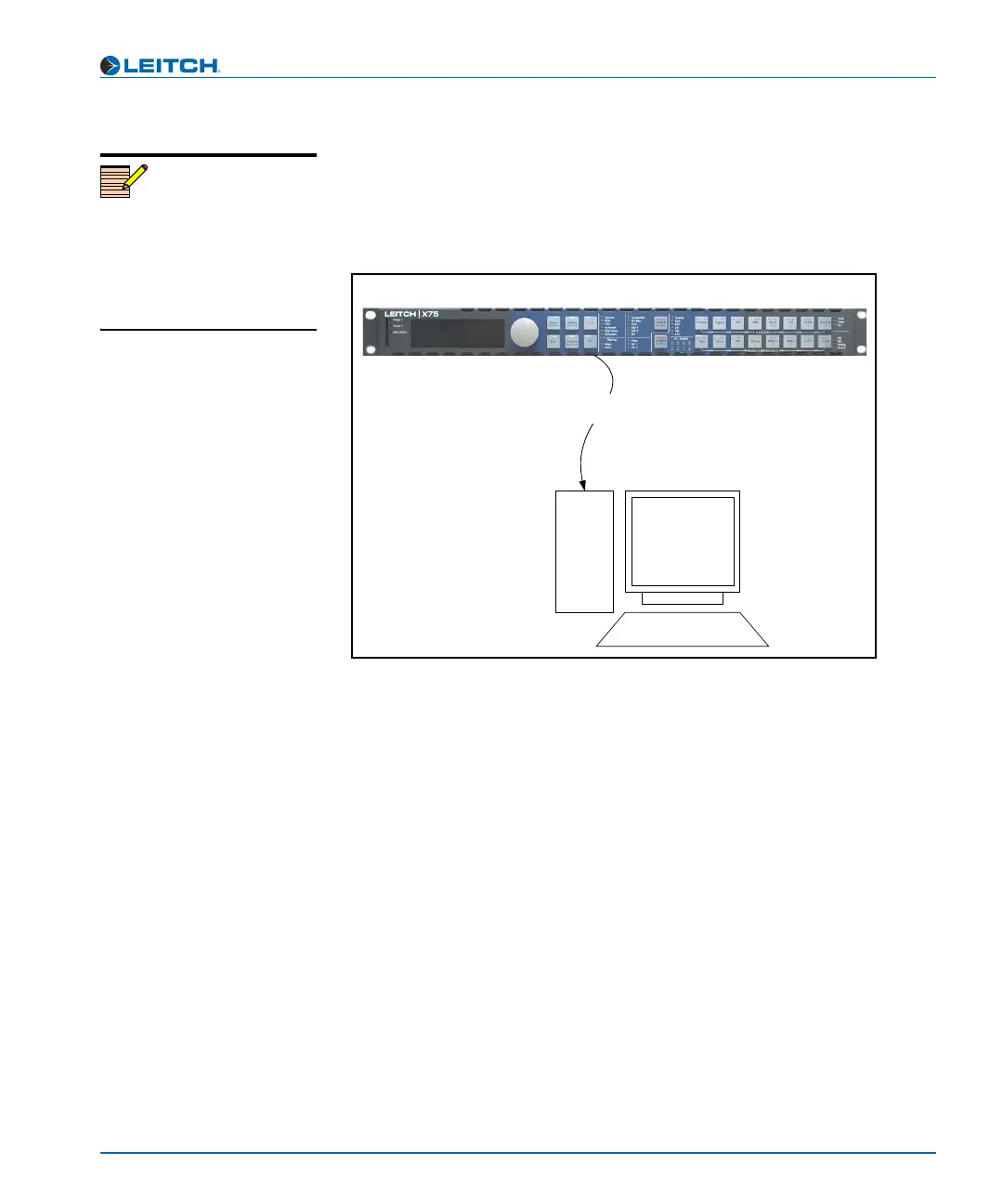
If you are connecting an X75HD directly to a PC (no network
connection), connect one end of a cross-over Ethernet cable to the
CTRL/STRM RJ-45 port on the back of the X75HD, and the other end
to the PC Ethernet port. See Figure 5-1.
Figure 5-1. Direct-to-PC Connection
If you are establishing a network connection, connect a 10/100Base-T
Ethernet cable between the X75HD CTRL/STRM port and the network
hub/switch. See Figure 5-2 on page 70.
Note
The RJ-45 connector labelled
STRM on the back of the
X75HD is used for video
streaming purposes. It is
currently reserved for future
use.
x75HD high-definition digital processing synchronizer
Cross-over Ethernet cable
PC



 To Next Page