X75HD Installation and Operation Manual 125
Chapter 9: Controlling the X75HD via Web Server Software
Preliminary—Contents are proprietary and confidential. Do not photocopy or distribute.
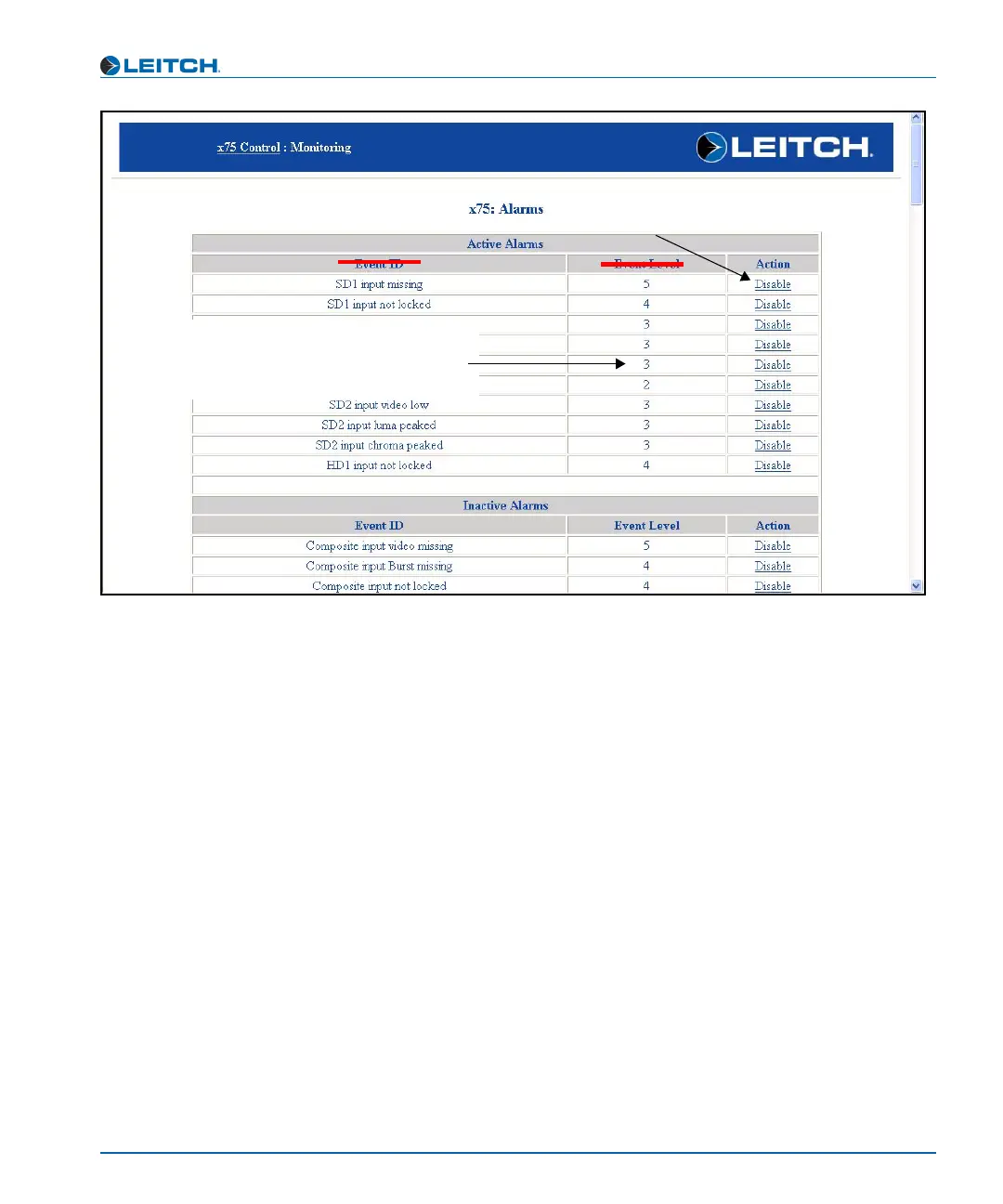
Figure 9-8. Alarm Monitoring Page
Action column
Click the appropriate alarm action
to disable (or enable) an alarm.
Alarm Priority column
This is a number between 0 and 255. The higher
the number, the higher the priority. 0 indicates
that the alarm is currently disabled. A number
above 127 indicates a major alarm.



 To Next Page