X75HD Installation and Operation Manual 129
Chapter 10: Configuring Video
Preliminary—Contents are proprietary and confidential. Do not photocopy or distribute.
To change the input signal type, follow these steps:
1. Press Video In on the control panel, (or navigate to the Routing
Setup menu and select AllOutSelect).
All available inputs will display on the control panel screen.
2. Use the control panel knob scroll through the list of input types, and
then press to Enter to select one.
When multiple video sources are connected, the Video In Precedence
setting determines the selection of the input video. For example, if the
X75HD unit detects two input signals, it will accept the signal tagged as
Higher over another signal that has been given a lower-precedence.
Found in the top-level Routing Setup menu, precedence levels include
Highest, High, Normal, Low, or Lowest. You can set them to have
different precedent levels, or to be all the same. If all input types are
assigned the same precedence level, then the X75HD unit defaults to
the SD1 as the master source and/or a default ordering applies (reflected
top-down in the menu order).
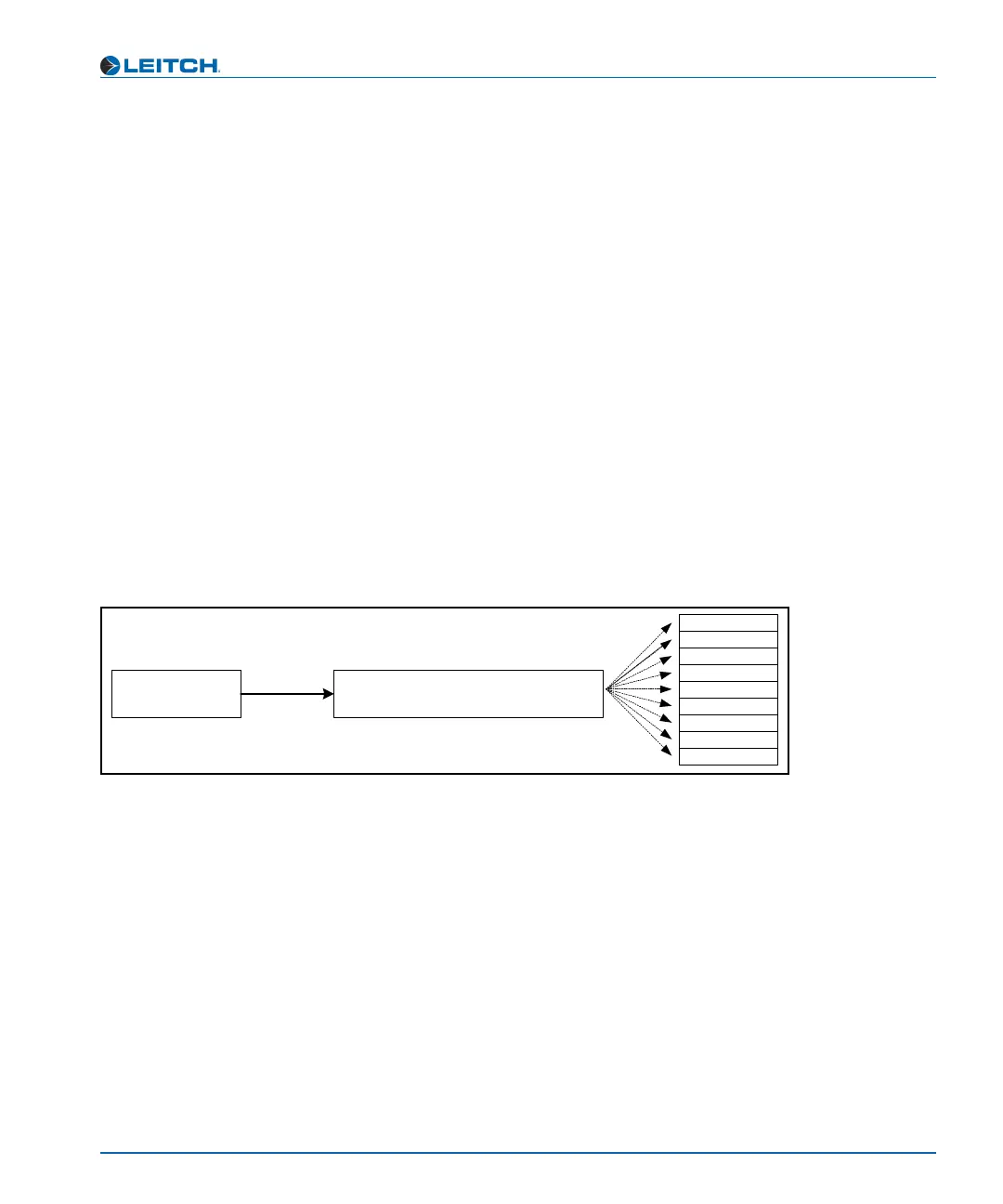
Figure 10-1 graphically illustrates a single-source signal process, where
one selected video input is fed to all outputs.
Figure 10-1. Single-Source Processing
Select an
output group
Map an input to the selected
output video group
CAV
SD1
SD2
DV
HD-F
HD1
HD2
Composite
S-video



 To Next Page