144 X75HD Installation and Operation Manual
Preliminary—Contents are proprietary and confidential. Do not photocopy or distribute.
Chapter 12: Using Special Function Buttons
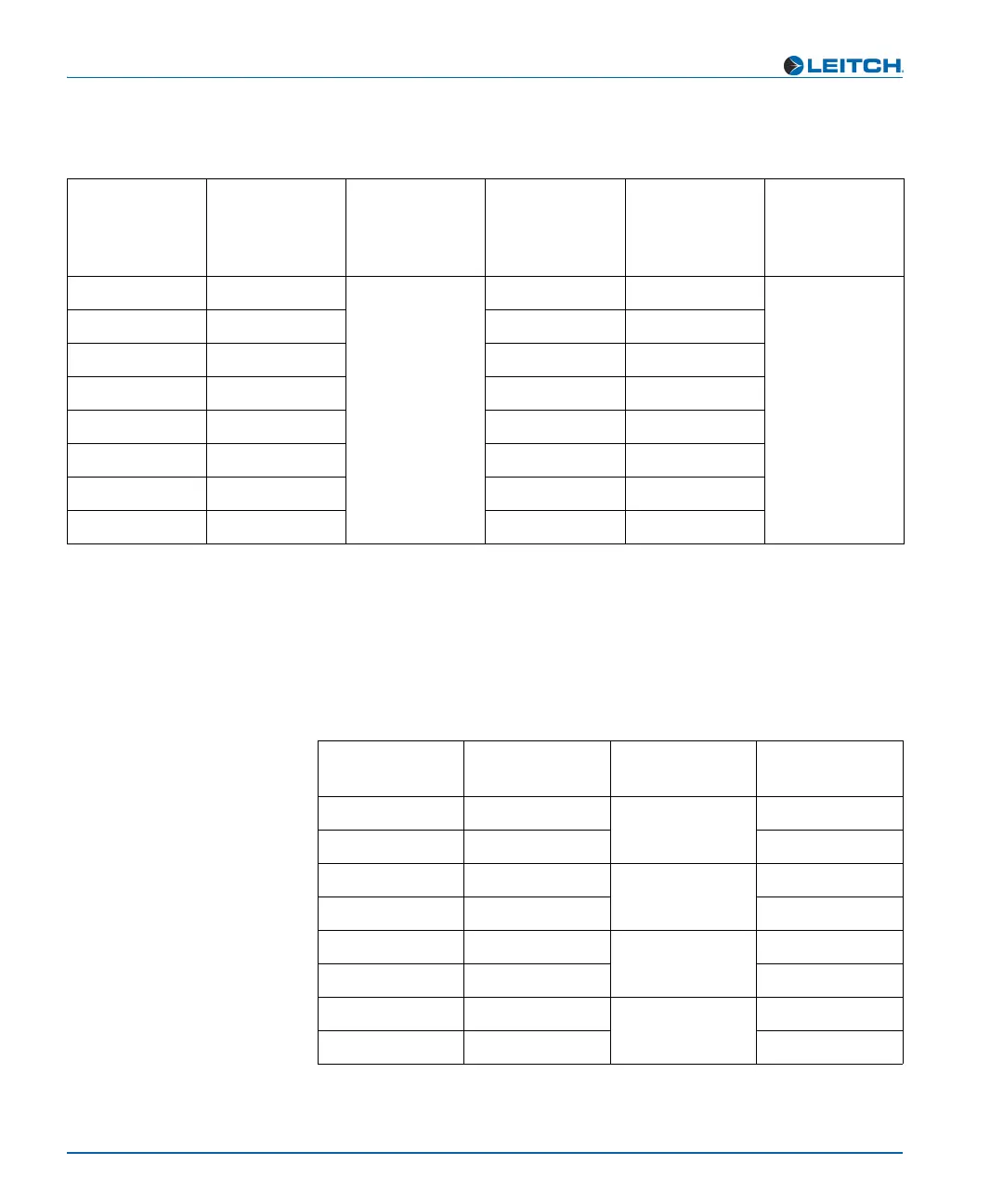
Multiple Audio Input Source Configurations
Tables 12-5 and 12-6 show the mapped buttons on the control panels
and the parameters affected when you use multiple sources of analog,
AES, SD and SD audio. Use the Ctrl + A Proc buttons to switch
between the audio input types.
Table 12-4. HD Demuxed Audio Selected (HDX)
Selected
Inputs
Lit Channel
LEDs
Lit Audio
Input LEDs
Mapped
Parameters
Mapped
Buttons on
Control
Panel
Lit Audio
Proc LEDs
HD1/2 1 HD Gain1, Gain2 1, 2 HD
HD1/2 2 Gain3, Gain4 3, 4
HD1/2 3 Gain5, Gain6 5, 6
HD1/2 4 Gain7, Gain8 7, 8
HD1/2 5 Gain9, Gain10 9, 10
HD1/2 6 Gain11, Gain12 11, 12
HD1/2 7 Gain13, Gain14 13, 14
HD1/2 8 Gain15, Gain16 15, 16
Table 12-5. Multiple Audio Inputs Selected
Selected
Inputs
Lit LED
Channels
Lit Audio
Input LEDs
Mapped
Parameters
AA1/2
1 Analog Gain1, Gain2
AA3/4 2 Gain3, Gain4
AA5/6 3 AES Gain5, Gain6
AA7/8 4 Gain7, Gain8
AA9/10 5 SD Gain9, Gain10
AA11/12 6 Gain11, Gain12
AA13/14 7 HD Gain13, Gain14
AA15/16 8 Gain15, Gain16


 To Next Page