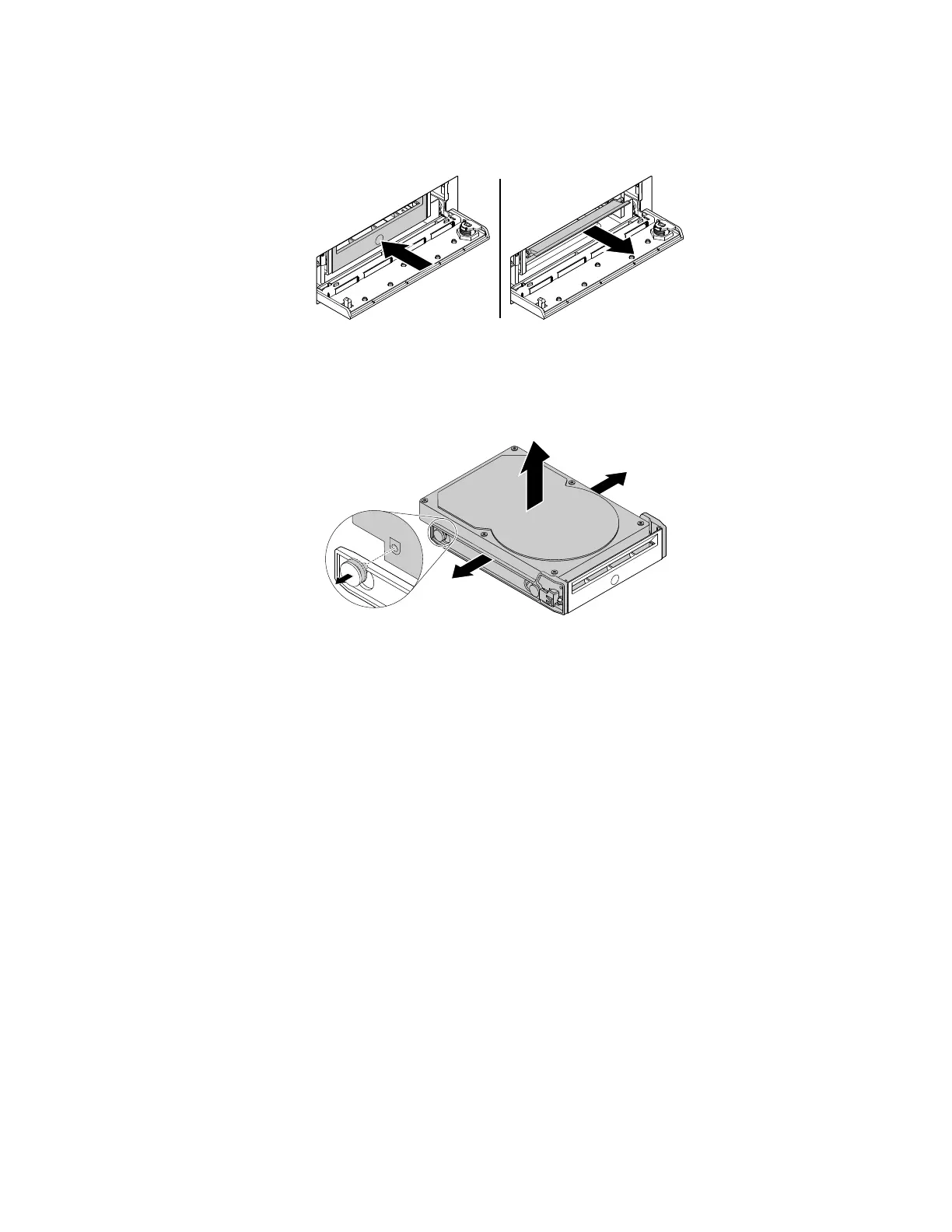
3.Pressthepitonthebracketcover,andthengraspthetiltedcovertopullthebracketoutofthe
front-accessstorageenclosure.
Figure62.Removingtheharddiskdrivefromthefront-accessstorageenclosure
4.Flexbothsidesofthebrackettoremovetheharddiskdrivefromthebracket.
Figure63.Removingtheharddiskdrivefromthebracket
Chapter9.Installingorreplacinghardware121













 To Next Page