63
3
RC300RC300hNavi(EE)
3-1. Basic operation
Navigation system
Select to display the action menu screen. (P.63)
Select to mute/unmute the voice guidance. (P.92)
Select to change the map layout. (P.105)
Select to display the destination menu screen. (P.65)
■
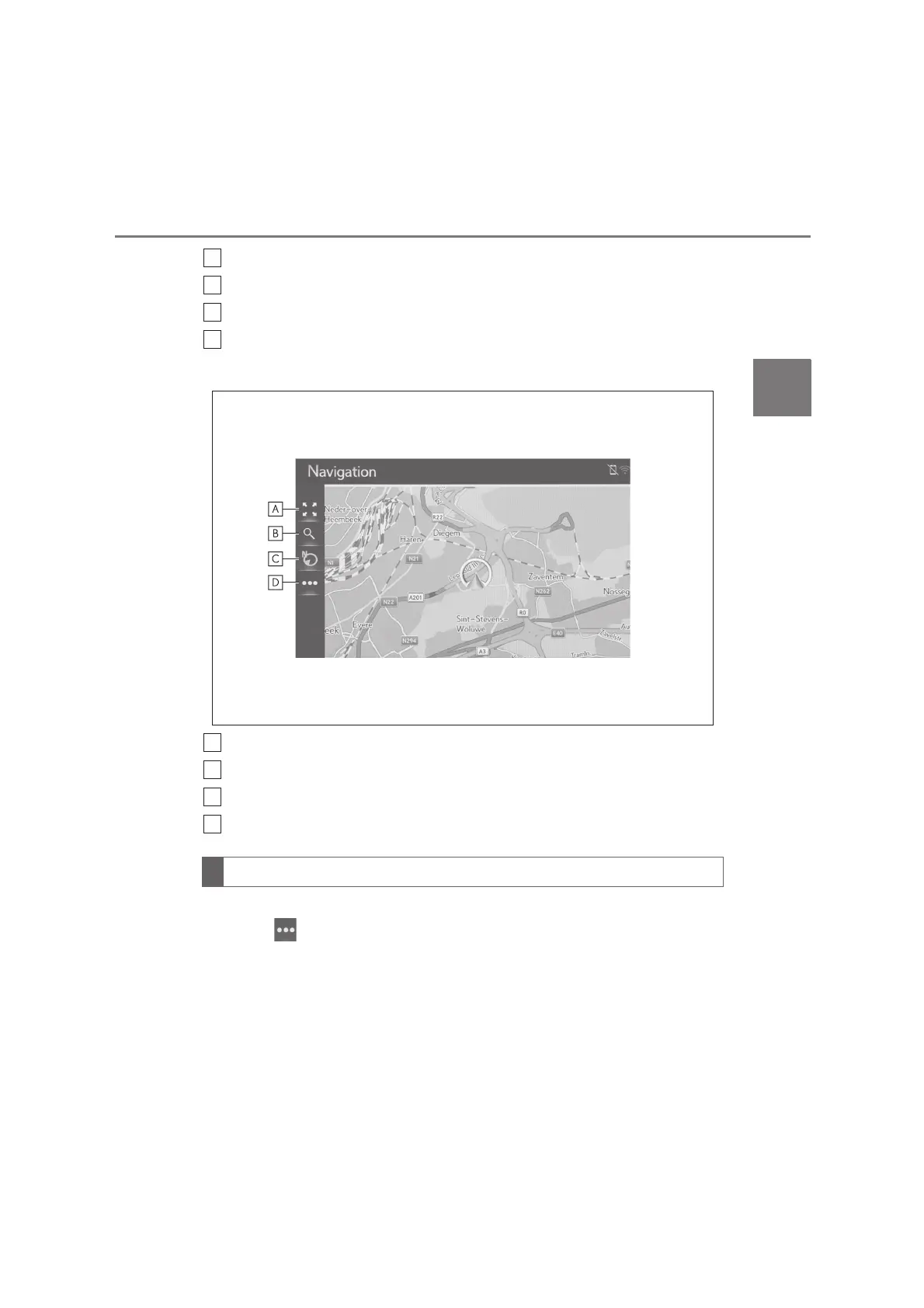
Except for route guidance operation
Select to zoom in/out the map scale. (P.68)
Select to display the destination menu screen. (P.65)
Select to change the map layout. (P.69)
Select to display the action menu screen. (P.63)
To display the action menu screen, display the normal map screen (P.65) and
then select .
Action menu screen






 To Next Page