64
RC300RC300hNavi(EE)
3-1. Basic operation
■
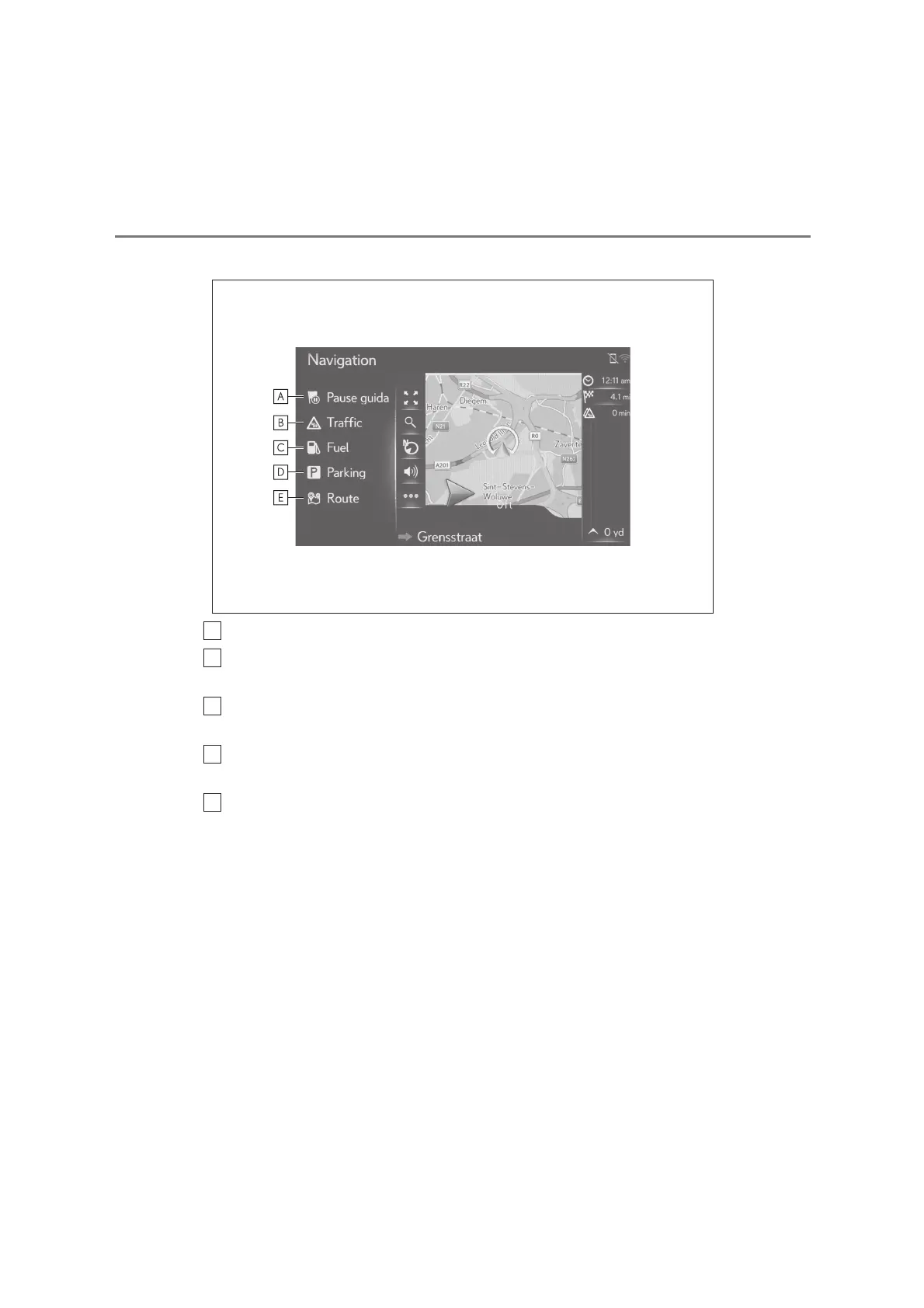
During route guidance operation
Select to pause or resume route guidance.
Select to display the traffic messages. It displays a list of traffic messages relat-
ing to the set route, all traffic messages, and warnings. (P.74)
Select to display fuel station information. The location and fuel price can also be
checked. (P.225)
Select to display parking lot information. The location, price and available
spaces of parking lots can be checked. (P.224)
Select to display the route information screen. Route options for the route cal-
culations can be selected. (P.93)






 To Next Page