66
RC300RC300hNavi(EE)
3-1. Basic operation
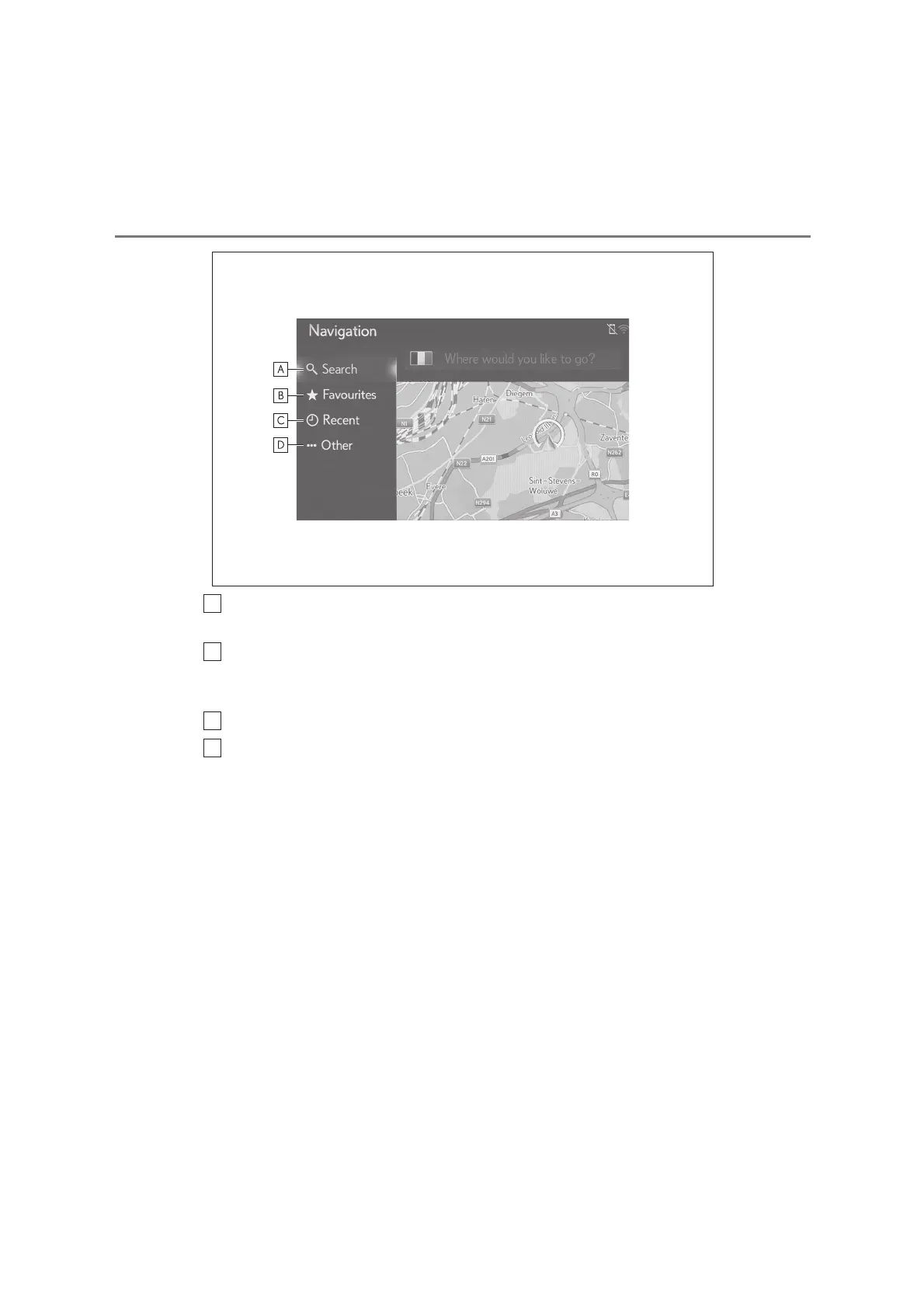
Select to search for a destination by contact, favourite, recent destination,
street address, and POI. (P.77)
Select to set a destination from favourites. The top 4 favourite destinations
(home, work, and 2 favourites) are displayed as quick access buttons. Any
favourite in the list can be used to start route guidance directly. (P.81)
Select to search for a destination from a list of the last destinations. (P.82)
Select to display the other search method (Address, POI, phonebook of con-
nected Bluetooth
®
device and geo-coodinates).






 To Next Page