76
RC300RC300hNavi(EE)
3-1. Basic operation
: Icon of an incident that is
detoured
Distance to incident and direction
from vehicle
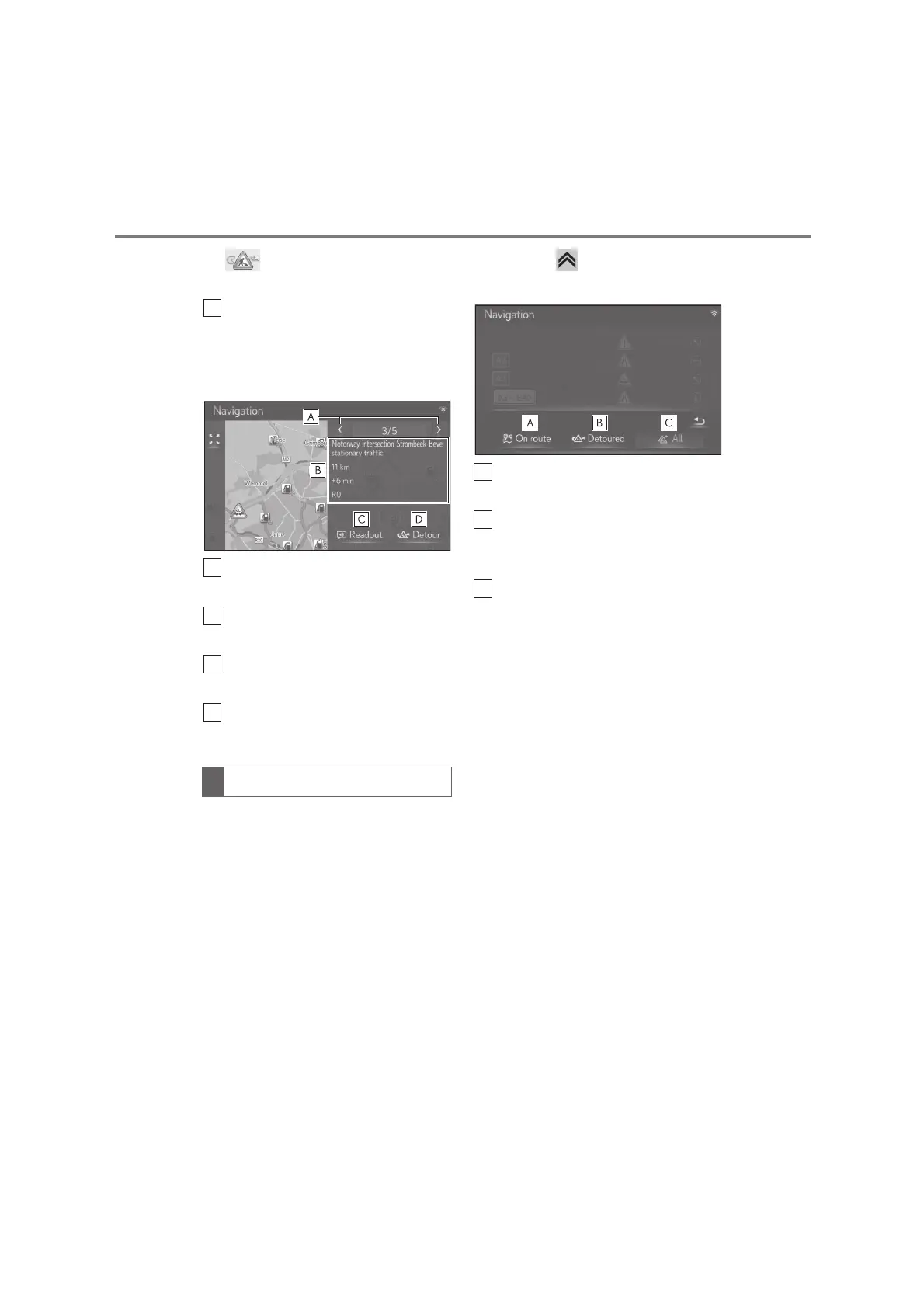
5 Check that the detailed traffic mes-
sage is displayed.
Select to display the previous or the
next traffic message.
Displays the details of traffic mes-
sage.
Select to read out the traffic mes-
sage.
Select to detour the segment on
the route.
The order of a list displayed on the
screen can be sorted in the order of
following sort.
1 Press the button on the Remote
Touch, and select the desired entry.
Select to display the traffic mes-
sages relating to the set route.
Select to display traffic messages
and warnings relating to the detour
route.
Select to display all traffic mes-
sages.
Sorting






 To Next Page