EasyManua.ls Logo

LINET OptiCare - Page 56

LINET OptiCare
61 pages
Print Icon
To Next Page IconTo Next Page
To Previous Page IconTo Previous Page
Loading...
D9U003VS0-0101_01
56
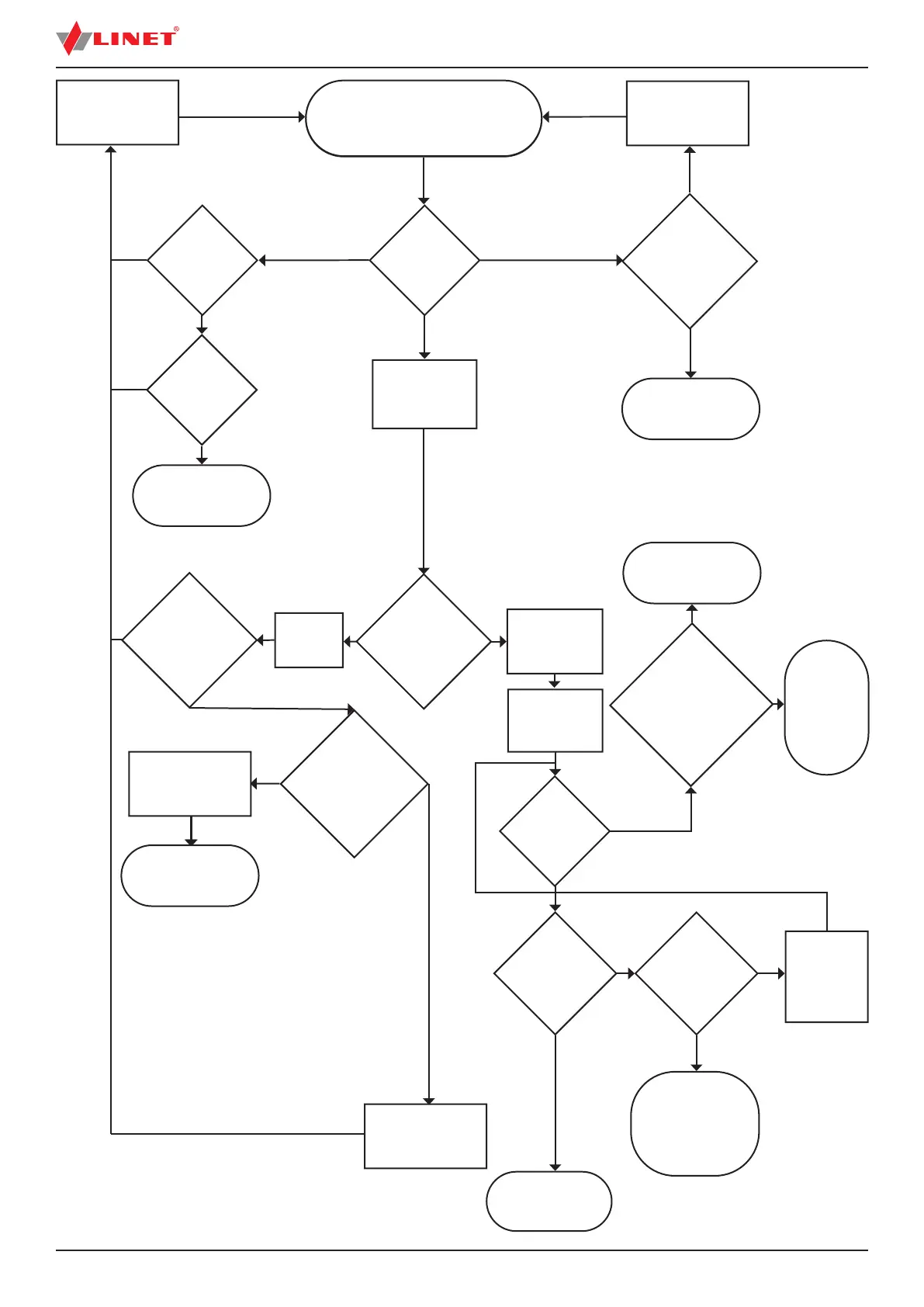
Repair / replace
cable / air
connection
Repair / replace
serial data cable
Remove SCU from bed
frame for test & repair
Auxiliary
power inlet
cable on bed
frame OK
SCU
connection to
auxiliary power
outlet on bed
frame OK
NO
NO
YES
YES
Check Red,
Black & yellow
air connections
from SCU to
mattress OK.
Close or repair
manual CPR
valves
Restart system
System
shows
code 2 or 3
Check manual
CPR valves on
both sides of the
mattress are in
closed position,
connectors OK
Icon stops
ashing (and
green stripe
appears over
menu bar)
Close or repair
manual CPR valves
Mattress starts to
in ate - screen
shows in ating
Mattress icon
appears on
screen
Icon shows rea-
dy for patient
Patient enters
bed
Icon shows
patient in bed
& optimisation
starts
System
Optimisation
completed OK
Check SCU
serial data cable
and connection
to bed control
unit OK
Remove SCU from bed
frame for test & repair
Remove patient from
bed, tare scales &
restart system
Check
bed scales
were tared
before patient
entered bed
and now show
expected
patient
weight
System is working
normally
Use Max in-
ate mode or
remove patient
from bed &
report faulty
scales
Check
patient is
properly
positioned on
the mattress
Use Max in ate
mode or remove
patient from bed &
report faulty pressure
optimisation system
Correctly posi-
tion patient &
select manual
optimisation
NO
YES
NO
YES
Valve
open / broken
Valve
Closed & OK
YES
YES
NO
YES
NO
NO
NO
YES
YES
NO
NO
NO
YES
FOR SERVICE TECHNICIAN: Plug
in bed frame and OptiCare to mains
outlet to start system

Table of Contents

Related product manuals