CP5 • Key icons and display (brief overview)
36 CP_SEM_60-00-60.001
b Icon System
c Display System
message
Output of alarm, warning and error messages and
information as text messages with the corresponding
symbols.
d Display UPS status with key icon Audio off, to switch off the UPS alarm tone
(temporarily).
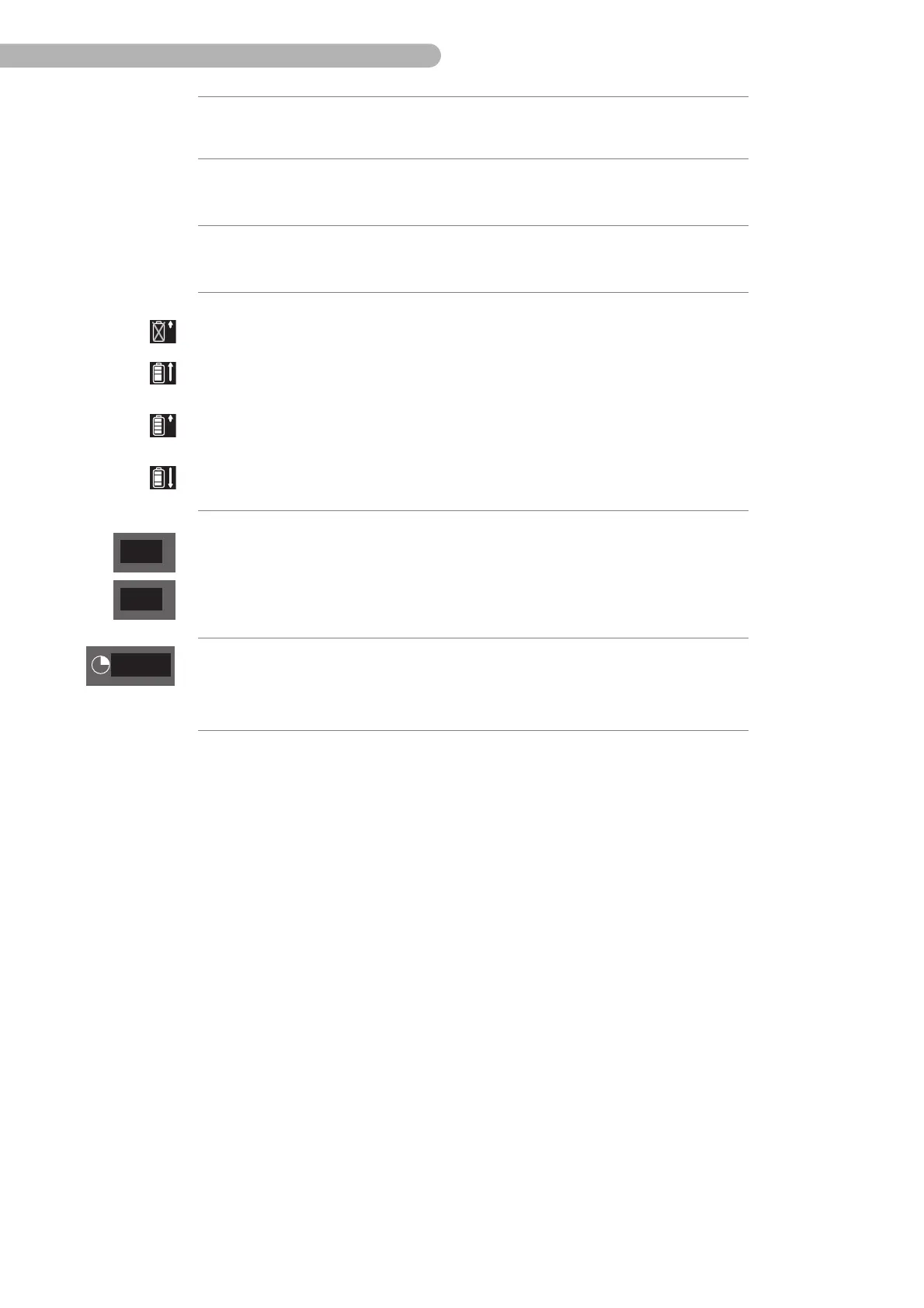
e Display Battery status Bar graph of the battery charge status
– Battery test required or fault in the battery
– Batteries are fully charged
(bar graph with long arrow)
– During trickle charging
(bar graph with short arrow)
– Discharge phase of the battery test of UPS operation
(bar graph with long arrow)
f Display Battery
charge status
Display of the battery charge status (in %) while charging:
– Yellow: below 60%
–White: above 60%
The battery charge status indicator is white during
discharge.
g Icon and display Time
remaining
Icon and display of “battery discharge” with time
remaining display (yellow)
3:11



 To Next Page