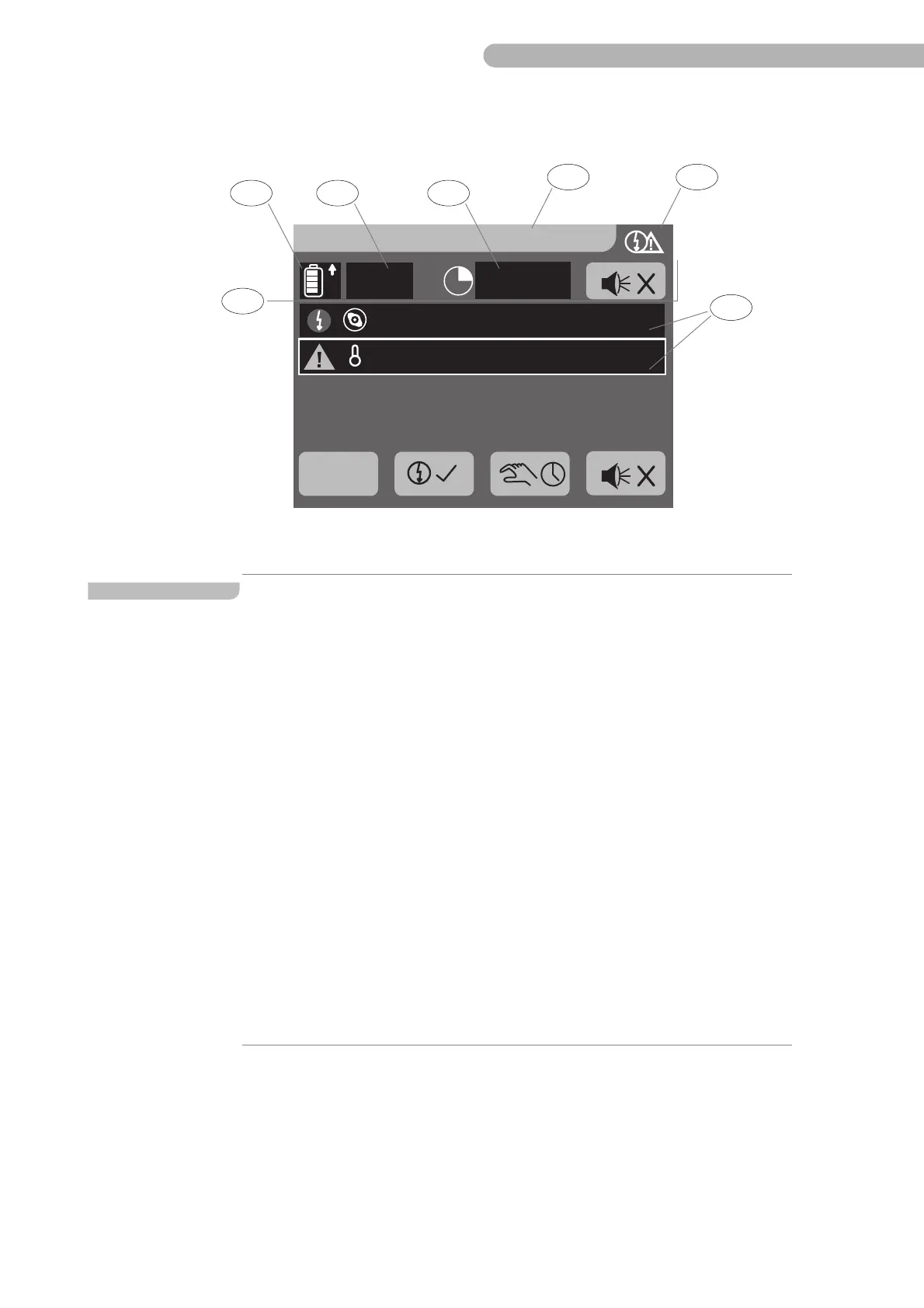
CP5 • Key icons and display (brief overview)
CP_SEM_60-00-60.001 35
Key icons and displays of the system menu
Fig. 15: System menu displet
20.05.2011 14:15:01
100 %
Scroll
Level
Arterial Pump (1) stopped
Temperature was above max. limit
Item Name Function
a Icon System menu Display of the selected menu name, date and time.
Opens the menu entry displet for configuring the basic
settings for:
– Changing the language
– Selecting the pressure unit
– Changing the system direction of rotation
– Entering the default volume
– Entering the date and time
– Entering the menu name
– BSA settings
– Display of alarm and error messages
– clearing, overriding and muting triggered alarms
– monitor and control of the UPS functions
– current operating state of the UPS
– Displet of the interface module
– Displet of the menu for the SCP System
Opens the display
–Of operating hours
– Information on the battery status or starting the
battery test
– Information on the mains operation and calibration of
the sensor offset



 To Next Page