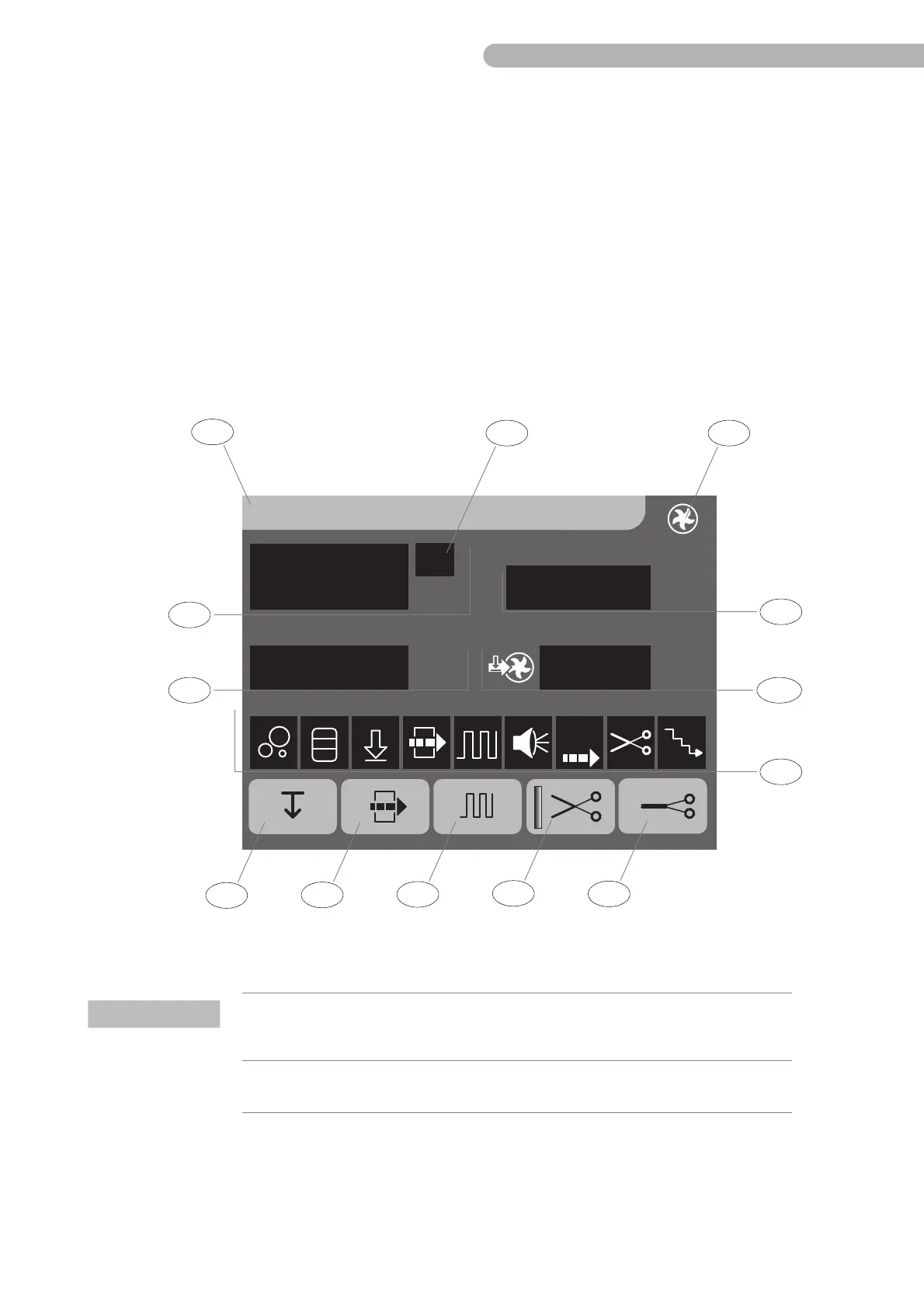
CP5 • Key icons and display (brief overview)
CP_SEM_60-00-60.001 31
4 Key icons and display (brief overview)
Note:
Detailed information on the operation of the CP5 can be found in the associated operating instructions.
The following pages contain a brief overview of the general keys and symbols as well as information on
the CP5 menu and system menu for your guidance.
4.1 Key icons and displays on the control panel
Only those key icons that are available in the selected menu and are activated during configuration
(e.g. the Open/Close clamp key icon) are displayed.
A vertical bar on the key icon (on the left side) indicates that a function is activated.
Fig. 14: Control panel touch screen
Centr.Pump 1
l/min
2.90
rpm
560
mmHg
100
Pressure 1
mmHg
-40
Pressure 2
Item Name Function
1 CP5 menu icon Displays the name of the selected menu.
Opens the entry displet for entering parameters and
configuring the CP5.
2 CP5 icon
3 Flow display Displays the current flow rate in litres per minute [l/min]



 To Next Page