CP5 • Replacing components
CP_SEM_60-00-60.001 53
Connecting cable
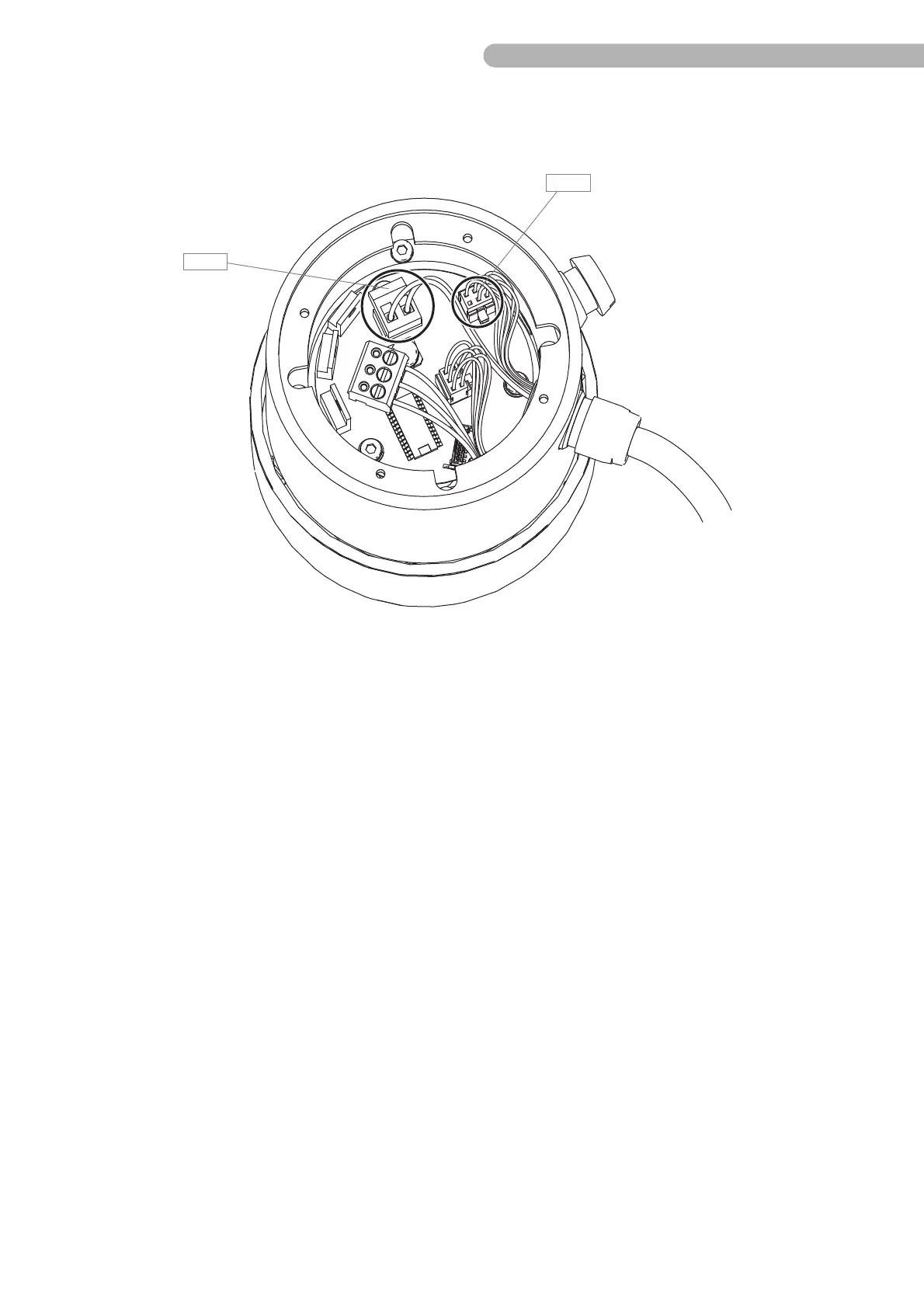
Fig. 27: Dismantling the connecting cable (1)
Unplug the two connectors:
◗ B 12 Current supply connector (PWR)
◗ B 11 Pump control panel connection (PANEL)
◗ Remove the connectors.
◗ Make a note of the correct sequence and cable colors if necessary.



 To Next Page