CP5 • Replacing components
42 CP_SEM_60-00-60.001
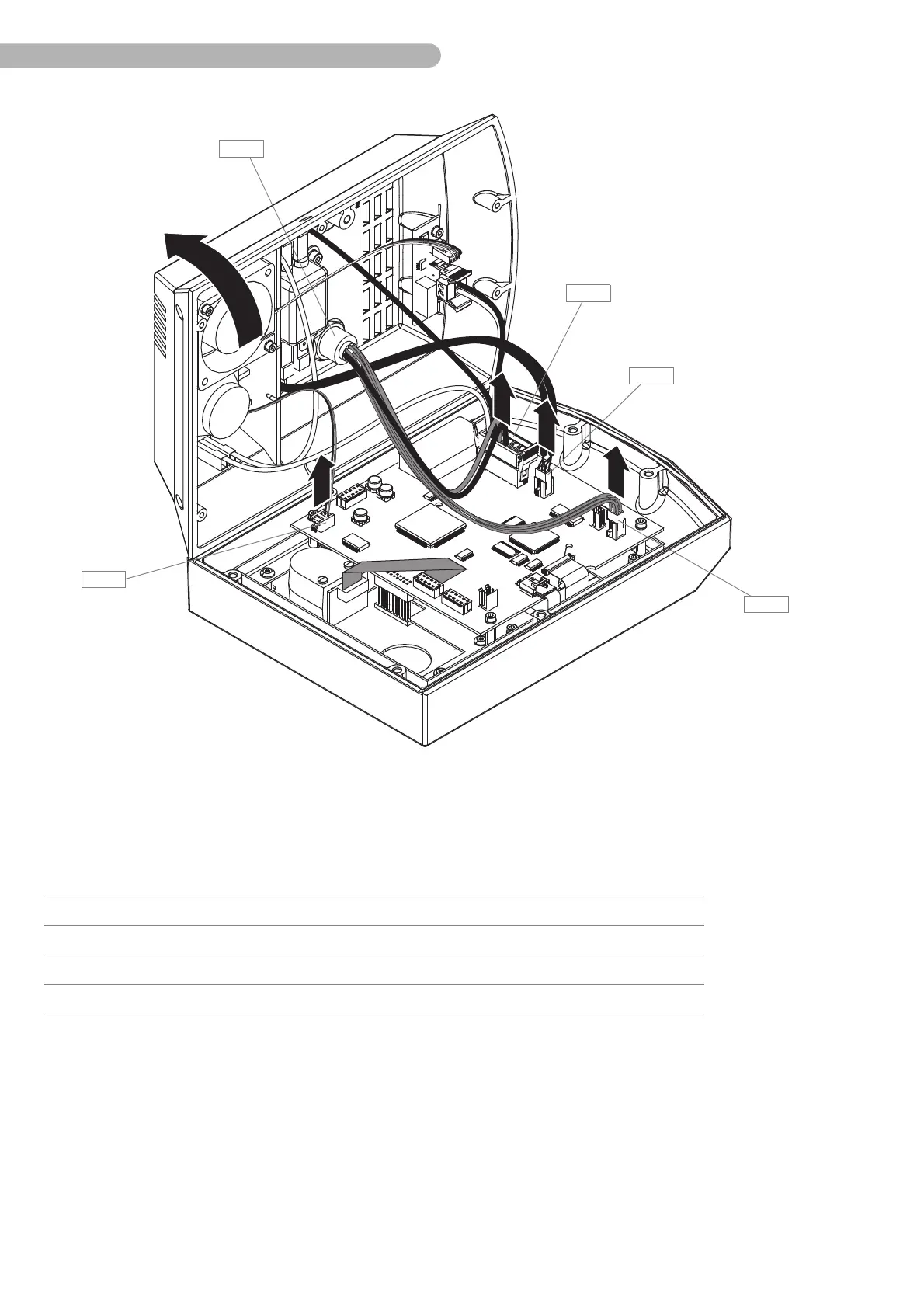
Fig. 17: Opening the control panel (2)
◗ Disconnect the following connectors from the circuit board computer board A 5:
◗ Open the back of the housing fully.
Item Name Number Part number
A 19 Connection power supply
A 20 Connection CAN bus CONCAN
A 27 Connection socket drive unit A 9 CONPA
A 17 Connection loudspeaker A 13 CON 1



 To Next Page