4-8 Chapter 4: Software Update/Restore
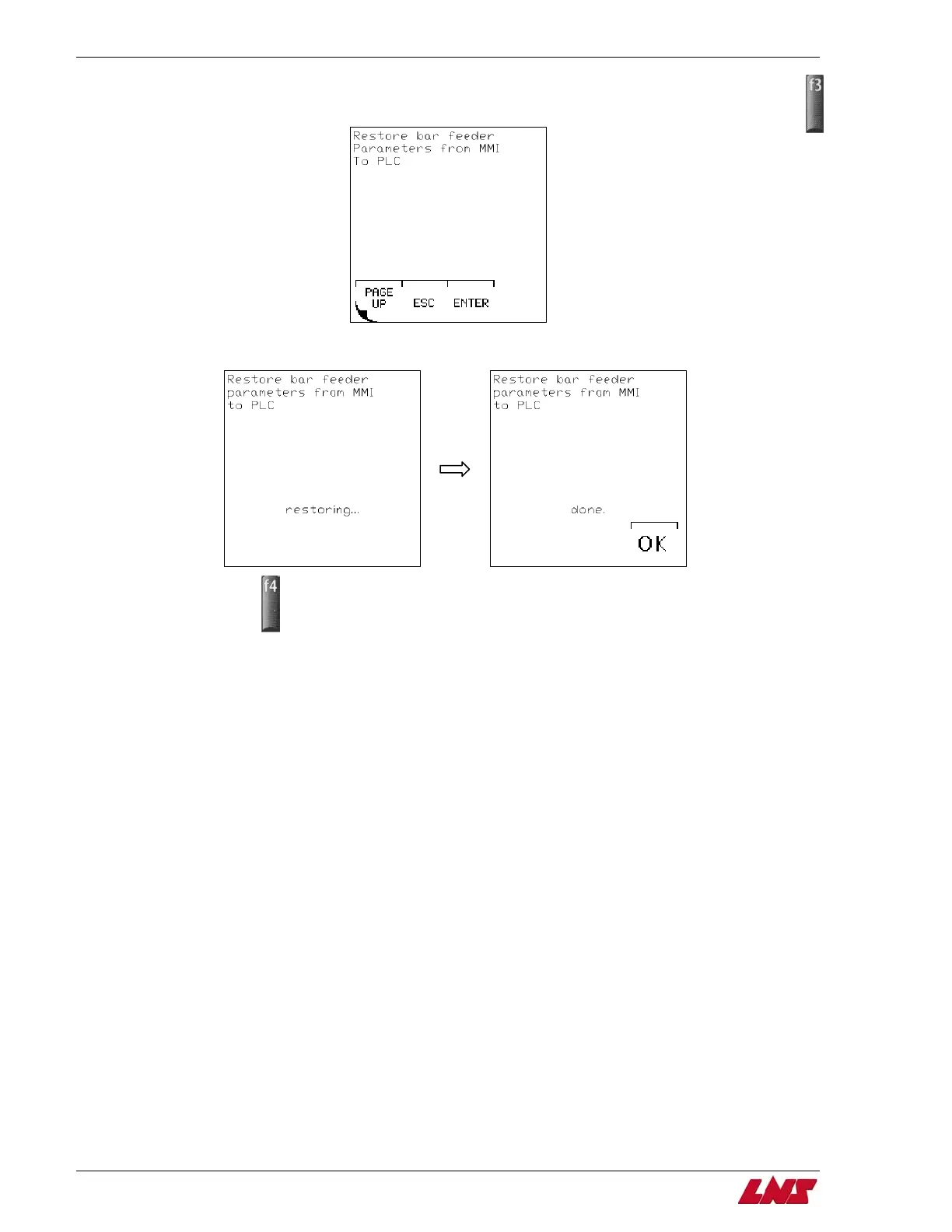
Step 10: Press F4 (PAGE DOWN) until Restore Bar Feeder Parameters from MMI to PLC screen is displayed. Press F3 (ENTER).
Step 11: The parameters will then be restored from the MMI to the PLC.
Step 12: Press F4 (OK).
Step 13: Turn off power to bar feeder.
Step 14: Move the RUN/STOP switch to RUN position.
Step 15: Restore power to the bar feeder.
Procedure complete.
QUICK SIX















 To Next Page