47
User Manual
containing the object icon or a big photo icon centered on the square for the object
without icon.
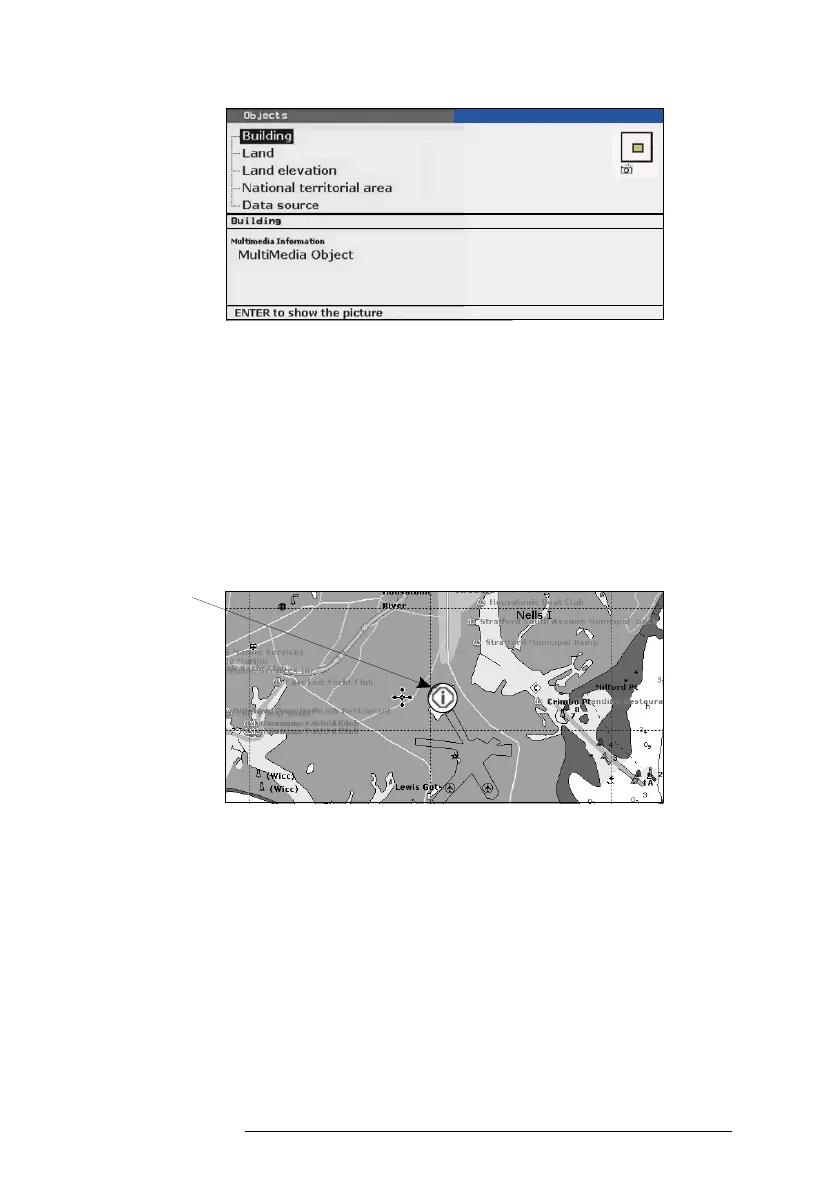
Fig. 3.5.2.1a - Example of Full Info on objects with picture
To see the picture press 'ENTER' when the object with a picture is highlighted.
Change Picture Size
When the picture is shown, it is possible to fit it to screen by pressing 'ENTER'.
3.5.2.2 Quick Info on Lakes
Upon viewing the chart of a lake, you will click on to query the available infor-
mation immediately displayed with many details. For example, see the following picture:
Lakes Info icon
Fig. 3.5.2.2 - Example of Lakes info
When the cursor is placed over the icon, the icons of the available services are shown:



 To Next Page