50
User Manual
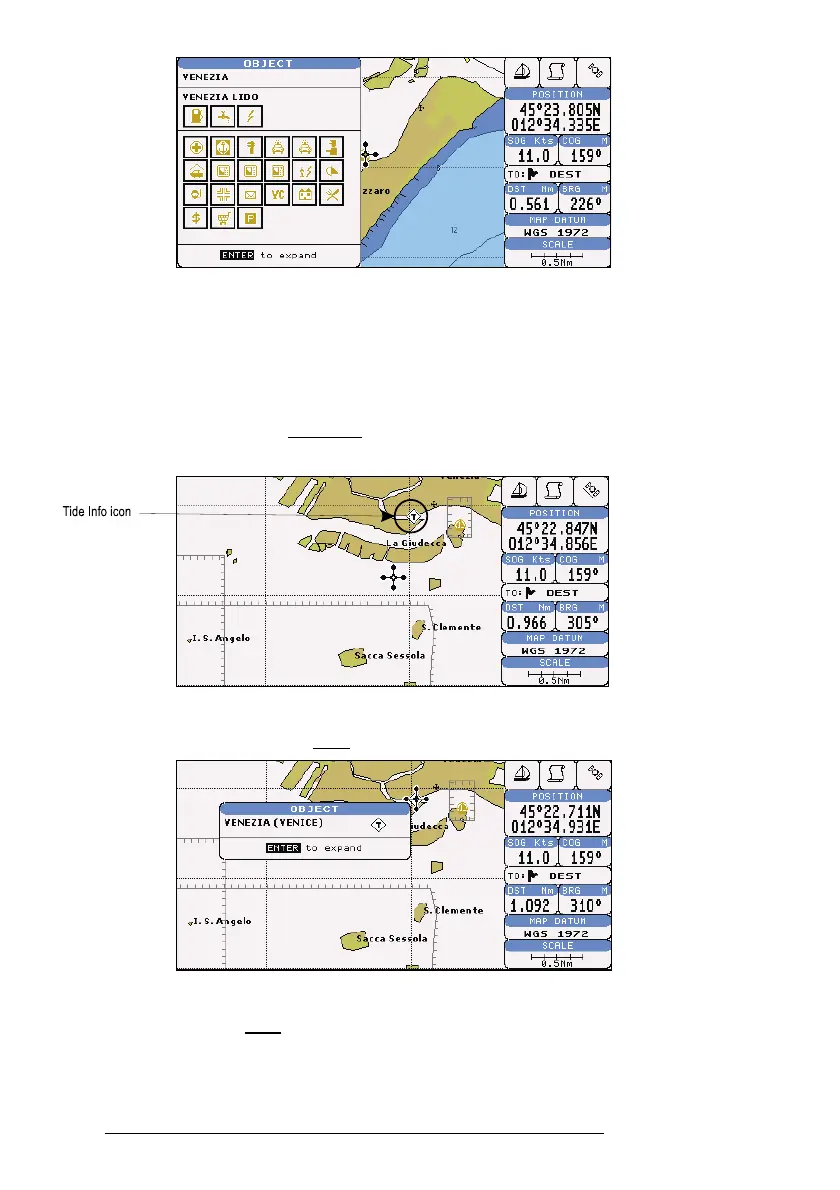
Fig. 3.5.5a - Automatic Info window
To expand information about that object press 'ENTER'.
3.5.6 GETTING TIDE INFO
When you will see a Tide Info icon you can click on it to query the available
information that will immediately be displayed.
Fig. 3.5.6 - Tide Info icon
Place the cursor on the Tide symbol, a Automatic Info window is opened:
Fig. 3.5.6a - Automatic Info on Tide
To display the Tide Graph page, press 'ENTER':



 To Next Page