Piccolo 42 from 82
www.lt-light.com
From this situation, record cue 1 (with the same information that DIM 1), cue 2 (editing only the
color parameters ), & cue 3 (adding a edition over gobo parameters), respectively:
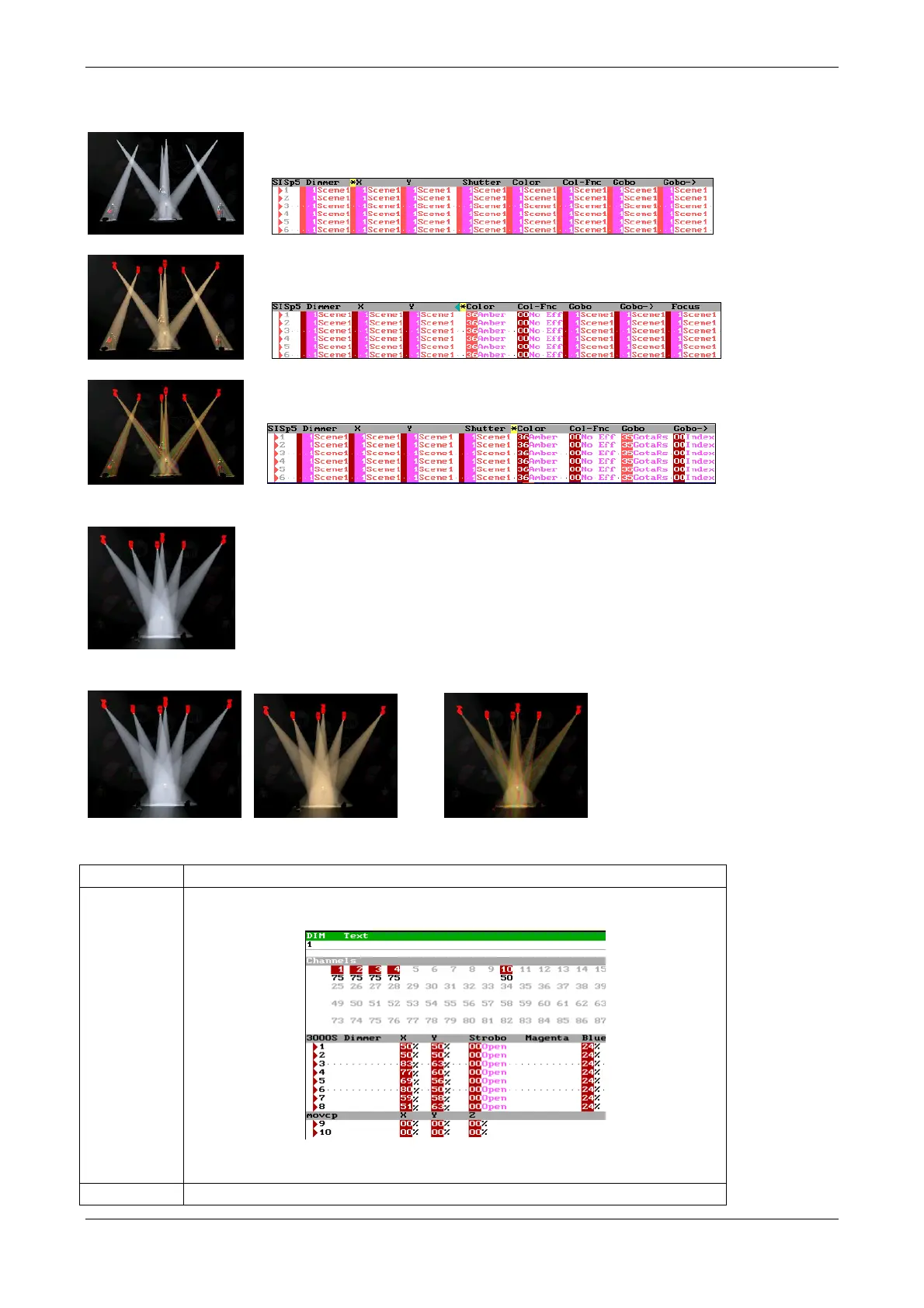
If, now, you edit DIM 1, editing, for example, the fixtures positions, with this lock in scene:
Automatically, cues 1, 2 & 3, after the DIM 1 modifications, they will have this lock in scene:
&
Library categories table
Library by item (fixtures & channels), stores the complete scene.
Admits all the parameters and channels patched.



 To Next Page