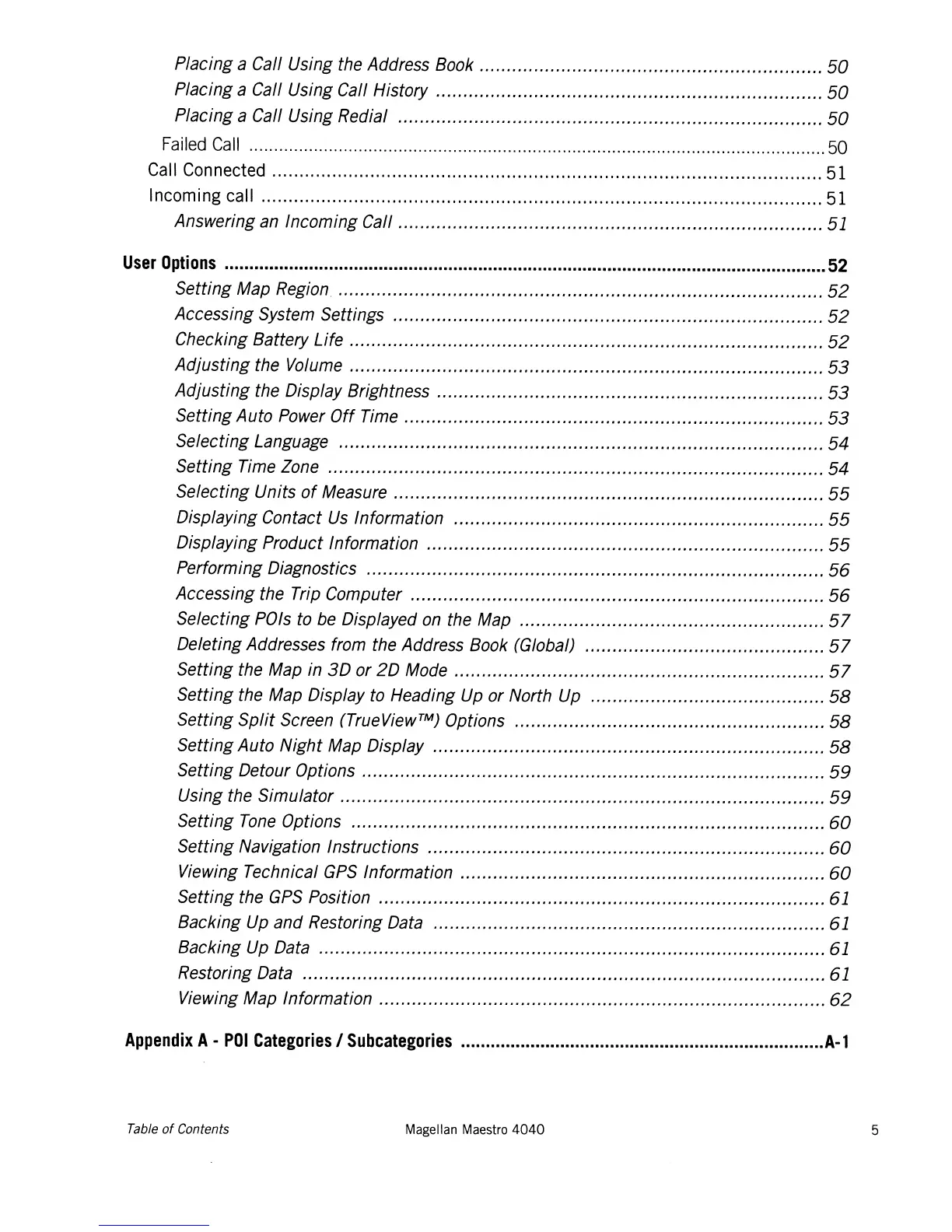
Placing a Call Using the Address Book
50
Placing a Call Using Call History
50
Placing a Call Using Redial
50
Failed
Call
50
Call Connected 51
Incoming call 51
Answering an Incoming Call 51
User
Options
52
Setting Map Region
52
Accessing System Settings
52
Checking Battery Life
52
Adjusting the Volume
53
Adjusting the Display Brightness
53
Setting Auto Power
Off
Time
53
Selecting Language 54
Setting Time Zone 54
Selecting Units
of
Measure
55
Displaying Contact
Us
Information
55
Displaying Product Information
55
Performing Diagnostics
56
Accessing the Trip Computer
56
Selecting POls to
be
Displayed
on
the Map
57
Deleting Addresses from the Address Book (Global)
57
Setting the Map in
3D
or
20
Mode
57
Setting the Map Display to Heading Up or North Up
58
Setting
Split
Screen (TrueView™) Options
58
Setting Auto Night Map Display
58
Setting Detour Options
59
Using the Simulator
59
Setting
Tone
Options
60
Setting Navigation Instructions
60
Viewing Technical
GPS
Information
60
Setting the
GPS
Position 61
Backing Up and Restoring Data 61
Backing Up Data 61
Restoring Data 61
Viewing Map Information
62
Appendix
A-
POI
Categories
I
SUbcategories
A-l
Table
of
Contents
Magellan Maestro
4040
5














 To Next Page