Bluetooth
Introduction
The
Bluetooth function of the Magellan
Maestro
allows
you
to
use
the Magellan
Maestro
as
a hands-
free
device for a Bluetooth
enabled
mobile
phone.
You
can
answer
and
dial
your
phone
by
using the
Magelan
Maestro
touchscreen
..
Accessing the Bluetooth Main Menu
1.
From
the Main Menu screen, tap
Bluetooth
Main
Menu
Pair Mode
If this
is
the first time the feature
is
used
and
no
mobile
phone
is
paired
or
connected, the
system
will
automatically switch "Pair Mode"
and
will wait for
you
to
pair
your
mobile
phone.
To
pair a
new
phone
or
if the automatic pairing
at
first
use
was
cancelled,
you
must pair the
phone
with the
Magellan
Maestro
before
the Bluetooth function
can
be
used.
Pairing a Phone to the Magellan Maestro
1.
Access
the Bluetooth Main Menu.
2.
Tap
on
the
Pair
with
a
Device
icon.
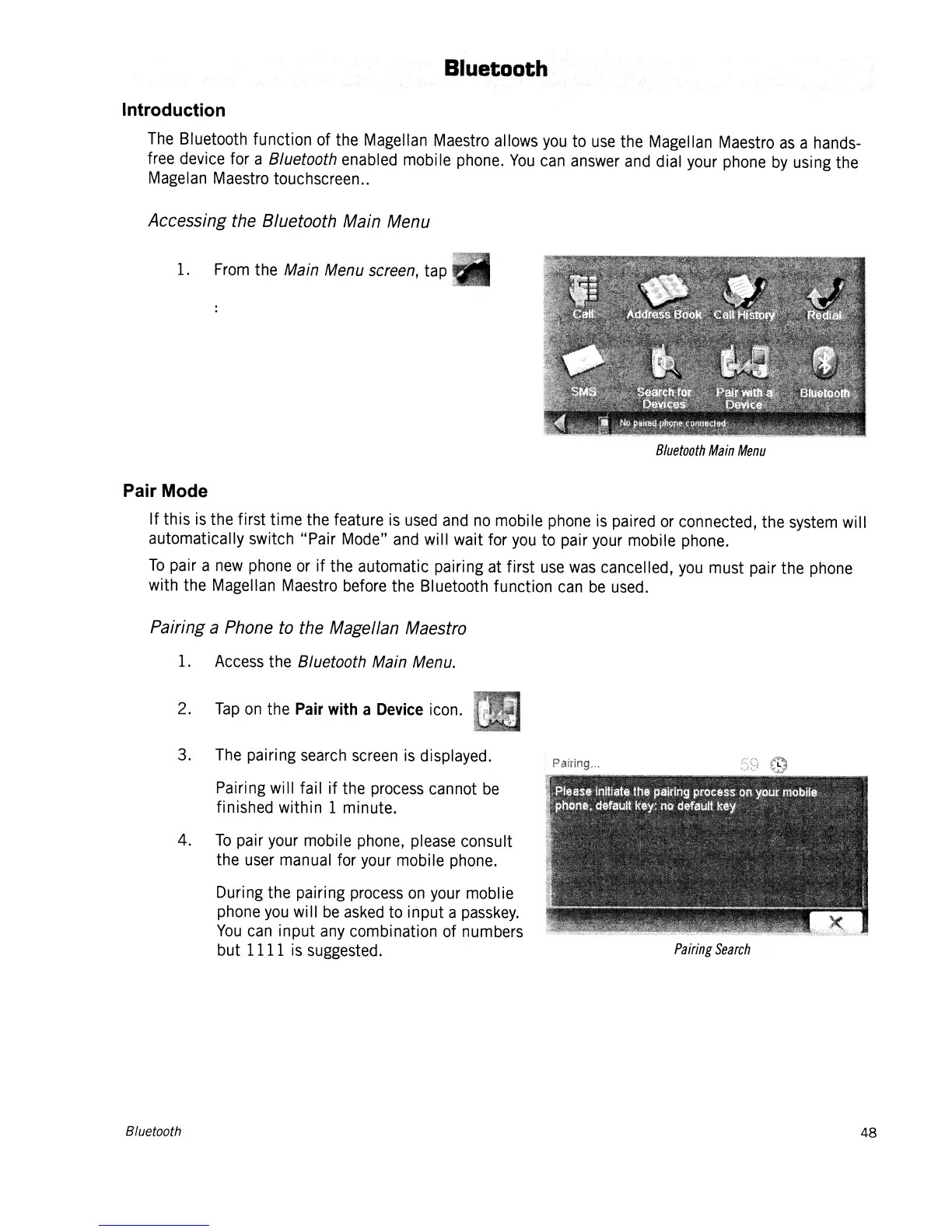
3.
The
pairing
search screen
is
displayed.
Pairing will fail if the
process
cannot
be
finished within 1 minute.
4.
To
pair
your
mobile
phone,
please
consult
the
user
manual
for
your
mobile
phone.
During the pairing
process
on
your
moblie
phone
you
wi
II
be
asked
to input a
passkey.
You
can
input
any
combination of numbers
but 1111
is
suggested.
Bluetooth
Pairing
Search
48














 To Next Page