Changing the Volume from User Options
1.
Access
the Main Menu.
2.
Tap
the
Next
arrow
to
access
the Main Menu
Page
2.
3.
Tap
User
Options.
4.
Tap
System
Settings.
5.
Tap
Volume.
6.
Tap
on
the Mute button to mute the volume
or
tap inside the volume adjust
bar
below
the
Mute button to
change
the volume levels.
7.
Tap
~,~
...............
~
Brightness
Rriqhtnoss
2.
Tap
the
Next
arrow
to
access
the Main Menu
Page
2.
3.
Tap
User
Options.
4.
Tap
System
Settings.
5.
Tap
Brightness.
6.
Tap
inside the brightness adjust
bar
to
set
the desired brightness.
Accessing the Brightness Control
1.
Access
the Main Menu.
7.
Tap
~~~
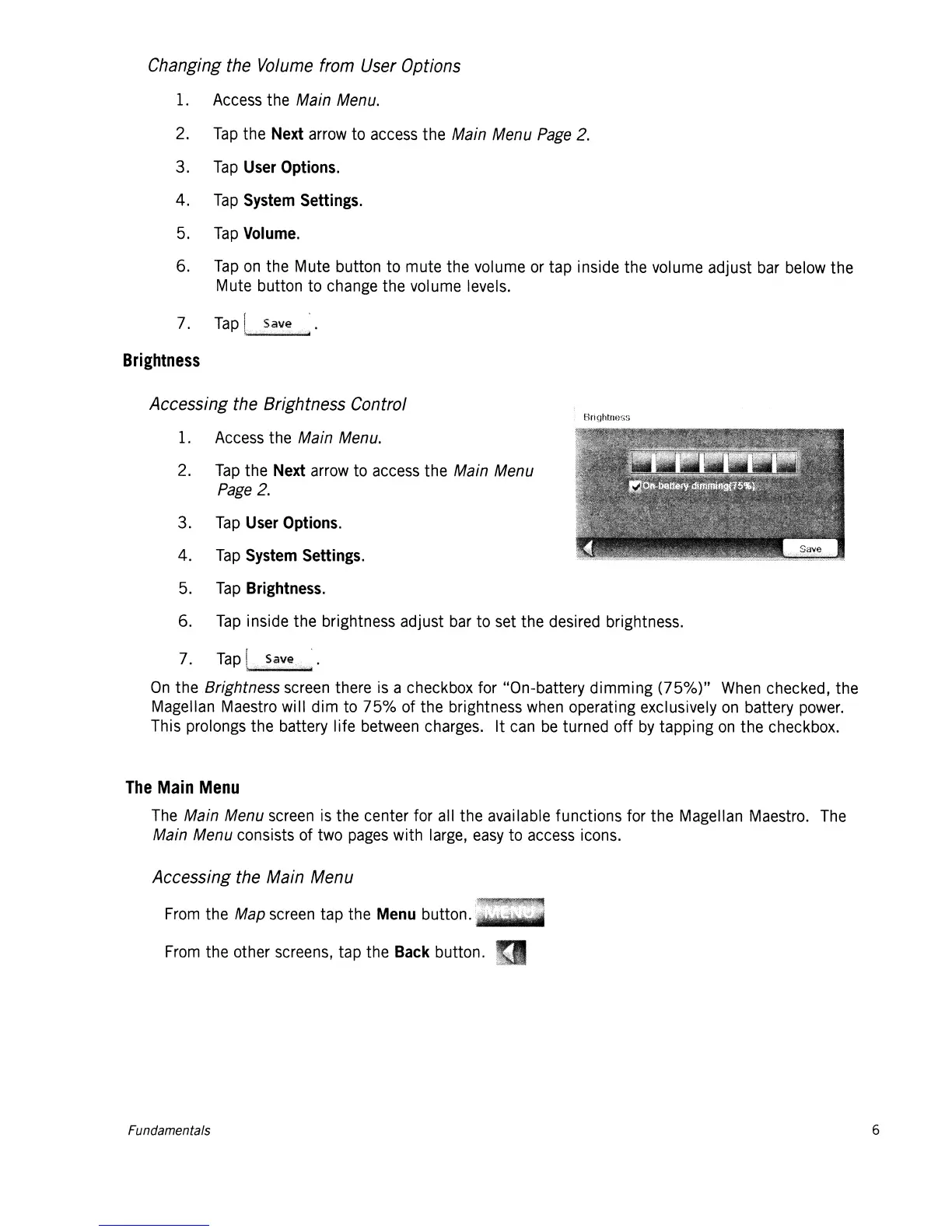
On
the Brightness
screen
there
is
a checkbox for "On-battery dimming (750/0)"
When
checked, the
Magellan
Maestro
will dim
to
75%
of the brightness
when
operating exclusively
on
battery
power.
This prolongs the battery life
between
charges.
It
can
be
turned off
by
tapping
on
the checkbox.
The
Main
Menu
The
Main Menu
screen
is
the center for
all
the available functions for the Magellan
Maestro.
The
Main Menu consists of
two
pages
with
large,
easy
to
access
icons.
Accessing the Main Menu
From
the Map
screen
tap the
Menu
button.
lit
...
From
the other
screens,
tap the
Back
button.
Fundamentals
6














 To Next Page