Changing the Route Method
If
you
travel
off
the computed route, the Magellan Maestro will automatically re-calculate the
routing information to get
you
to your original destination using the routing method
you
selected
when creating the route. However,
if
you
want to change the routing method (while
on
or
off
the
route),
you
wi
II
need
to
use the re-route fu nction.
1. From the Map screen, tap
MENU.
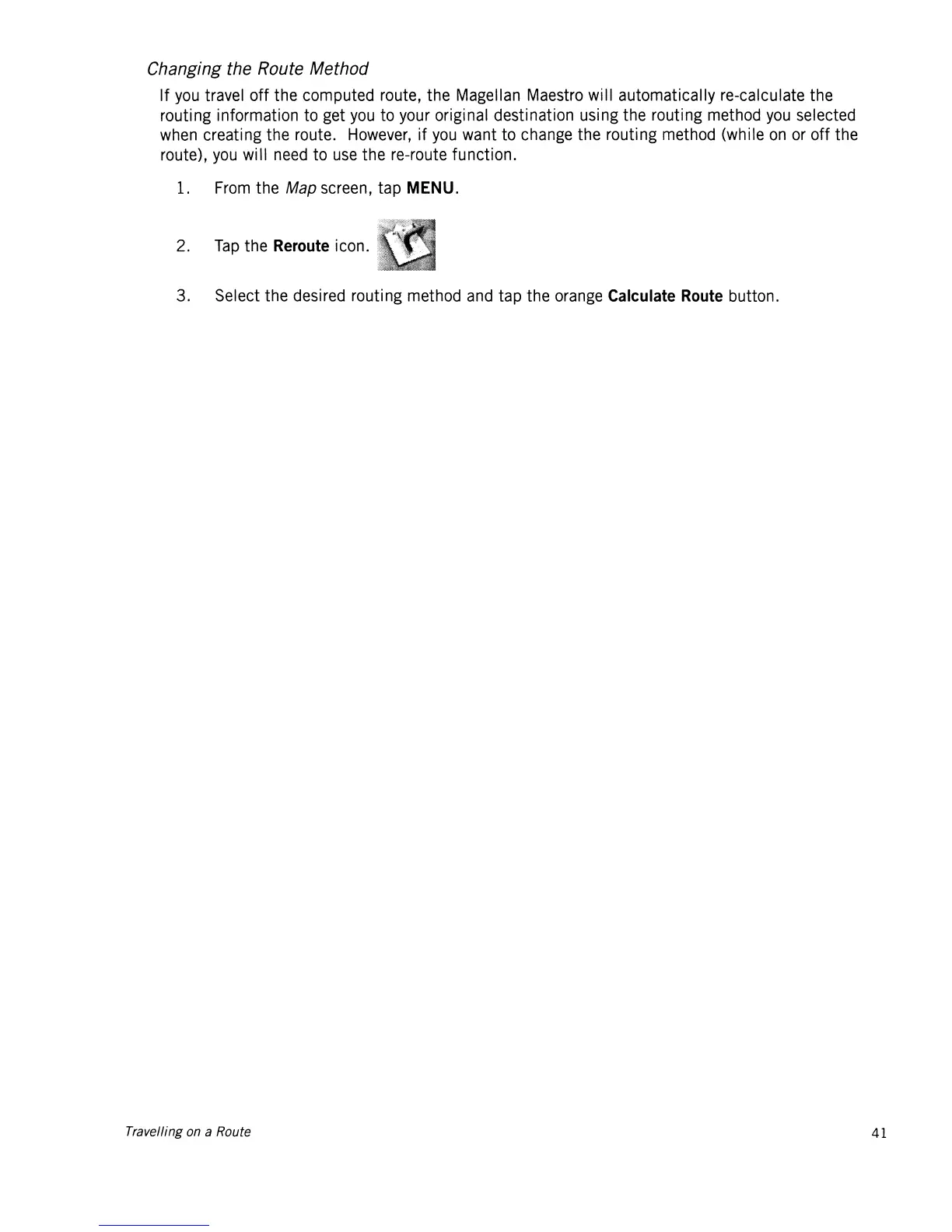
2.
Tap
the
Reroute
icon.
3. Select the desired routing method and tap the orange
Calculate
Route
button.
Travelling on a Route
41














 To Next Page