Home Address
Your
home
address
can
be
entered
and
saved
in
the Magellan
Maestro
for quick
and
easy
access
when
you
need
to create a route
home.
Creating a Home Address
These
instructions only apply if
you
have
never
entered a
home
address
or
if it
has
been
deleted.
1.
Tap
the
Home
Address
icon
on
the Main Menu screen.
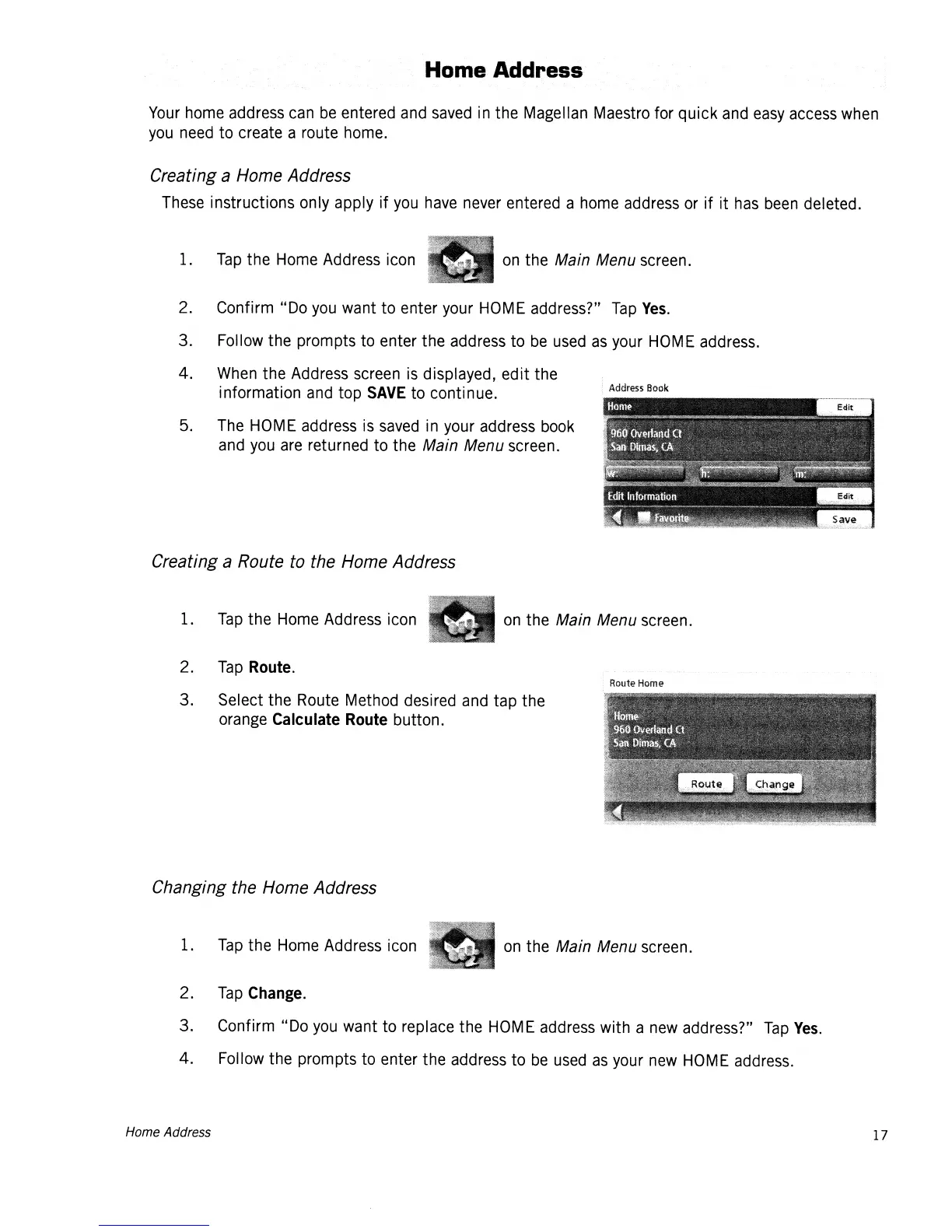
Address
Book
5.
The
HOME
address
is
saved
in
your
address
book
and
you
are
returned to the Main Menu screen.
2.
Confirm "Do
you
want to enter
your
HOME
address?"
Tap
Yes.
3. Follow the prompts to enter the address to
be
used
as
your
HOME
address.
4.
When
the
Address
screen
is
displayed, edit the
information
and
top
SAVE
to continue.
Creating a Route to the Home Address
1.
Tap
the
Home
Address
icon
on
the Main Menu screen.
2.
Tap
Route.
3. Select the
Route
Method desired
and
tap the
orange
Calculate Route button.
Route
Home
Changing the Home Address
1.
Tap
the
Home
Address icon
on
the Main Menu
screen.
2.
Tap
Change.
3. Confirm "Do
you
want to replace the
HOME
address
with a
new
address?"
Tap
Yes.
4. Follow the prompts to enter the address to
be
used
as
your
new
HOME
address.
Home Address 17














 To Next Page