EasyManua.ls Logo

Magellan Maestro 4040 - Accessing the Home Address from the Address Book

Magellan Maestro 4040
104 pages
Print Icon
To Next Page IconTo Next Page
To Previous Page IconTo Previous Page
Loading...
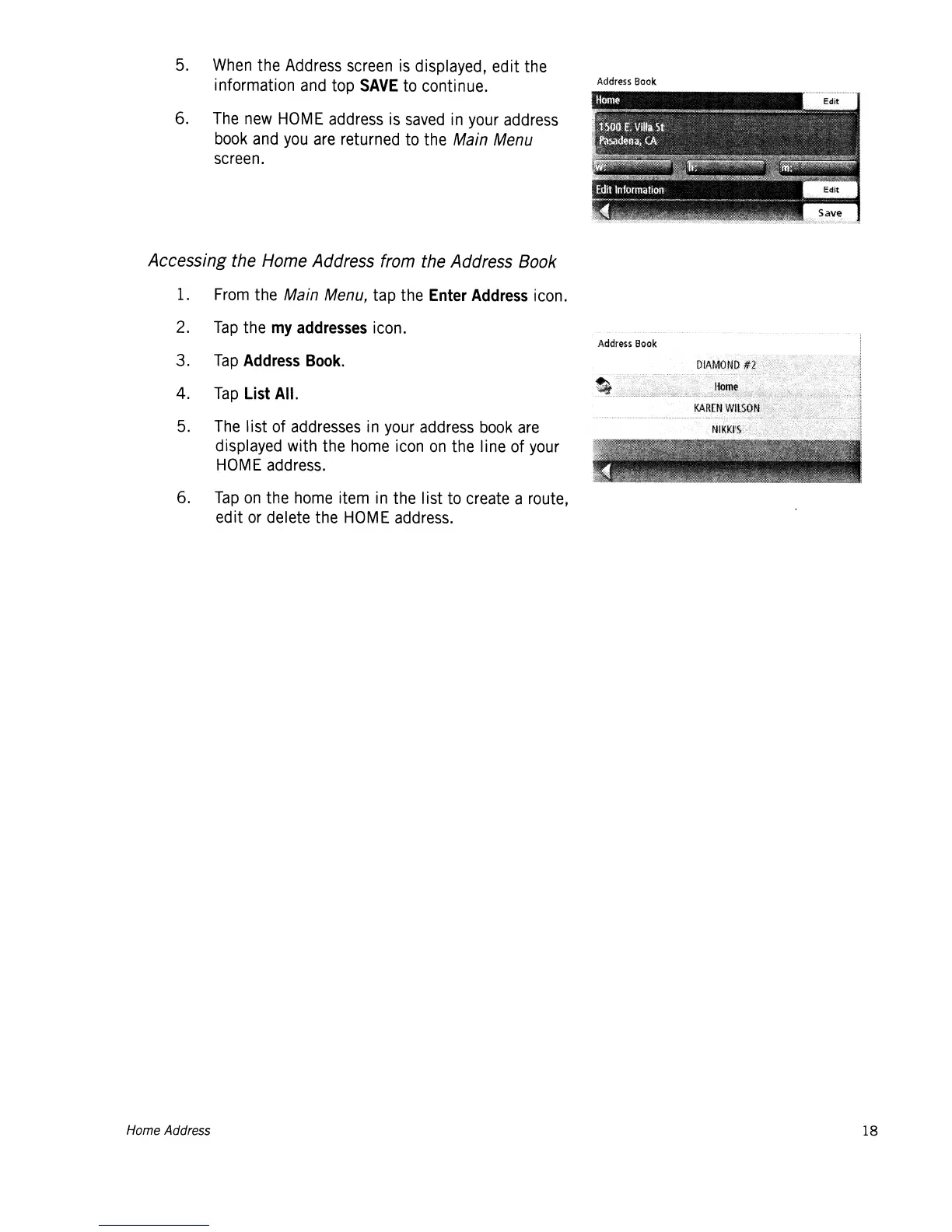
5.
When
the
Address
screen
is
displayed, edit the
information
and
top
SAVE
to
continue.
6.
The
new
HOME
address
is
saved
in
your
address
book
and
you
are
returned to the
Main
Menu
screen.
Accessing the Home Address from the Address Book
1.
From
the
Main
Menu,
tap the Enter
Address
icon.
2.
Tap
the
my
addresses
icon.
3.
Tap
Address
Book.
4.
Tap
List All.
5.
The
list of
addresses
in
your
address
book
are
displayed with the
home
icon
on
the line of
your
HOME
address.
6.
Tap
on
the
home
item
in
the Iist
to
create a route,
edit
or
delete the
HOME
address.
Address
Book
Address
Book
Home Address
18

Table of Contents

Related product manuals