Placing a Call Using the Address Book
1.
Access
the Bluetooth Main Menu.
2.
Tap
the
Call
icon.
3. Select the
search
criteria;
List
All
or
Search
Address
Book.
4. After searching
or
listing
your
entire
address
book,
select the
address
from
the list
shown.
5. If there
is
a
phone
number
recorded
for the
address
the "w:"
(work),
"h:"
(home)
or
"m:"
(mobile) will
appear
as
a button.
Tap
the desired button
and
the call will
be
initiated.
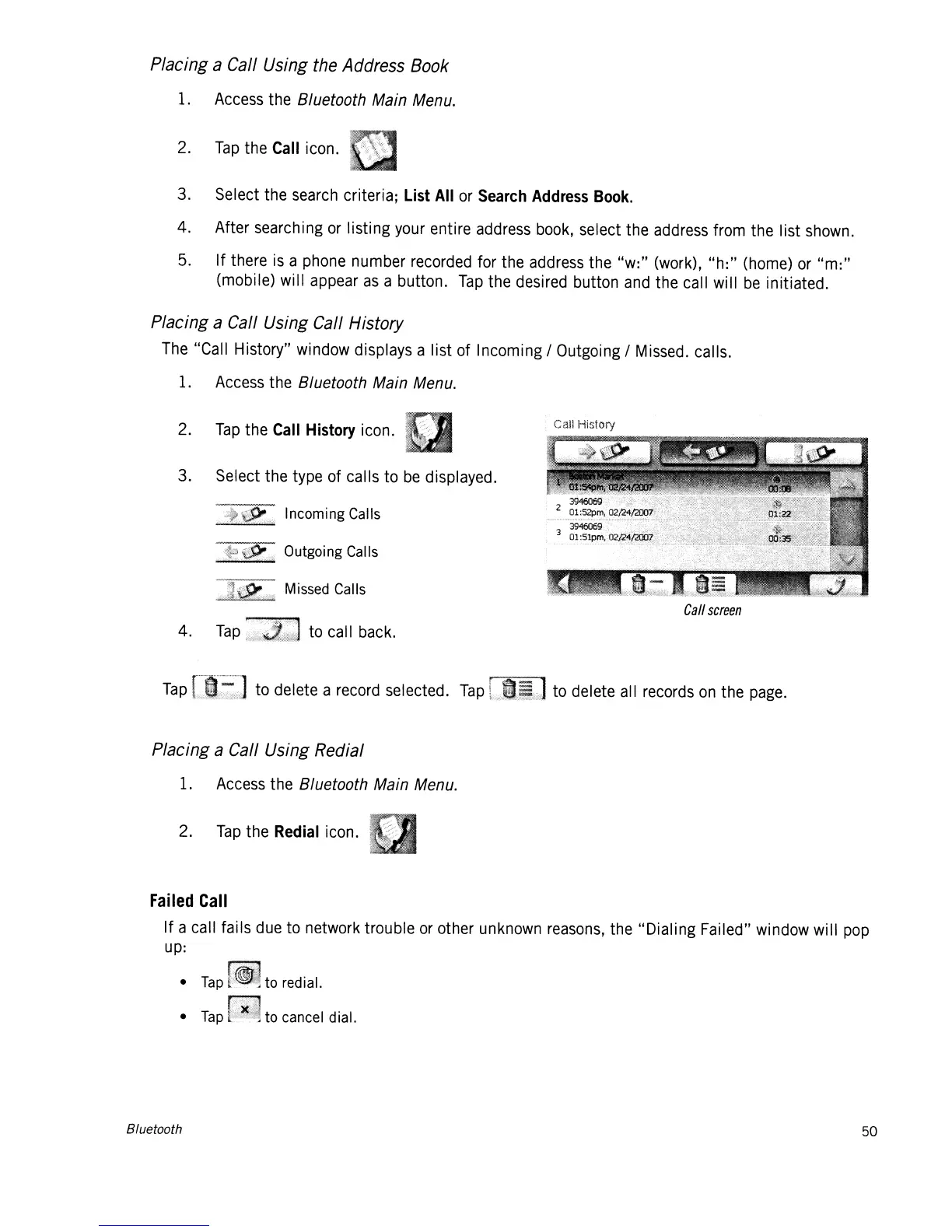
Placing a Call Using Call History
The
"Call History" window displays a list of Incoming / Outgoing /
Missed.
calls.
1.
Access
the Bluetooth Main Menu.
2.
Tap
the
Call
History
icon.
3. Select the type of calls to
be
displayed.
Incoming Calls
Outgoing Calls
~~-
Missed Calls
,~~=
4.
Tap
..•.
)i
••
1ll~:::
••
(:q
to
call
back.
Call
screen
Tap
I~m>
•••.•
:."
to delete a
record
selected.
Tap
b.~,ntw/:.
to delete
all
records
on
the
page.
Placing a Call Using Redial
1.
Access
the Bluetooth Main Menu.
2.
Tap
the
Redial
icon.
Failed
Call
If a call fails
due
to network trouble
or
other
unknown
reasons,
the "Dialing Failed" window will
pop
up:
•
Tap
•
Tap
Bluetooth
to redial.
to cancel dial.
50














 To Next Page