Printing a Card
Cautions:
v
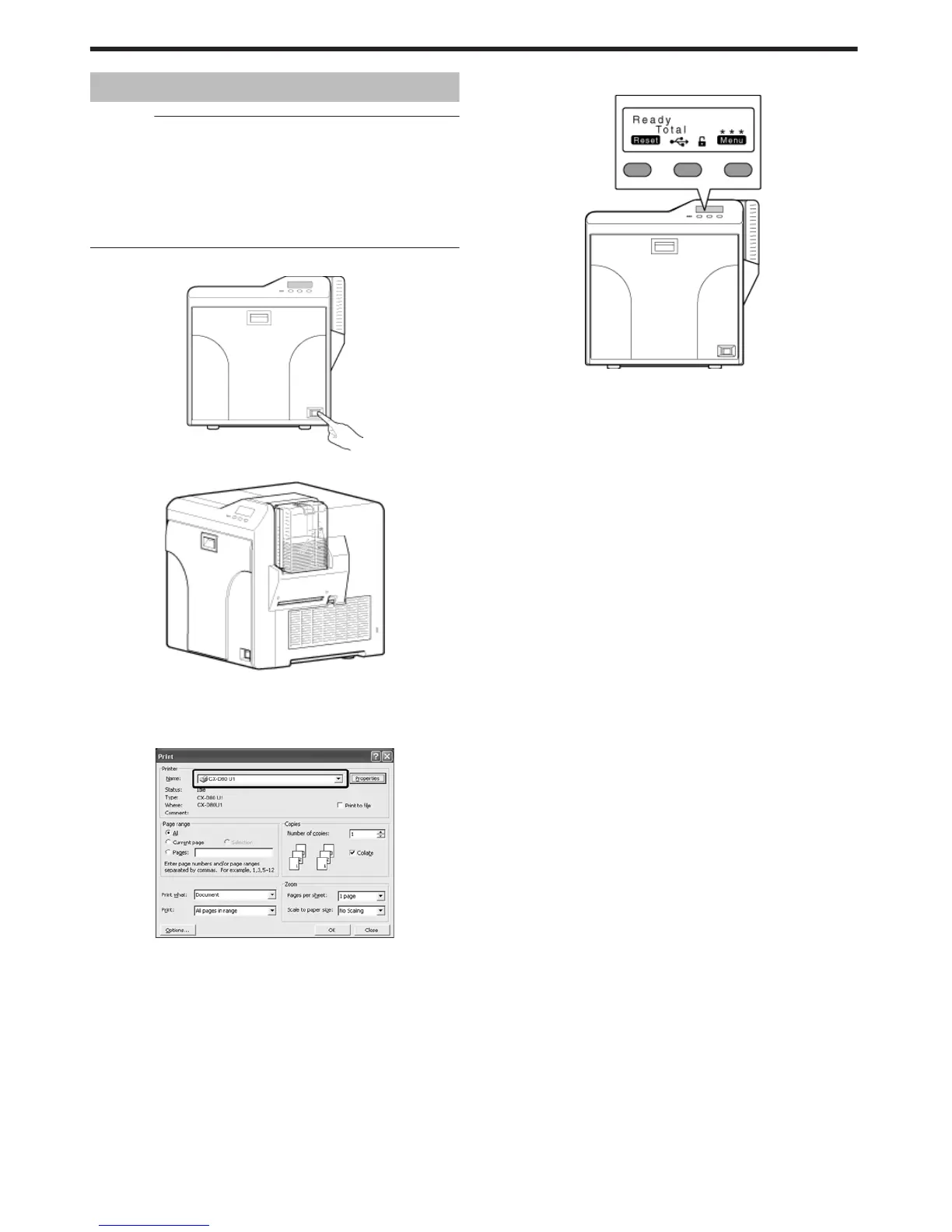
If you see an [Initializing..] or [Preheating..] message on the LCD
panel of the printer, this means the printer is not ready yet. Printing
cannot be performed until a [Ready] massage appears.
v
Printing the card on the side with the magnetic stripe may cause
printing errors or damage to the card’s functions. If you want to do
so, please consult our authorized dealers in advance.
v
For printing using application software prepared by the user, refer to
the instruction manual of the corresponding application.
1
Turn on the power
.
2
Check to ensure that cards are inserted into the card hopper
.
3
Open the application’s print settings screen, and select this printer in
[Name]
v
If there are multiple printers, select the name of the printer that you
want to perform printing on.
.
4
After ensuring that a [Ready] message appears on the LCD panel of
the printer, start printing
.
Operating the Printer
12















 To Next Page