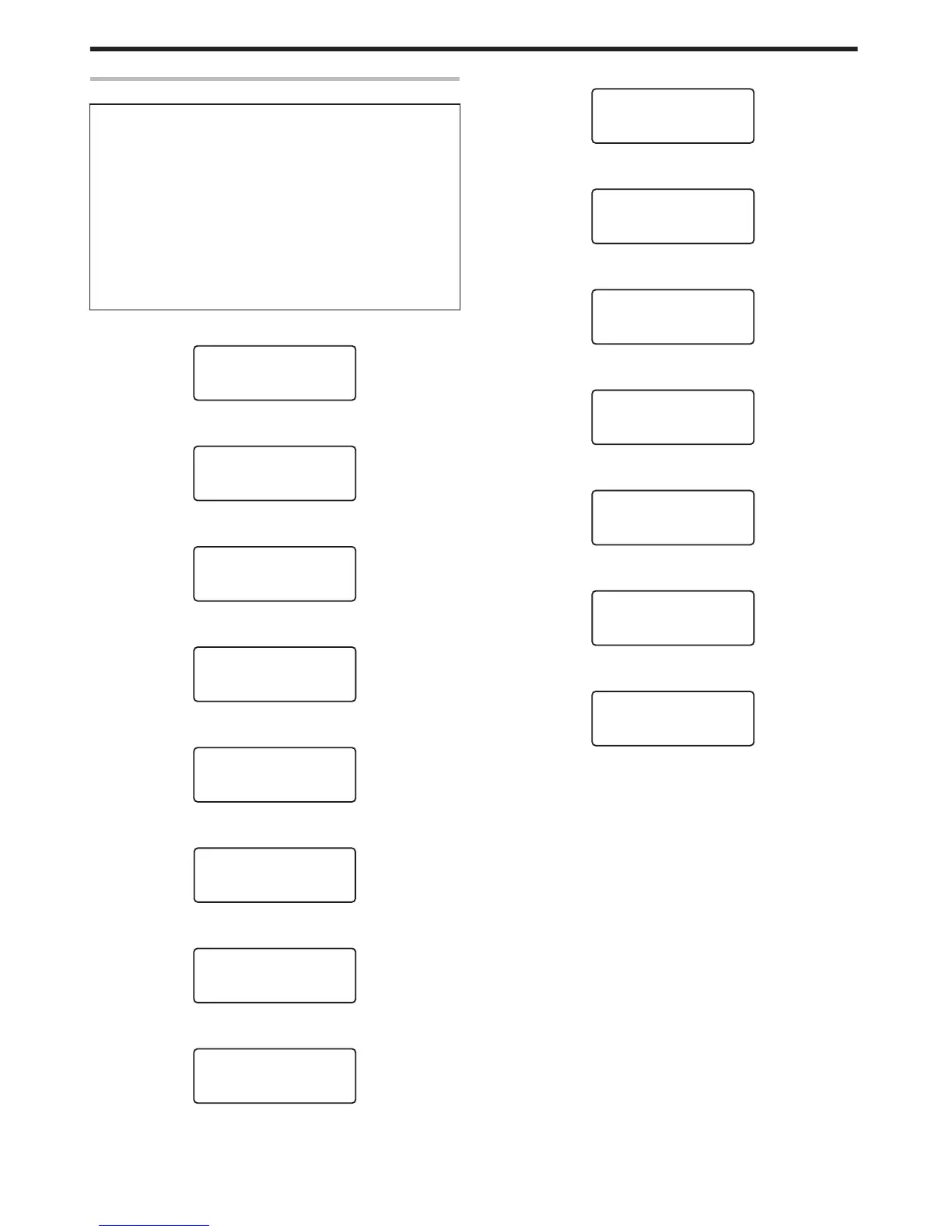
Operation Panel Operation Display
Background color
Changes according to the printer’s operating status.
v
During startup
Bright green
v
Under normal circumstances
Sky blue
v
During initialization using K, during test printing using the
operation panel, cleaning, downloading and during security lock
setting using the operation panel
Light purple
v
During error
Red
m
Starting up
.















 To Next Page