6
Press F
v
Enters the settings change mode.
.
7
Press A and select a setting
8
Press B to confirm the setting
v
Pressing B confirms the setting and returns you to the previous
screen.
9
Press H to exit the setting mode
v
Pressing it each time displays the setting item on the next higher
level.
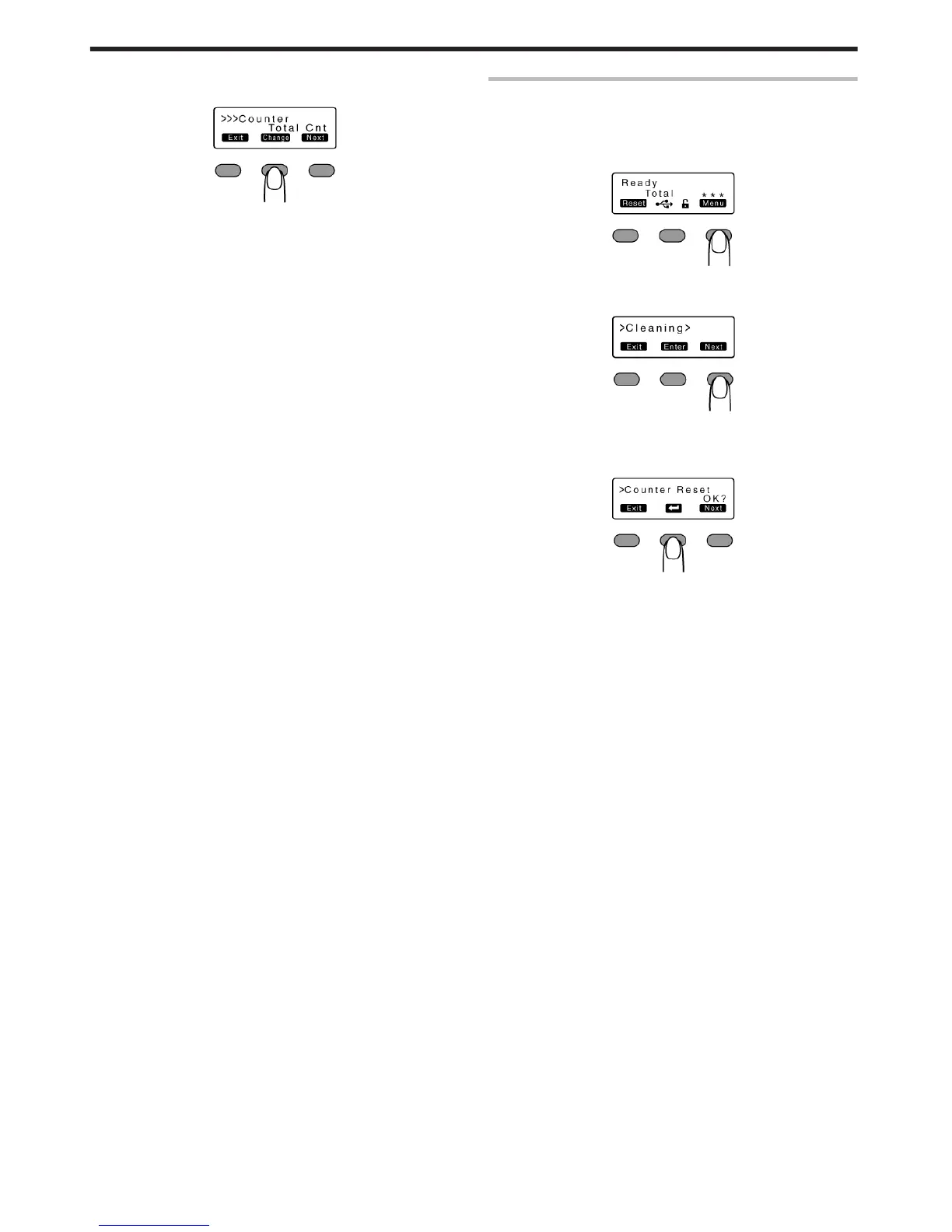
Counter Reset
v
This is used to reset the free counter and error counter.
1
Press I
v
A [Cleaning] message appears.
.
2
Press J to set to [Counter Reset]
.
3
Press B
v
Resets the free counter and error counter.
.
m
Checking reset
v
Select [Free Cnt] or [Error Cnt] for "Counter setting".
Operating the Printer
26















 To Next Page