m
Windows Vista
v
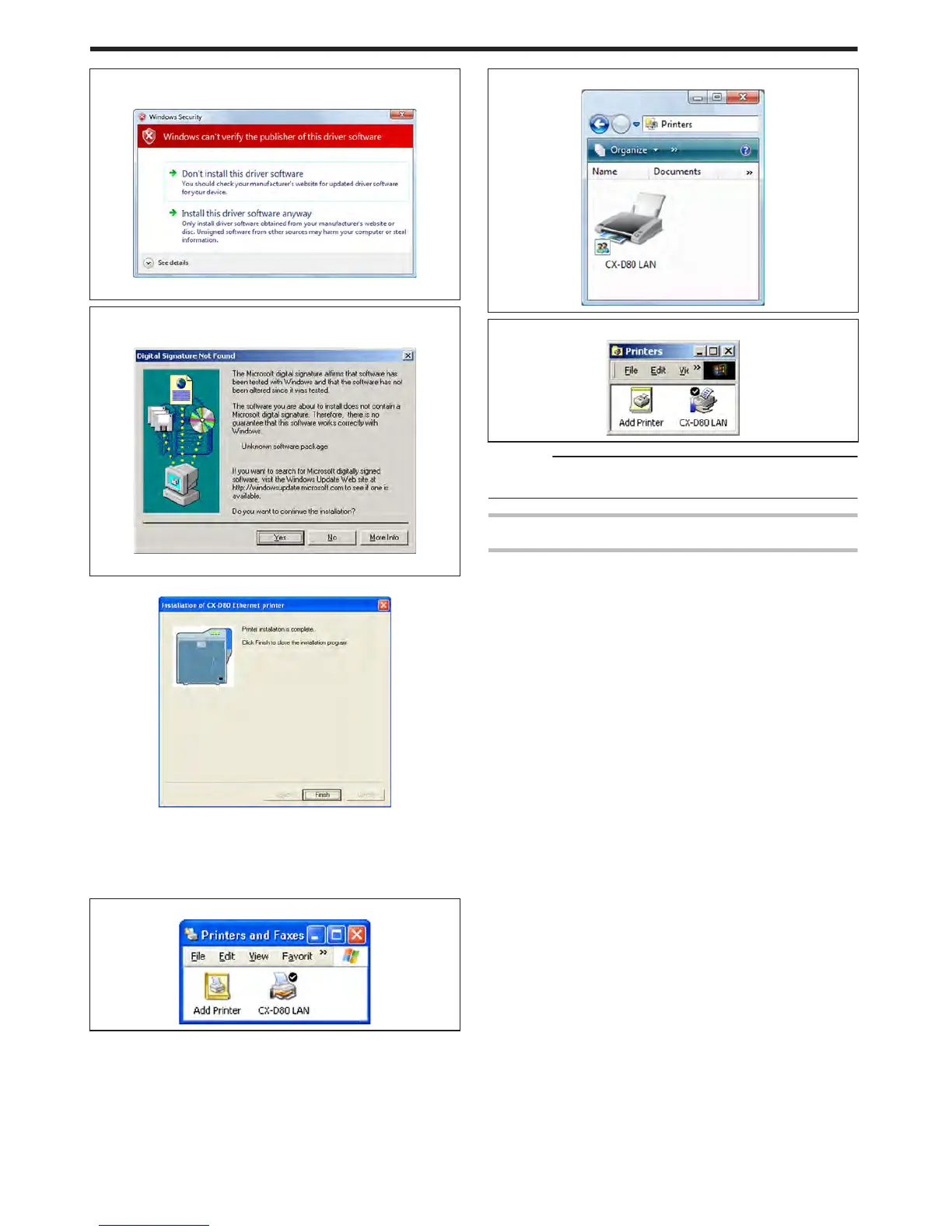
A [Windows Security] screen appears.
.
A Click [Install] part
m
Windows 2000
v
A [Digital Signature Not Found] screen appears.
.
A Click [Yes]
v
A printer installation complete screen appears.
.
15
Click [Finish]
v
Exits the installation program.
16
Open “Printers” in [Control Panel]
v
Check to ensure that the printer is added.
m
Windows XP (Example)
.
m
Windows Vista (Example)
.
m
Windows 2000 (Example)
.
Cautions:
v
To delete a printer, execute “Uninstall printer driver” after restarting
Windows.
Update of Printer Driver
To update
1
Delete the existing printer driver
"Uninstalling the Printer Driver" (A page 80)
2
Re-install the printer driver
"Installing the Printer Driver" (A page 65)
Setup
72















 To Next Page