BA052301-en 83
9.4 Speedometer Check
Use this menu point to test the vehicle’s speedometer. The following functions can be checked.
• Vehicle speed
• Mileage
9.4.1 Vehicle Speed
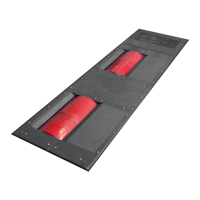
Ten freely selectable speedometer target speeds can be entered using this menu point. Each
one can be approached, one after another. A basic setting is done at dyno configuration.
1 Position the vehicle on the dyno and fix it.
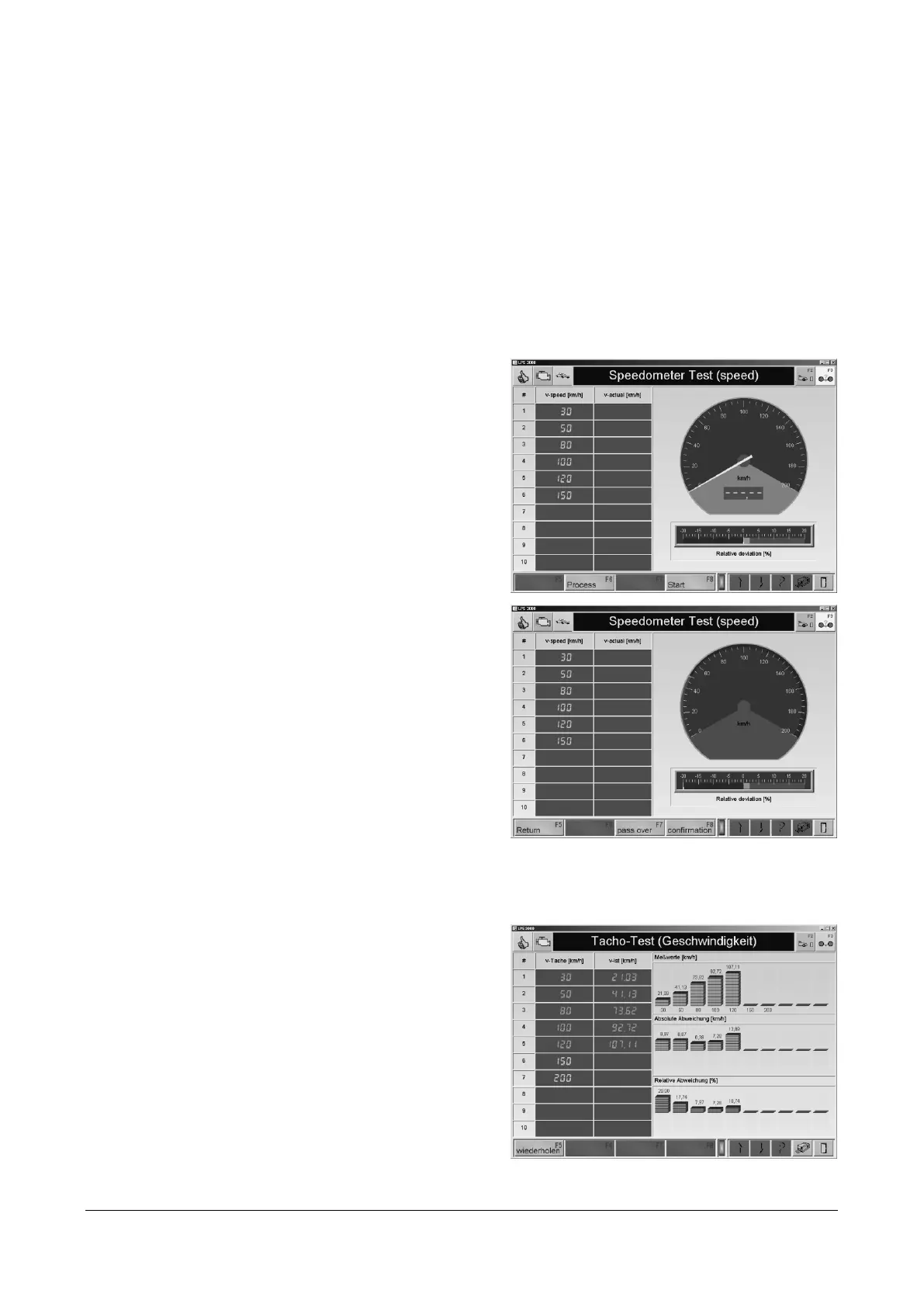
2 Call up the menu SPEEDOMETER TEST and
then the menu point VEHICLE SPEED.
→ The following screen appears:
3 Use the key <F6 PROCESS> to change the
target speeds.
The value v-act shows the current speed of
the vehicle on the rollers. The target speed
v-speed must be approached with the
vehicle speedometer.
4 Use the button<F8 CONTINUE>.
5 Accelerate the vehicle to the target speed.
Base it on the vehicle speedometer.
6 If the speed is held constant for 3 seconds,
the value is automatically taken over.
Otherwise store the measurement value
with <F8 CONFIRM>.
The display jumps to the next target speed.
7 Repeat the test for each target speed.
Use the <F5 RETURN> to jump back to the previous target speed.
Use the <F7 PASS OVER> key to jump to the next target speed.
8 When the final measurement has been
completed a tabular listing of the target and
actual speeds will appear as well as a
graphic display of the measurement values
with the relative and absolute deviation.
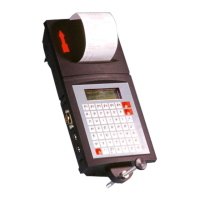
9 Use the button <PRINT> or <F12> to start a
print out of the measurement.
10 Use <F5 REPEAT> to repeat a
measurement.


 To Next Page