3030226 Rev. D 6-3 Troubleshooting
6.1 RO Fails to Run
1. Power off (Screen Dark).
a. Check power cord (plugged in).
b. Verify that line and equipment voltages are compatible.
c. Check outlet and circuit breaker/fuse panel for power with voltmeter.
d. Check the two fuses at power cord entry module above main power switch.
e. Check GFCI (reset if necessary).
2. Power switch inoperative.
a. Check switch with voltmeter.
b. Replace switch if necessary.
3. Pump/Motor inoperative.
a. Verify that voltage supply is correct at pump controller.
b. Cycle the main power switch (5 seconds off).
c. Verify the amber light in the motor controller is lit and not flashing.
d. Verify incoming water pressure meets minimum requirements.
e. Check the pump power feed cable at both ends for a secure fit.
f. Verify the voltage supply switch on the Power Distribution PCB is correctly
set.
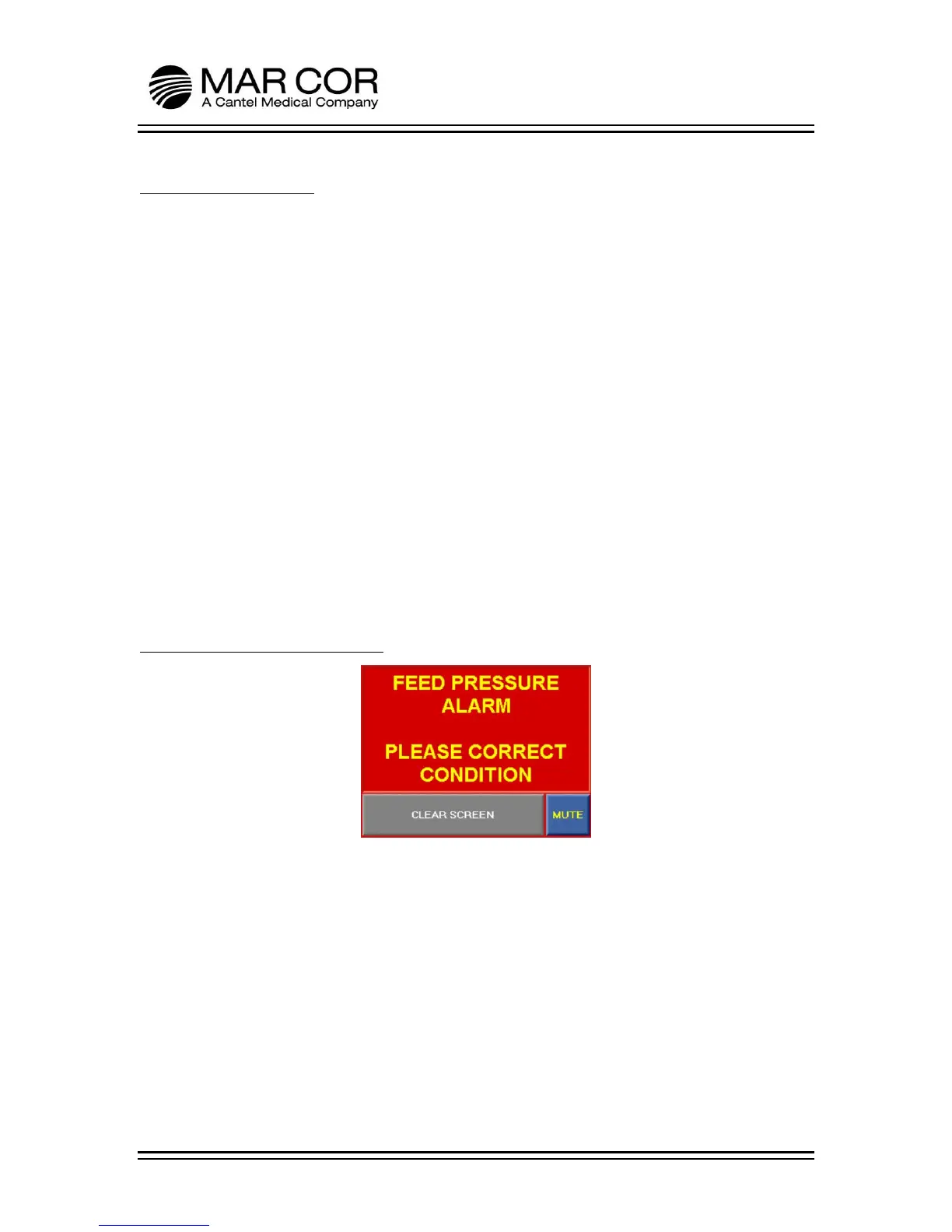
6.2 RO Feed Pressure Alarm
1. Feed Pressure shut down in normal run and during purge process.
a. Verify the dynamic supply pressure to the RO. Pressure needs to be a
minimum of 15 PSI and a maximum of 130 PSI with appropriate flow.
b. Correct incoming RO feed water pressure.



 To Next Page