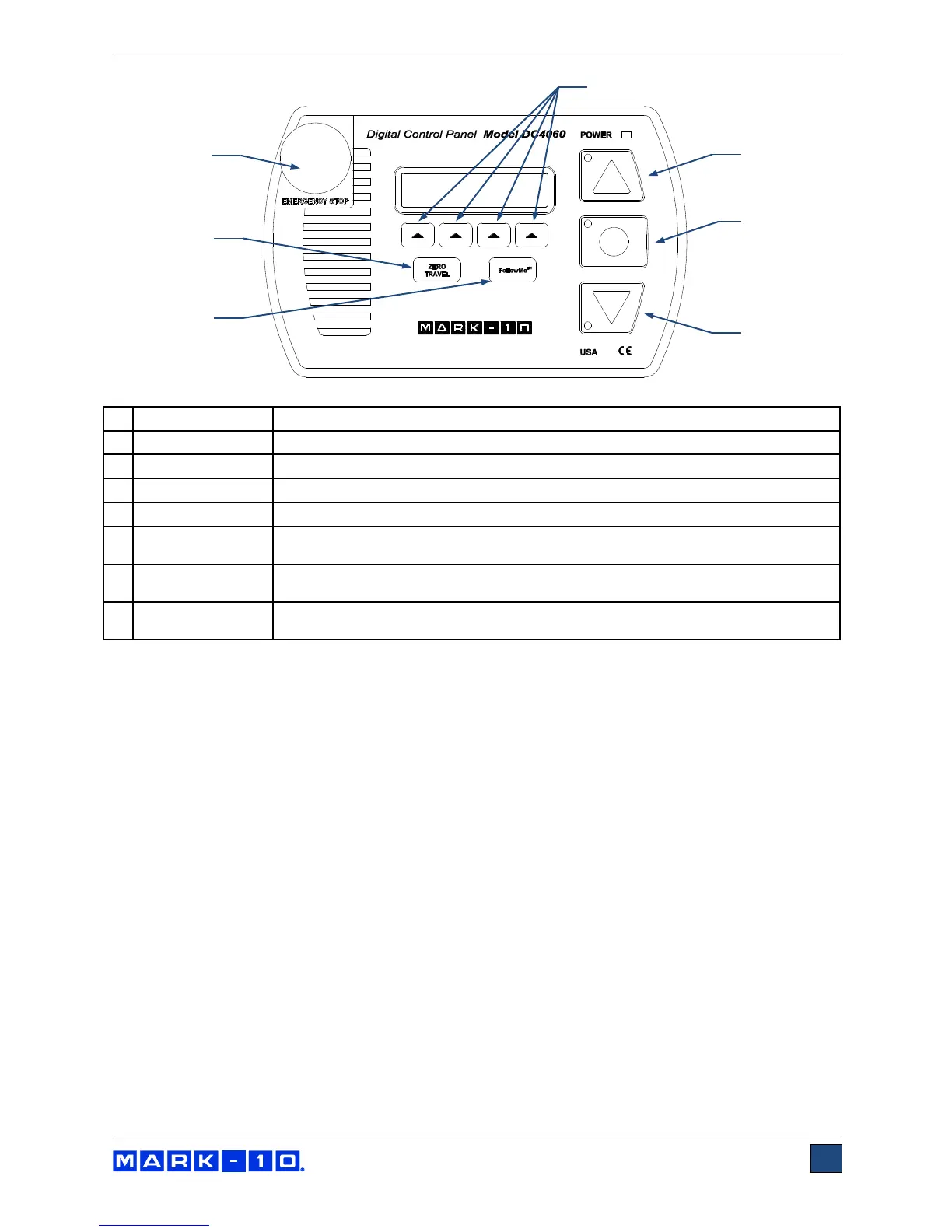
Enables force-activated crosshead positioning. If this option is not installed, the
message “NOT INSTALLED” flashes.
3.3 Modes overview
The ESM303 has three functional modes:
1. OPERATING MODE
This is the operating mode in which testing sequences can be started and stopped.
2. TEST FUNCTION SETUP
In this mode, test functions are configured, such as rate of speed, number of cycles, password
editing, and other functions.
3. FUNCTION ACTIVATION
Many test stand functions, such as cycling, auto return, distance measurement, and others are
ordered individually as options. The Function Activation menu provides a means of identifying
which functions were purchased. Through this menu, it is also possible to enable any functions
not originally purchased via an activation code. All functions are temporarily enabled for the first
160 hours of operation, as described below:



 To Next Page