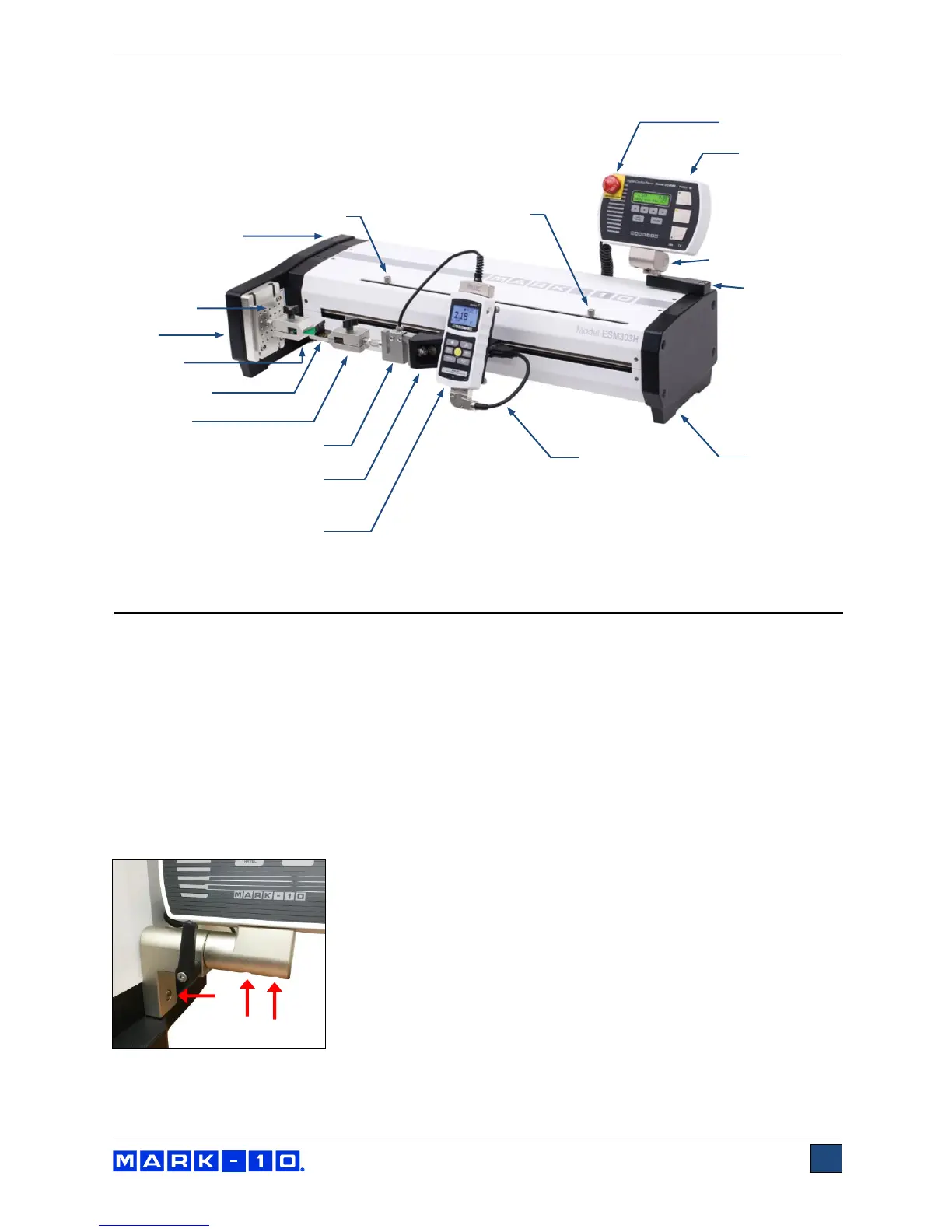
1.2.2 ESM303H
2 SETUP AND SAFETY
2.1 Mounting
Place the stand on a clean, flat and level work area free from vibration.
For the vertically oriented ESM303, It is suggested to mount the stand to a work bench via screws
fastened into the underside of the base. Failure to properly mount the test stand may make it more
vulnerable to tipping, especially if a column extension is used, causing a hazardous situation.
2.2 Mounting the control panel
To avoid damage during shipment, the control panel and mounting bracket are packaged separately.
Follow these installation instructions:
2.2.1 ESM303
1. Install the mounting bracket to the column utilizing one 1/4-20 screw.



 To Next Page