9 AF009 TRAVEL INDICATION OPTION RETROFIT
Retrofitting an ESM303 test stand with the AF009 travel indication option requires hardware installation
and entering an activation code. The instructions below reference Model ESM303, however, the process
is similar with the ESM303H.
9.1 Hardware installation
1. Power off the test stand and disconnect all cables.
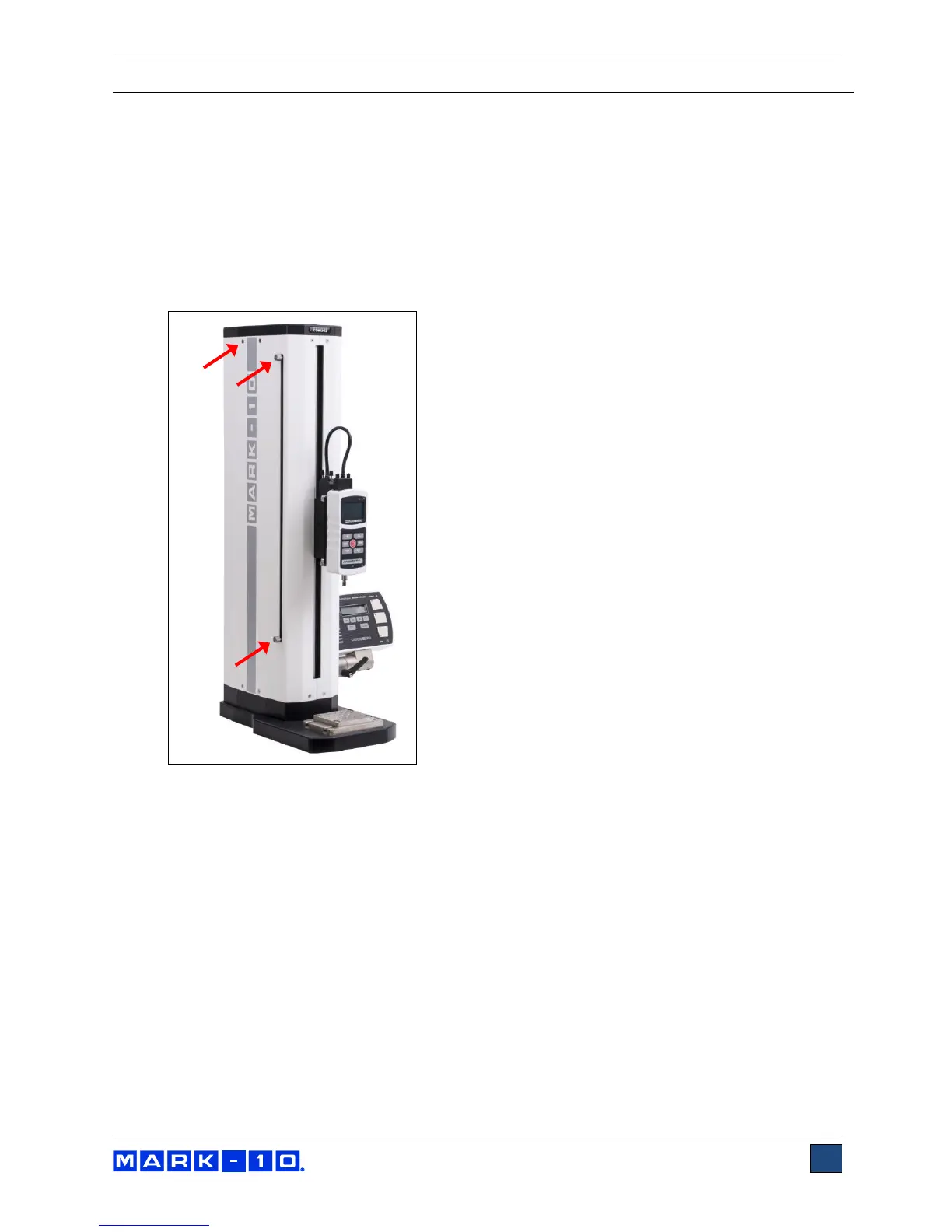
2. Remove the upper and lower limit switch thumb screws, then remove the left sheet metal cover.
The limit switches and screws are identified in the image below:
3. The electronics support plate contains most of the test stand’s electronics, and must be removed
to access the required area. First, remove the 6 screws, identified in the image below. Do not pull
the plate away from the column yet, as additional steps are required for removal.



 To Next Page