253
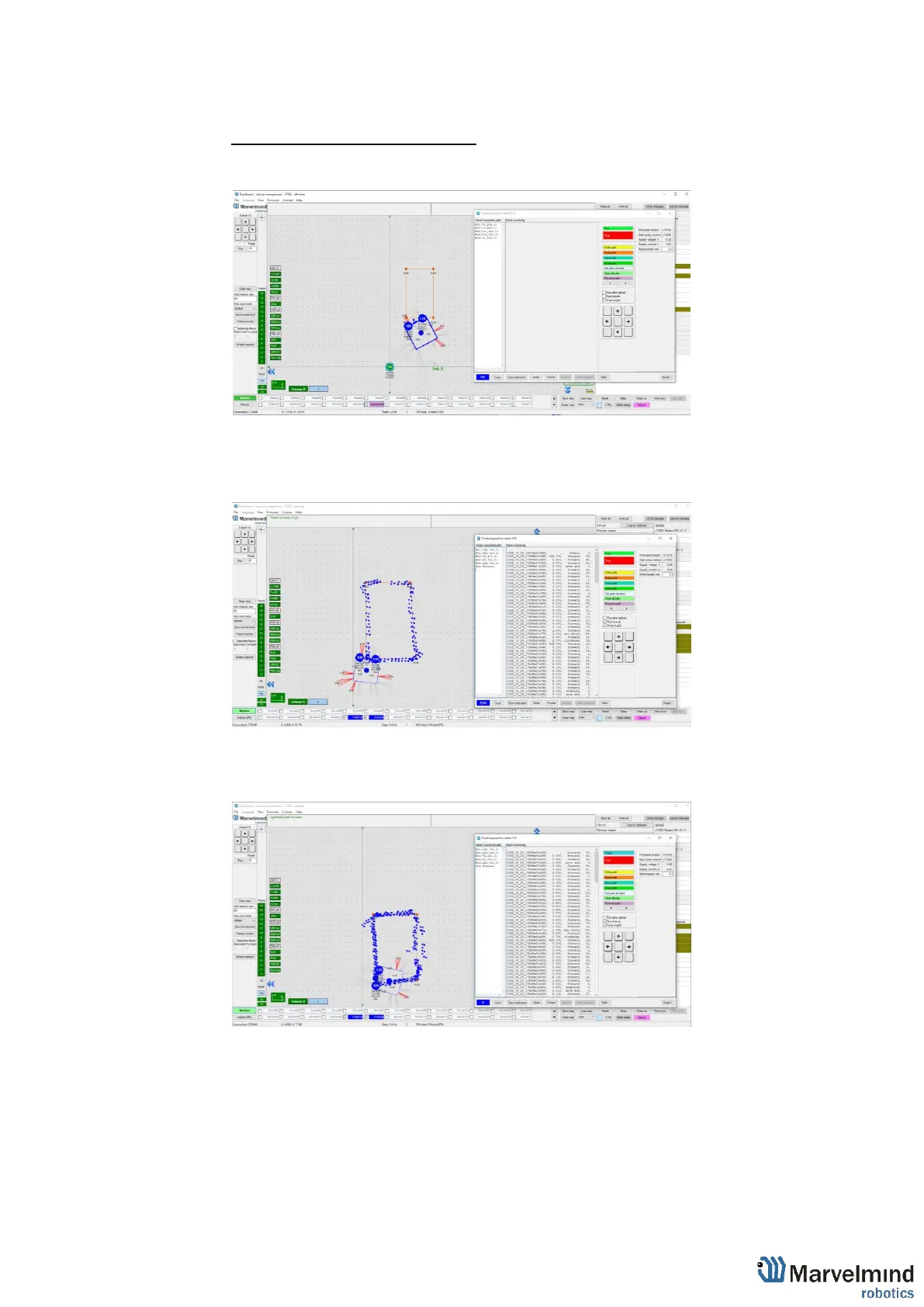
How to send a path:
1) Set up the Marvelmind Indoor “GPS” system.
2) Turn on Boxie and wait for 1 minute
3) Configurate paths and points (Use Shift+Left mouse button click to create
point, click on point – to remove):
4) Press “Run”. Robot will follow the path that you draw:
5) If you put a tick on “Run forever”. Robot will move till you press stop button in
control panel or before obstacle detected:



 To Next Page