104 Matrox Extio 3 Series – User Guide
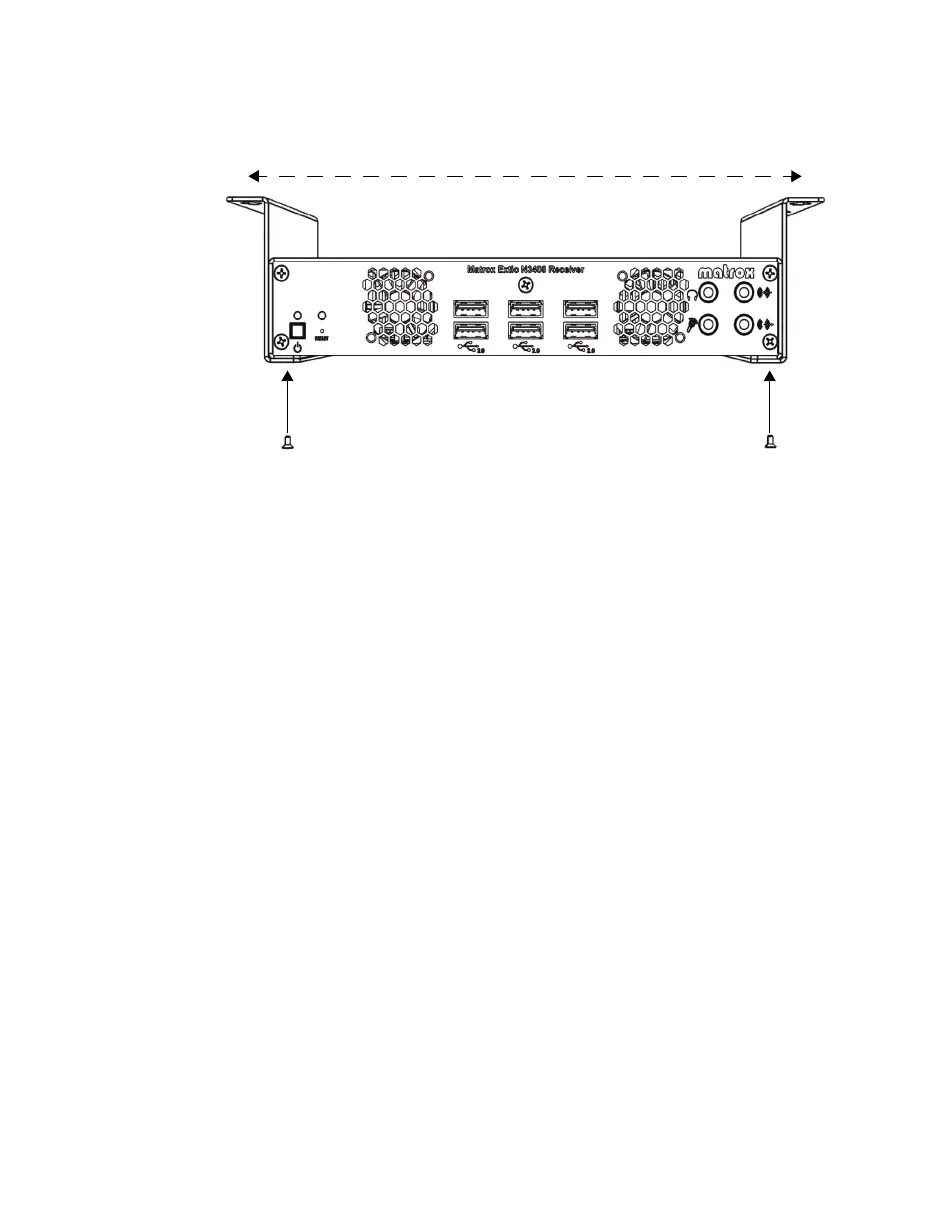
Use two (2) 6 mm M3 screws (included in your kit) to secure your Extio 3 device to the
brackets, then measure the distance between the bracket mounting points to determine
where on your desk to drill the holes for the brackets.
Use four (4) screws (2 per bracket; not included) to attach your brackets to the desk.



 To Next Page