Matrox Extio 3 Series – User Guide 67
Receiver information
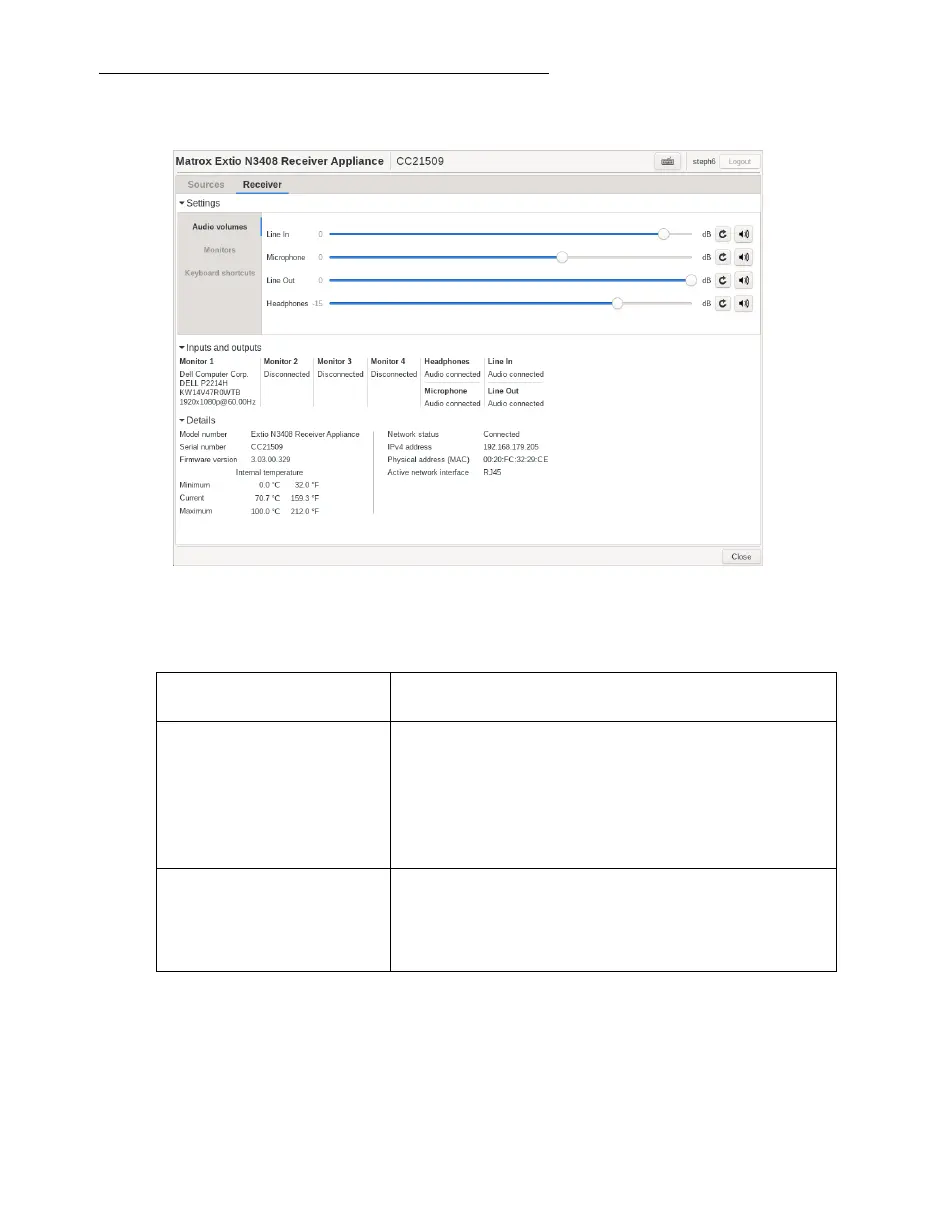
View and modify the settings for your receiver.
Settings
Inputs and outputs
View the connection information of the devices (
Monitor
,
Microphone
, and
Line In
) connected to the
selected transmitter.
Audio volumes Control the settings of your analog audio inputs and outputs
(
Line In
,
Microphone
,
Line Out
, and
Headphones
).
Monitors
Aggregator mode: Monitor layout – You can see the
layout of the monitors and the pivot orientation that has
been applied in the Extio Central Manager.
You can configure touch-screen monitor identification here
using the
Touch screen monitor identification
button.
To pivot the OSD (on-screen display), use the arrow buttons
to pivot left or right.
Keyboard shortcuts Aggregator mode only – Keyboard shortcuts enable you to
switch the mouse focus to a specific display (for example, 1,
2, 3, or 4) in your monitor layout. The default keyboard
shortcuts are shown. These can be changed in the Extio
Central Manager.



 To Next Page