80 Matrox Extio 3 Series – User Guide
Inputs and outputs
View the connection information of the devices (
Monitor
,
Microphone
, and
Line In
) connected to the
selected transmitter.
Details
Provides information (such as the model, serial number, firmware package version, and the
minimum, current, and maximum internal temperature of the receiver) on your Extio 3 device and
the connection status and IP address of the device (connected through
LAN1
or
LAN2
).
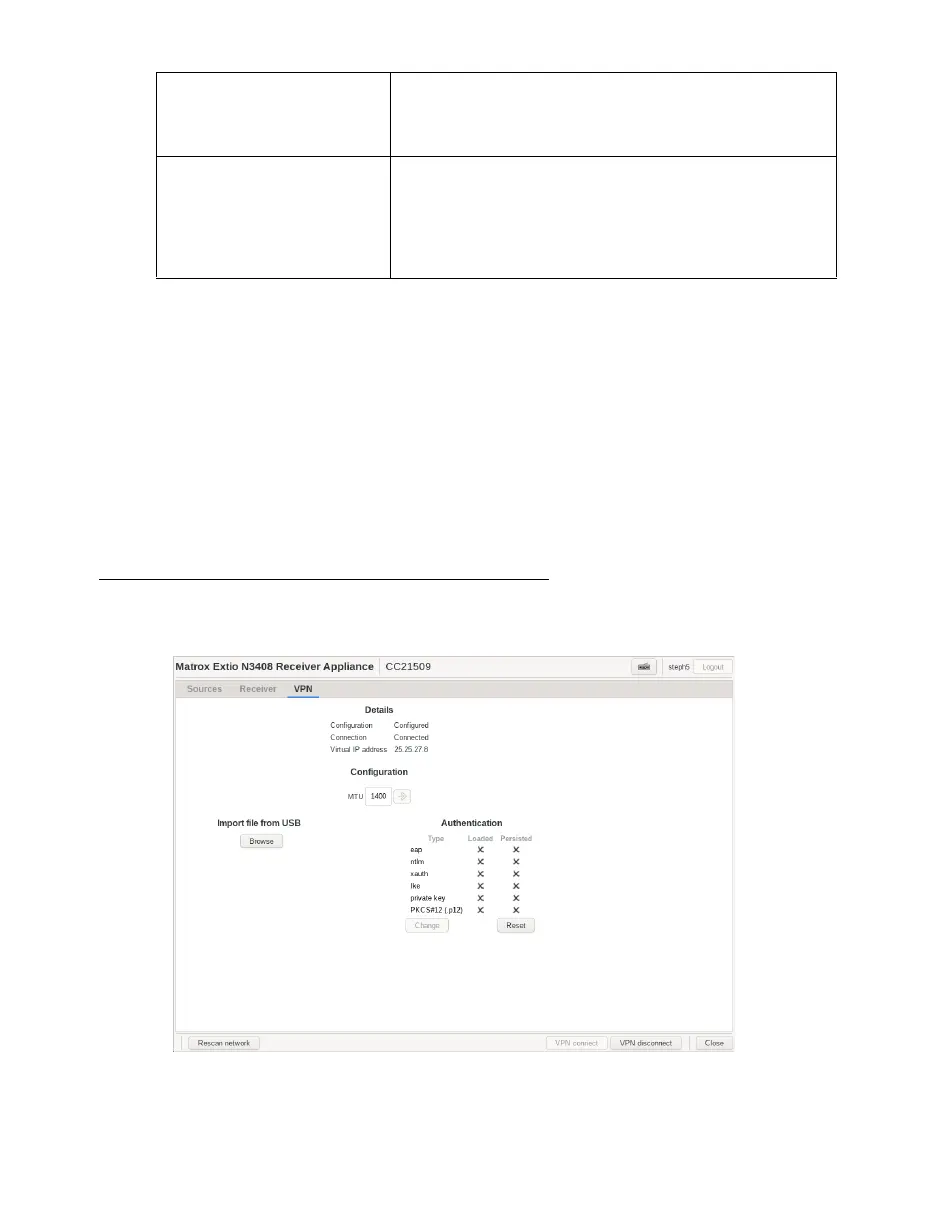
VPN information
View and modify the settings for your VPN.
Network You can change the
MTU
(Maximum Transmission Unit) value
from here. If you are connected to an aggregated layout, you
will be able to set the value for each transmitter in the
aggregated layout separately.
Connection When a stream connection is effective, you can set the
Congestion control
value here (
Low
,
Mid
, or
High
level, or
Off
). If
you are connected to an aggregated layout, you will be able
to set the value for each transmitter in the aggregated layout
separately.
Note
: If the transmitter setting is currently set to
Off, the
Congestion control
option is not available.



 To Next Page