Matrox Extio 3 Series – User Guide 57
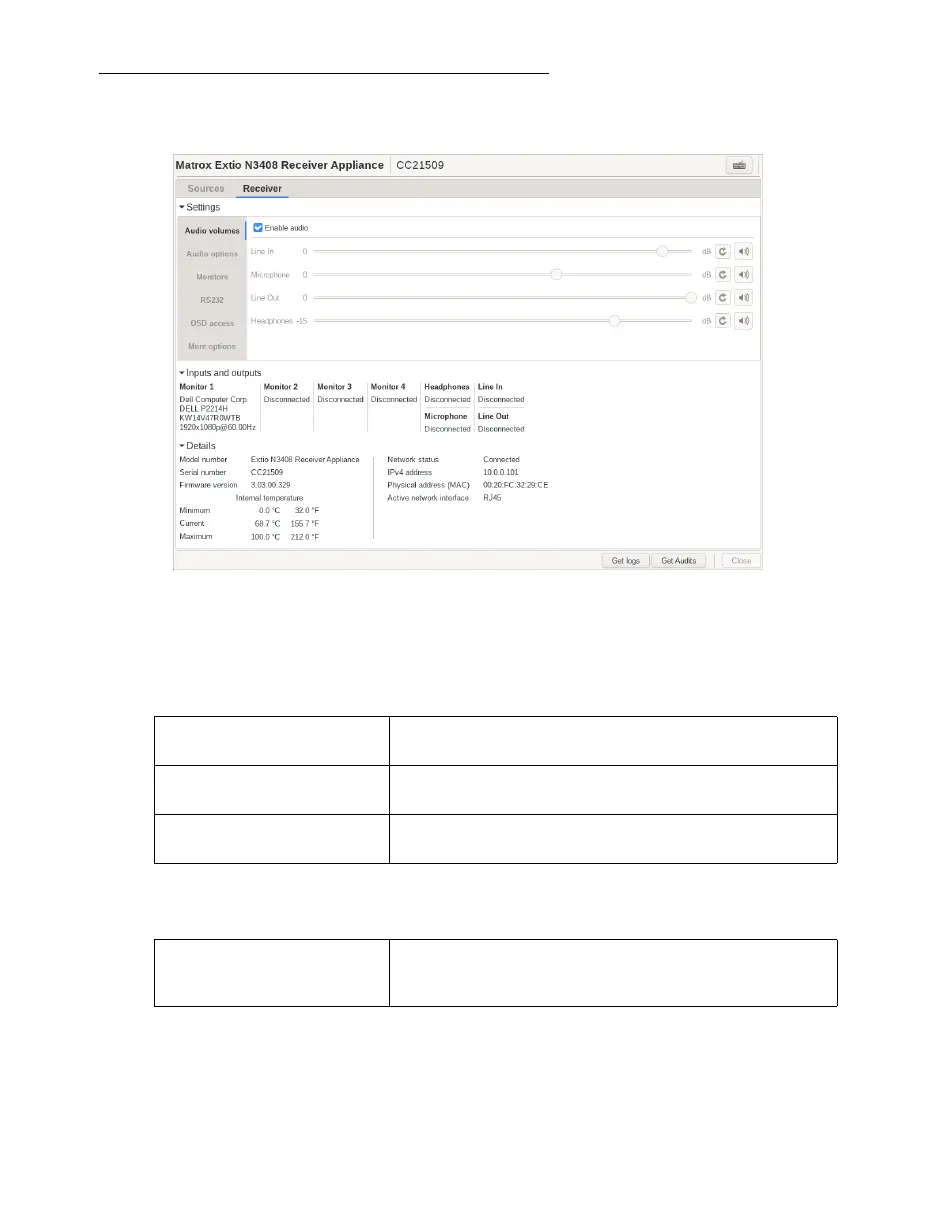
Receiver settings and information
View and modify the settings for your receiver.
Audio settings
To enable audio, make sure the
Enable audio
option is enabled.
To adjust the audio settings for your device:
Monitor settings
Headphone audio source Select the audio source (for your headphone) from the
transmitter.
Line Out audio source Select the audio source (for your Line Out device) from the
transmitter.
Microphone or Line In audio
source
Select the input audio source from the receiver.
Optimize video mode
compatibility with monitors
Enable this to make sure the video parameters and EDID of
your monitors are optimized for maximum compatibility with
your device. This option is enabled by default.



 To Next Page