Matrox Extio 3 Series – User Guide 77
Sources
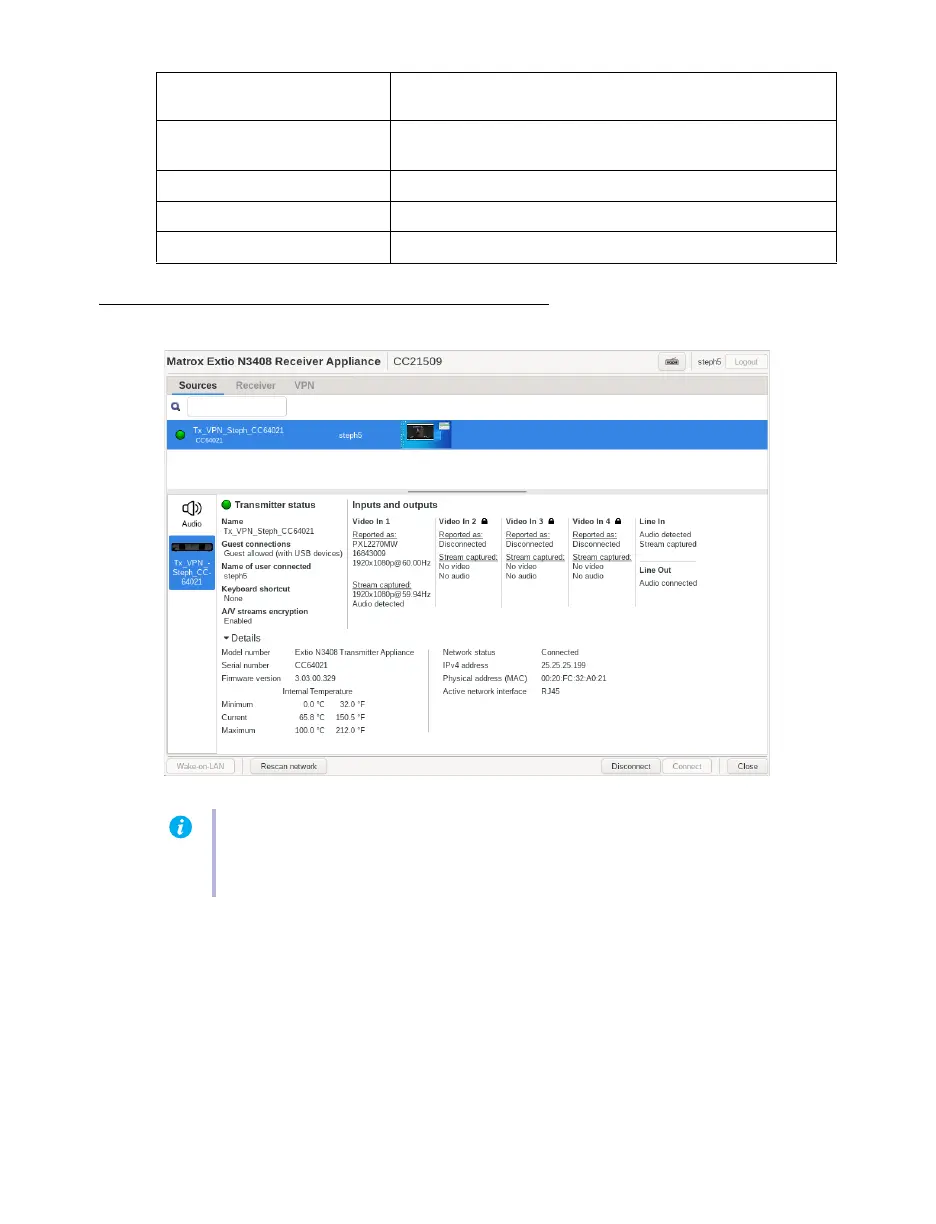
To view information on a transmitter, select a transmitter under
Sources
.
Wake-on-LAN Click this to wake up your transmitter if it turns off. This has
no effect if a transmitter isn’t detected.
Rescan network Click this to discover devices outside of the receiver’s subnet
or unicast network.
Disconnect Click this to disconnect from a transmitter.
Connect Click this to connect to a new transmitter.
Close Click this to close the OSD.
Note:
For the transmitters to be available under
Sources
, an allowed connection must first
be set between your Extio transmitter and receiver devices. For more information, see your
Matrox Extio Central Manager User Guide.



 To Next Page