54 Matrox Extio 3 Series – User Guide
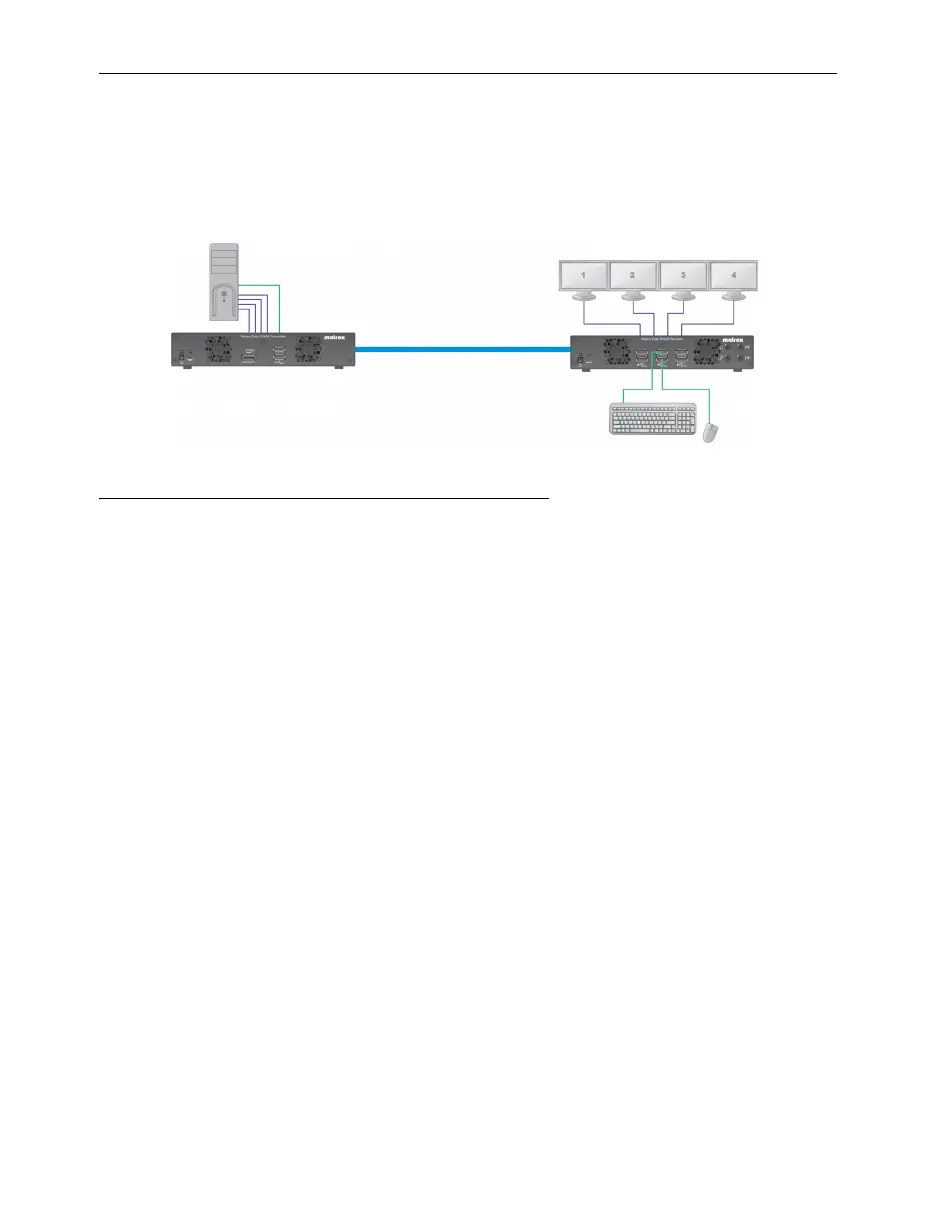
Setting up Point-to-Point mode
Matrox Extio 3 transmitters and receivers can be configured as point-to-point extenders. In
Point-to-Point mode, Extio 3 transmitter and receiver devices are directly linked to each other using
copper or fiber optic cable.
Before you begin
Whenever you change your connection setup, make sure you’re using the correct
connectors and that all connectors are properly fastened. Also, don’t change connections
while your Extio transmitter and receiver are turned on. For more information, see
“Connecting your Extio 3 devices”, page 31.
Make sure all of your Extio 3 transmitter and receiver devices are using the latest version
of the Matrox Extio 3 firmware package.
To enable Point-to-Point mode, make sure your transmitter device and receiver device
are directly (physically) connected to each other. For more information, see “Connecting
your Extio 3 devices”, page 31.
For information on supported cable types and distances, see “Maximum distance
(Point-to-Point mode)”, page 93.
Review the safety information provided. For more information, see “Matrox safety
information”, page 6.
Software available in Point-to-Point mode
On-Screen Display (OSD)



 To Next Page