Matrox Extio 3 Series – User Guide 65
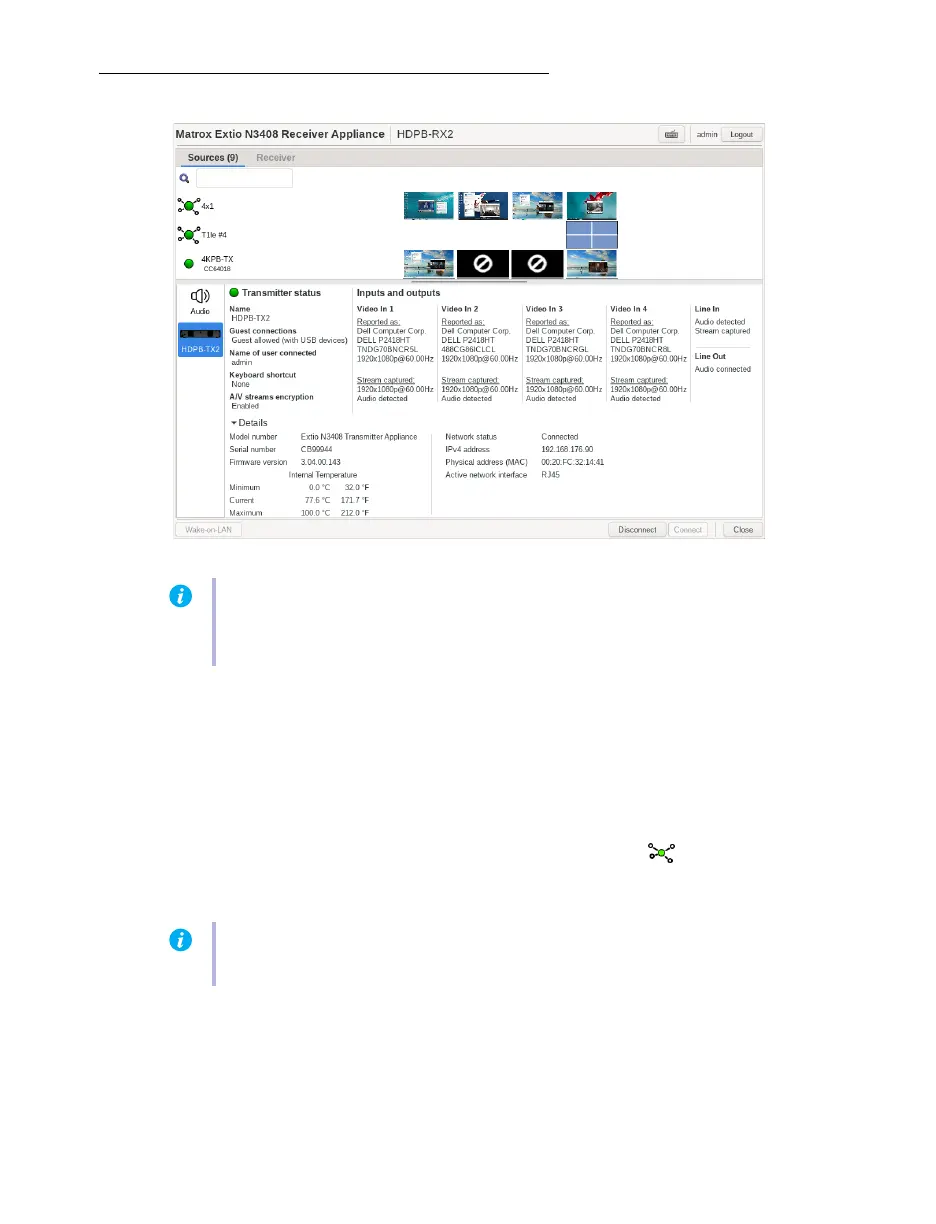
Sources
The total number of sources available (aggregated layouts and transmitters) in the list is shown in
brackets beside the
Sources
tab label.
Note
: In Point-to-Point mode, this information is not shown.
To view information on a transmitter, select a transmitter under
Sources
.
Switching to a different connection source
1
Under
Sources
, select the transmitter or aggregated layout ( ) you want to switch to.
2
Click
Connect
.
Note:
For the transmitters to be available under
Sources
, an allowed connection must first
be set between your Extio transmitter and receiver devices. For more information, see your
Matrox Extio Central Manager User Guide.
Note:
You can also use the assigned keyboard shortcut that displays in the
Sources
list to
switch to the transmitter or aggregated layout.



 To Next Page