Matrox Extio 3 Series – User Guide 71
Disconnecting dynamic sources
To stop viewing dynamic sources, on the
Dynamic sources
tab, click
Disconnect
. Disconnecting
dynamic sources doesn’t affect the streams on the fixed-source monitors.
Touch-screen monitors
To use touch-screen monitors with Extio, you need to configure them first to ensure they operate as
expected. The touch functionality of the monitor is provided by a touch-screen USB device, also
known more generically as a digitizer USB device. Since there is no matching information between
the monitor EDID and the digitizer USB report, the software (firmware on the device) is unable to
link a monitor with its digitizer USB device automatically. You need to perform a matching procedure
between the monitor and its digitizer USB device for the receiver to properly handle the touch screen.
Match touch-screen monitor with digitizer USB device
To perform a touch-screen matching procedure:
1
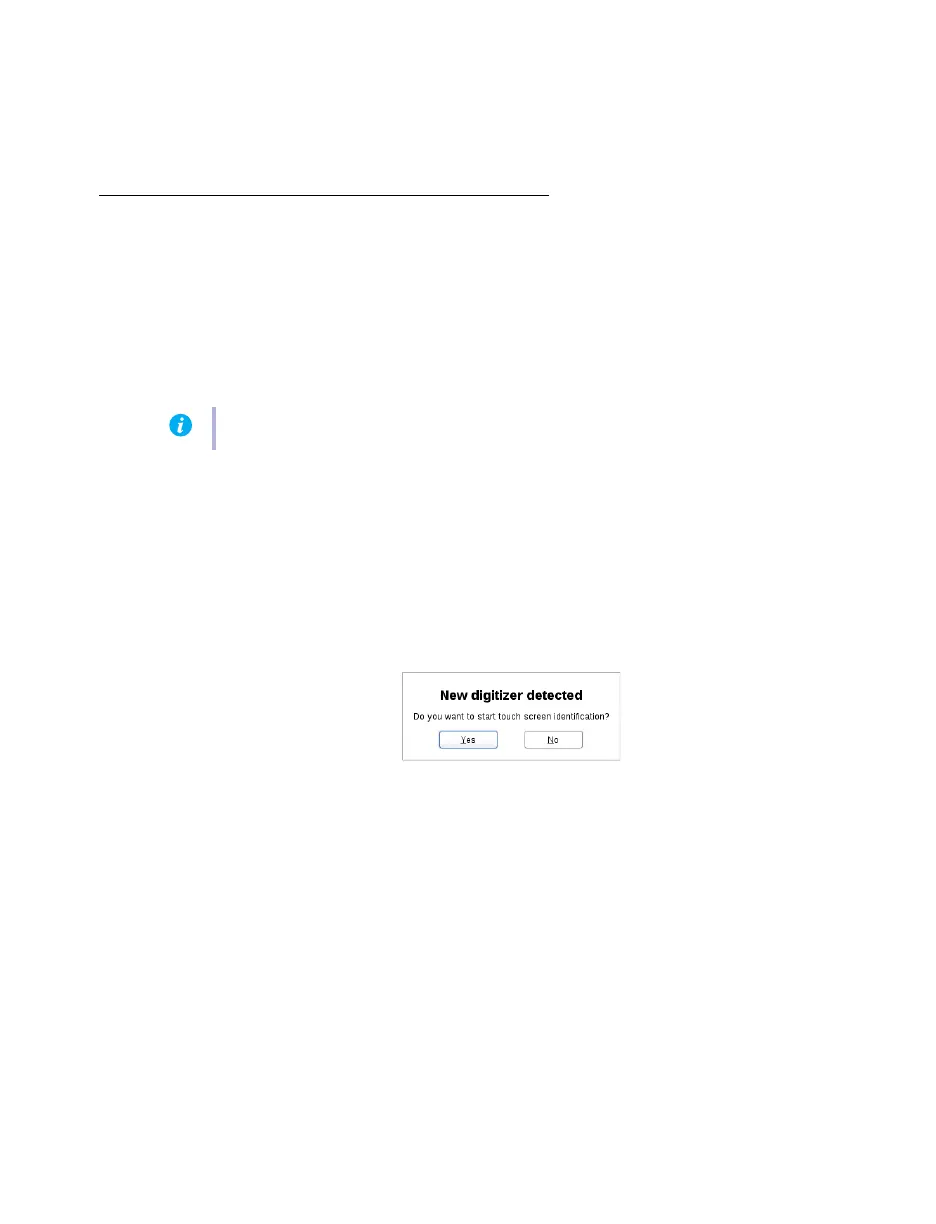
Log into the receiver. If new digitizer USB devices are found, or if a new digitizer USB
device is inserted while the receiver is already in operation, the OSD appears with a
prompt asking if you would like to start performing the touch-screen matching
configuration.
Note:
Touch-screen monitors are not supported in Tile displays.



 To Next Page